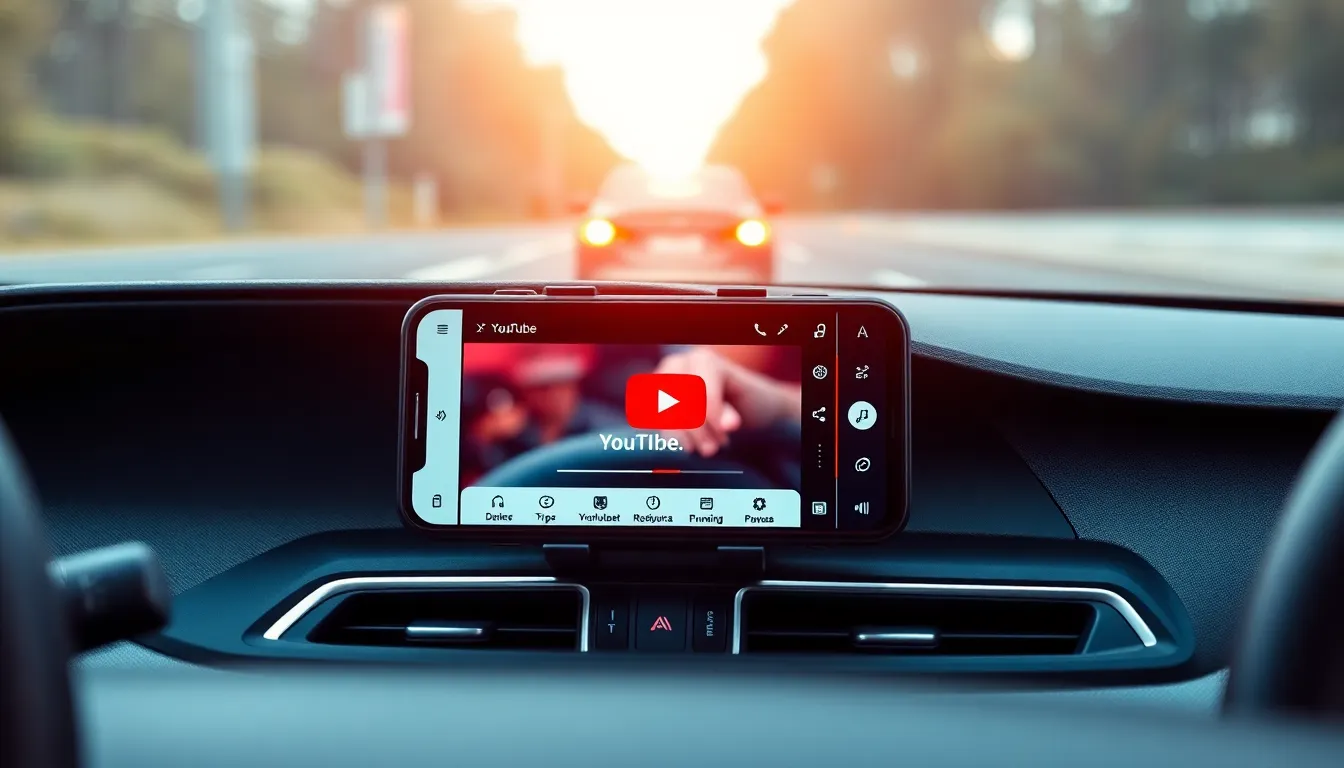
YouTube's Android Auto Update: Audio Controls, Not Video Playback
Google has quietly rolled out a new integration between YouTube and Android Auto, but the update is more limited than many users might expect. The feature provides basic playback controls within the Android Auto interface, but it does not enable video watching while driving.
What the Update Actually Does
The new functionality allows Android Auto users to control YouTube playback from their car's dashboard display. Users can play, pause, and skip videos using the familiar Android Auto interface. However, this is strictly an audio-only experience - the video component remains disabled while driving, in line with safety regulations and Google's policies.
This implementation represents a compromise between user convenience and safety considerations. While drivers cannot watch YouTube videos, they can now control their audio playback without needing to interact with their phone directly. The controls appear similar to other audio apps in Android Auto, with a clean interface showing the current track and basic playback options.
Premium Subscription Requirement
The feature comes with a significant limitation: it requires an active YouTube Premium subscription. This includes both the standard Premium tier and the more affordable Premium Lite option. The subscription requirement stems from YouTube's background playback policy, which restricts audio-only streaming to paying subscribers.
For non-subscribers, the Android Auto integration remains unavailable. This creates a clear distinction between free and paid YouTube users in the automotive context. The requirement has drawn mixed reactions, with some users appreciating the added convenience for Premium subscribers while others question why basic playback controls should be locked behind a paywall.
Safety and Implementation Considerations
The audio-only approach reflects ongoing concerns about distracted driving. Video playback in moving vehicles remains prohibited in most jurisdictions, and Google has consistently avoided enabling such functionality in Android Auto. The current implementation strikes a balance by providing useful controls while maintaining safety standards.
The rollout appears to be gradual, with some users reporting access to the feature while others do not. This staged deployment is typical for Google services, allowing for monitoring and adjustment before wider availability. The feature integrates seamlessly with existing Android Auto audio apps, maintaining consistency in the user interface and control patterns.
Conclusion
YouTube's Android Auto update represents a modest but practical enhancement for Premium subscribers. While it falls short of the full YouTube experience some users might have hoped for, it provides legitimate utility for those who regularly listen to YouTube content while driving. The audio-only approach prioritizes safety while offering convenient controls, though the Premium requirement may limit its appeal to a subset of users.
As automotive technology continues to evolve, this implementation suggests Google is exploring ways to integrate its services into the driving experience while maintaining appropriate safety boundaries. Future updates may expand functionality, but for now, users should expect audio controls rather than video playback in their vehicles.