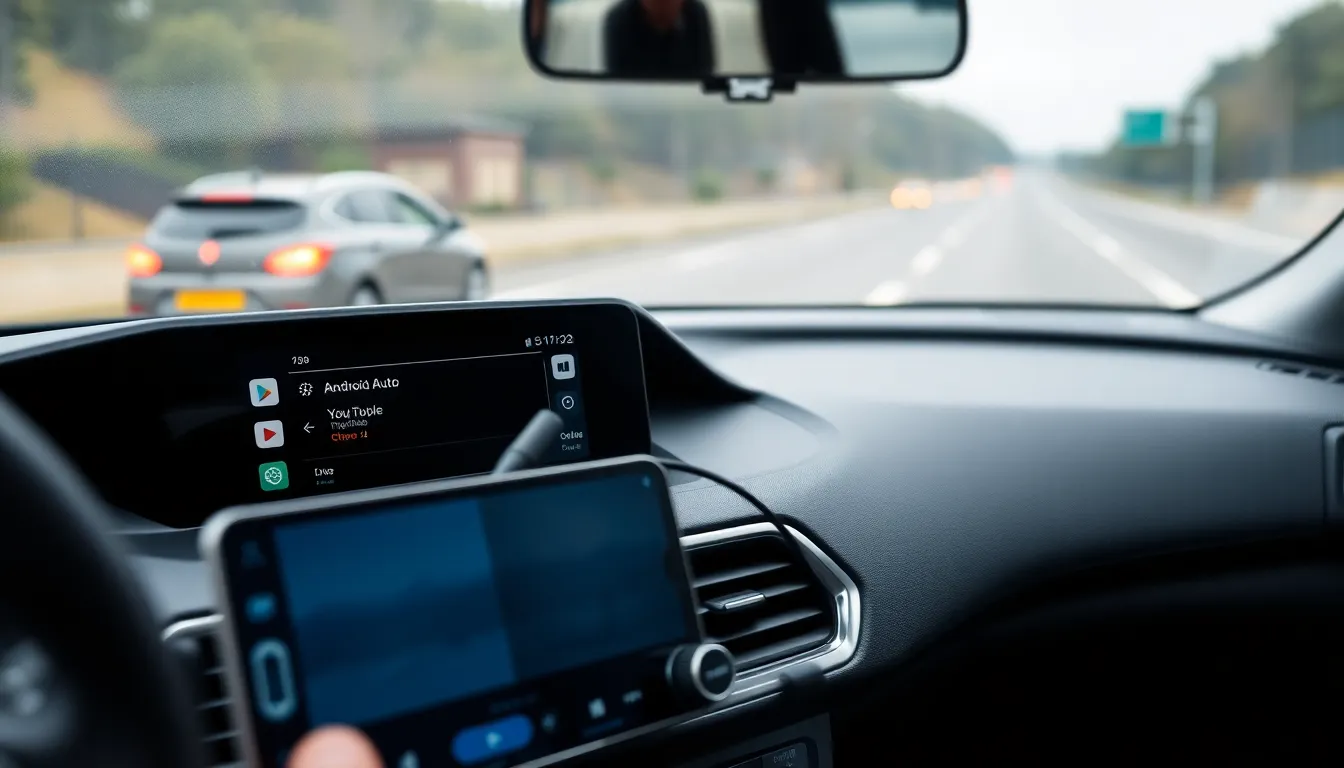
YouTube Expands Android Auto Support with Background Play Controls
YouTube has officially extended its functionality to Android Auto, introducing background play controls that allow users to manage audio playback directly from their car's dashboard. This integration marks a significant step in making YouTube content more accessible during commutes, though it comes with notable limitations designed to prioritize driver safety.
Limited Functionality for Safer Driving
The new Android Auto support focuses exclusively on audio controls, preventing video playback while the vehicle is in motion. Users can play, pause, skip, and adjust volume for YouTube content that's already loaded or playing in the background on their paired Android device. This approach aligns with Android Auto's core philosophy of minimizing distractions by restricting visual media access during driving sessions.
Initial reports indicate the feature is rolling out gradually to Android users, with availability potentially varying by region and device. The implementation appears to leverage YouTube's existing background play capabilities, extending them to the Android Auto interface rather than creating entirely new functionality. This suggests users may need to have YouTube Premium or similar background play permissions enabled on their mobile devices for full functionality.
Integration and User Experience
The Android Auto interface displays basic playback controls similar to other audio apps, with familiar play/pause, next, and previous buttons accessible through the car's touchscreen or voice commands. Users can browse and select from recently played content or playlists that were previously loaded on their mobile device, but cannot search for or stream new videos directly through Android Auto.
This limited implementation reflects ongoing concerns about driver distraction, particularly with video content. By restricting functionality to audio controls only, YouTube and Google have taken a cautious approach that prioritizes safety while still expanding the platform's utility for commuters who listen to podcasts, music videos, or other audio-focused content during their drives.
Future Implications and Limitations
The current rollout represents what appears to be a first phase of integration, with potential for expanded features in future updates. However, given regulatory pressures and safety considerations surrounding in-car video consumption, significant expansion beyond audio controls seems unlikely in the near term.
Users should note that this feature requires both the latest version of the YouTube app and Android Auto compatibility in their vehicle or aftermarket head unit. Performance may vary depending on network connectivity, as the feature relies on the paired smartphone for content streaming rather than operating independently through the car's systems.
Conclusion
YouTube's Android Auto integration represents a measured expansion into the automotive space, offering practical audio control functionality while maintaining appropriate safety restrictions. For commuters who regularly consume YouTube's vast library of audio content—from podcasts and music to educational talks—this update provides welcome convenience without compromising driving safety. As the feature rolls out more broadly, it will be interesting to observe user adoption and whether future updates might introduce additional functionality within safe parameters.