Xiaomi Pad 8 Pro Unboxing and Hands-On: A Slimmer Tablet Focused on Productivity
The Xiaomi Pad 8 Pro is making its global debut, expanding beyond its initial Chinese launch. This latest tablet from Xiaomi emphasizes a thinner, lighter design and enhanced productivity features, positioning it as a versatile tool for both work and entertainment.
Design and Build
The Pad 8 Pro stands out with its slim profile, measuring just 5.8mm thick and weighing 485g. This makes it one of Xiaomi's thinnest LCD tablets to date, shaving 0.4mm off the thickness of the previous Pad 7 Pro. While subtle, these incremental reductions in thickness and weight contribute to a more comfortable handling experience, especially important for tablets that are often used with protective cases.
Productivity-Focused Accessories
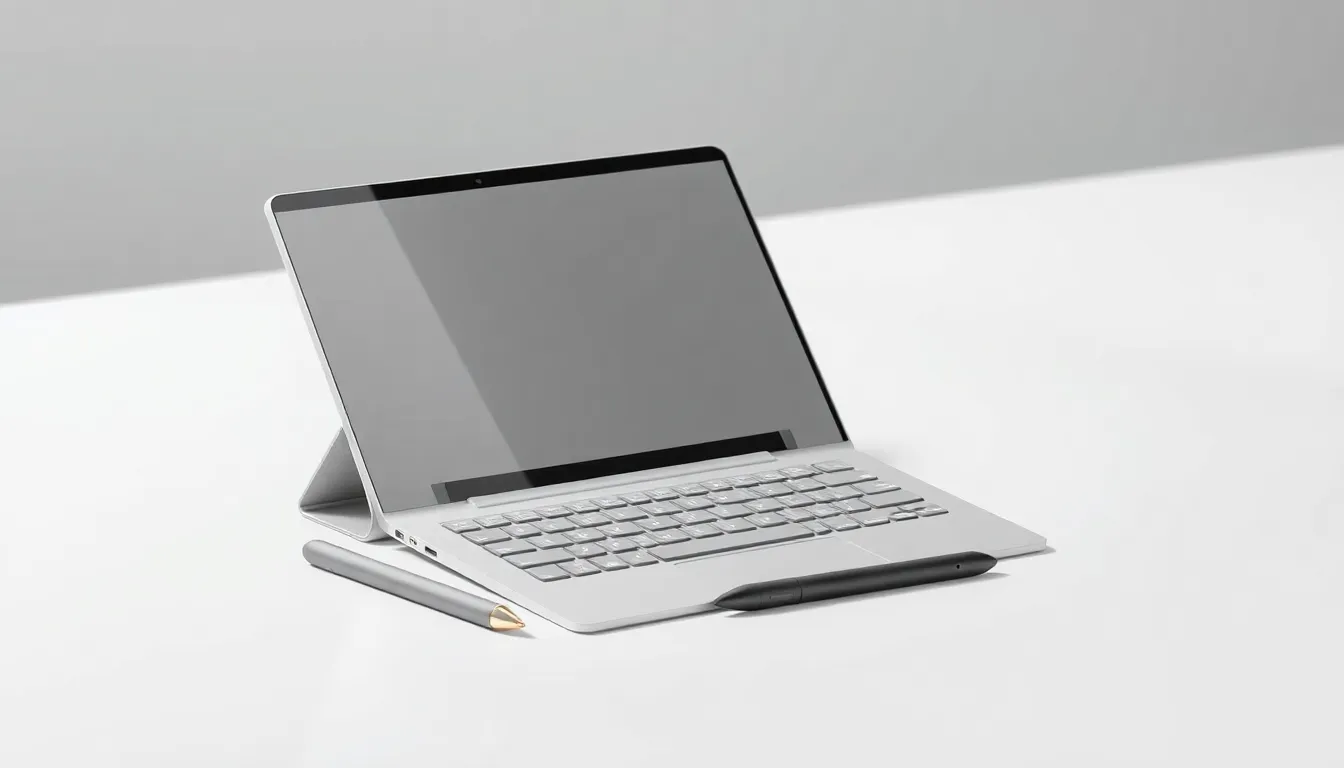
A key highlight is the new Xiaomi Pad 8 Pro Focus Keyboard. This accessory features a floating hinge design that allows for easy angle adjustments, mimicking a laptop-like experience. Unlike the regular keyboard case, which uses a kickstand, the Focus Keyboard includes a built-in touchpad, enhancing navigation without the need for a separate Bluetooth mouse. The keyboard is also compatible with the standard Xiaomi Pad 8.
For those preferring a simpler setup, Xiaomi offers a regular keyboard case with a similar typing experience but a less adjustable kickstand, as well as an origami-style cover that supports both portrait and landscape orientations with a built-in stand.
Software and Features
The tablet is geared toward PC-level productivity. It introduces improved split-screen modes, including a 5:5 vertical split and a 9:1 horizontal split, providing flexible multitasking options. Workstation Mode, Xiaomi's desktop interface, now allows users to add more apps to the bottom Dock for quicker access. The web browser supports advanced features like tabs, right-click functionality, and mouse hover previews, optimizing it for use with a mouse or the Focus Keyboard's touchpad.
Stylus and Input
Complementing the tablet is the new Xiaomi Focus Pen Pro stylus. It adopts a button-free design but incorporates a squeeze mechanism to activate controls. Squeezing the pen brings up a "shortcut ring" with up to six customizable shortcuts in the main UI, while in apps, it can reveal relevant settings and tools, offering a intuitive way to interact with the device.
Conclusion
The Xiaomi Pad 8 Pro presents a compelling package for users seeking a slim, lightweight tablet with strong productivity capabilities. Its design refinements, coupled with the versatile Focus Keyboard and innovative Focus Pen Pro, make it a noteworthy contender in the competitive tablet market. While full performance and battery assessments await further testing, the initial hands-on experience suggests a device well-suited for both creative tasks and everyday computing needs.