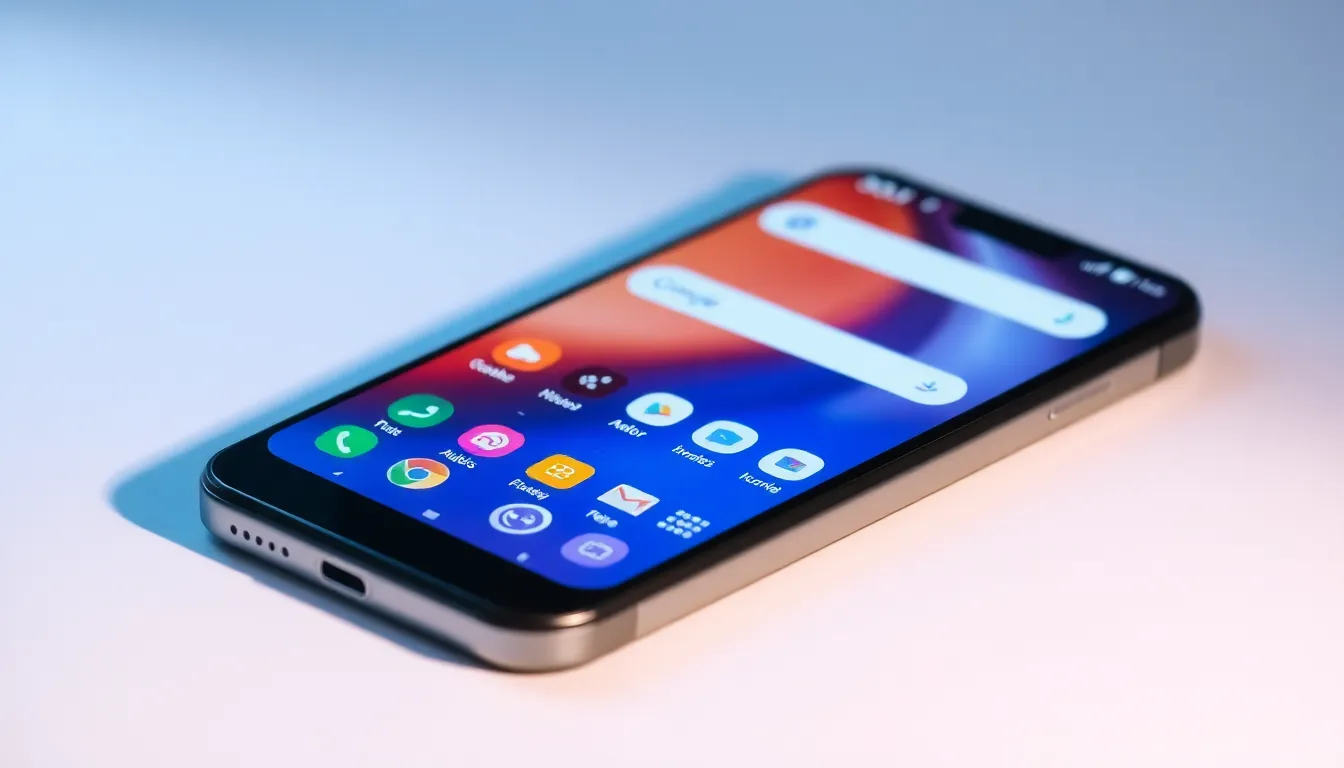
Why the Pixel Launcher Remains the Default Choice for Many Users
Every year when setting up a new Pixel phone, many users experience a familiar moment of hesitation. The temptation to explore alternative Android launchers with their innovative approaches to app organization and interaction is strong, yet the majority ultimately return to the default Pixel Launcher. This pattern repeats consistently, not because the Pixel Launcher represents perfection, but because it offers a specific comfort and reliability that third-party options often struggle to match.
The Comfort of Familiarity
One of the primary reasons users stick with the Pixel Launcher lies in its familiar interface. Google has cultivated a design language that feels intuitive to long-time Android users. The clean layout, predictable navigation patterns, and consistent performance create an environment where users can focus on their tasks rather than learning new interface paradigms. This familiarity becomes particularly valuable during the initial setup of a new device, when users want to get up and running quickly without additional configuration.
Seamless Ecosystem Integration
The Pixel Launcher excels at integrating with Google's broader ecosystem. Features like the Google Search bar, At a Glance widget, and seamless access to Google Assistant feel native rather than bolted on. This integration extends to how the launcher handles app suggestions, search results, and contextual information. Users report that these integrated features work more smoothly and predictably than similar implementations in third-party launchers, where compatibility issues can sometimes arise.
Performance and Reliability
Performance considerations play a significant role in the decision to stick with the default option. The Pixel Launcher is optimized specifically for Pixel hardware, resulting in smooth animations, quick app launches, and minimal battery impact. Third-party launchers, while often feature-rich, can sometimes introduce performance inconsistencies or compatibility issues, particularly after Android updates. The reliability of the Pixel Launcher provides peace of mind that the core interface will work as expected across various usage scenarios.
Balancing Features and Simplicity
While acknowledging that third-party launchers offer impressive customization options and advanced features, many users find the Pixel Launcher strikes the right balance between functionality and simplicity. The launcher provides essential customization—such as icon packs, grid size adjustments, and widget placement—without overwhelming users with excessive options. This approach appeals to those who want personalization without the complexity that sometimes accompanies highly customizable launchers.
Evolution Without Revolution
Google's approach to updating the Pixel Launcher follows an evolutionary rather than revolutionary path. Each iteration introduces refinements and minor new features while maintaining the core experience users have come to expect. This consistency means users don't face radical interface changes that require significant adaptation. The gradual improvement process ensures that the launcher remains familiar while incorporating useful enhancements over time.
Conclusion: The Value of Integrated Experience
The decision to stick with the Pixel Launcher ultimately comes down to valuing a cohesive, reliable experience over maximum customization. While third-party launchers certainly offer compelling alternatives with innovative features, the Pixel Launcher's seamless integration with Google services, consistent performance, and familiar interface continue to win over users year after year. It represents a choice for stability and ecosystem harmony rather than chasing every possible customization option, proving that sometimes the default option remains the most practical choice for daily use.