Waze Now Allows Phone Navigation While Connected to Android Auto
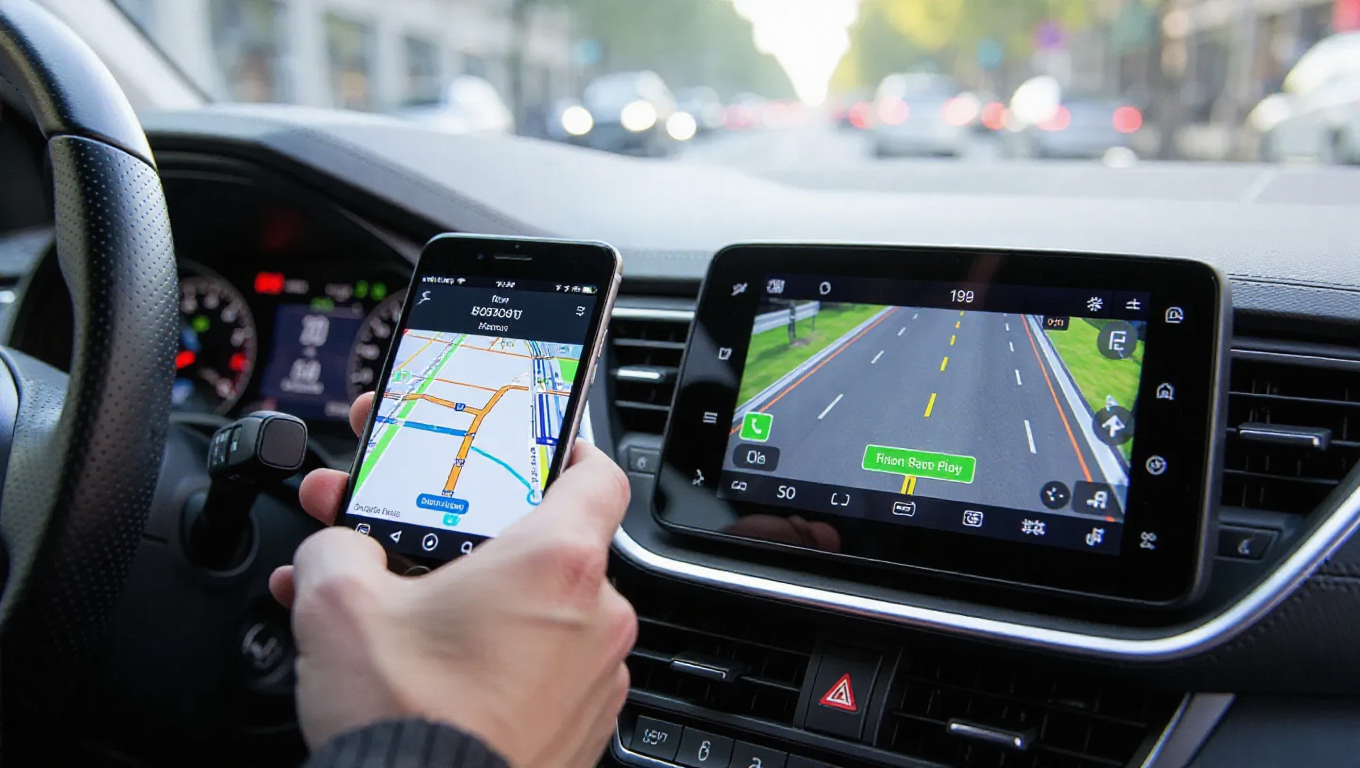
Android Auto users can now enjoy enhanced flexibility when using Waze for navigation, as the popular mapping app has introduced the ability to interact with the application directly from their phone screen while maintaining connection to the car's display.
Enhanced User Experience
The new functionality represents a significant improvement in user convenience, allowing drivers to select destinations, plan routes, and access various Waze features directly from their mobile device. This approach mirrors similar functionality previously available in Google Maps, providing users with multiple interaction options beyond voice commands and the car's touchscreen interface.
This update addresses a common pain point for Android Auto users who previously had to rely exclusively on their vehicle's display or voice input for navigation commands. The ability to use the phone screen for destination selection and route planning while maintaining the primary navigation display on the car screen offers greater flexibility and ease of use.
Seamless Integration
The implementation maintains the core Android Auto experience while adding this additional interaction layer. Users can switch between phone and car display interactions seamlessly, with navigation data and route information synchronizing automatically between both interfaces. This dual-screen capability ensures that drivers can choose the most convenient method for their specific situation without compromising safety or functionality.
The feature appears to be rolling out as part of a broader update to the Waze application, with users reporting the new functionality becoming available in recent app versions. The integration works with existing Android Auto setups without requiring additional hardware or significant configuration changes.
Practical Benefits
For daily commuters and long-distance travelers alike, this enhancement provides practical advantages. Quick destination changes, route adjustments, and access to Waze's community features become more accessible when users can leverage their phone's familiar interface alongside the car's display system. The update particularly benefits users who frequently need to input multiple destinations or make route modifications during their journeys.
Conclusion
The addition of phone-screen interaction capabilities represents a meaningful step forward in Waze's Android Auto integration. By providing users with multiple ways to interact with the navigation system, Waze enhances both convenience and functionality for Android Auto users. This development aligns with broader trends in automotive technology that prioritize flexible, user-friendly interfaces while maintaining safety standards. As navigation apps continue to evolve, such improvements demonstrate the ongoing commitment to refining the in-car experience for modern drivers.