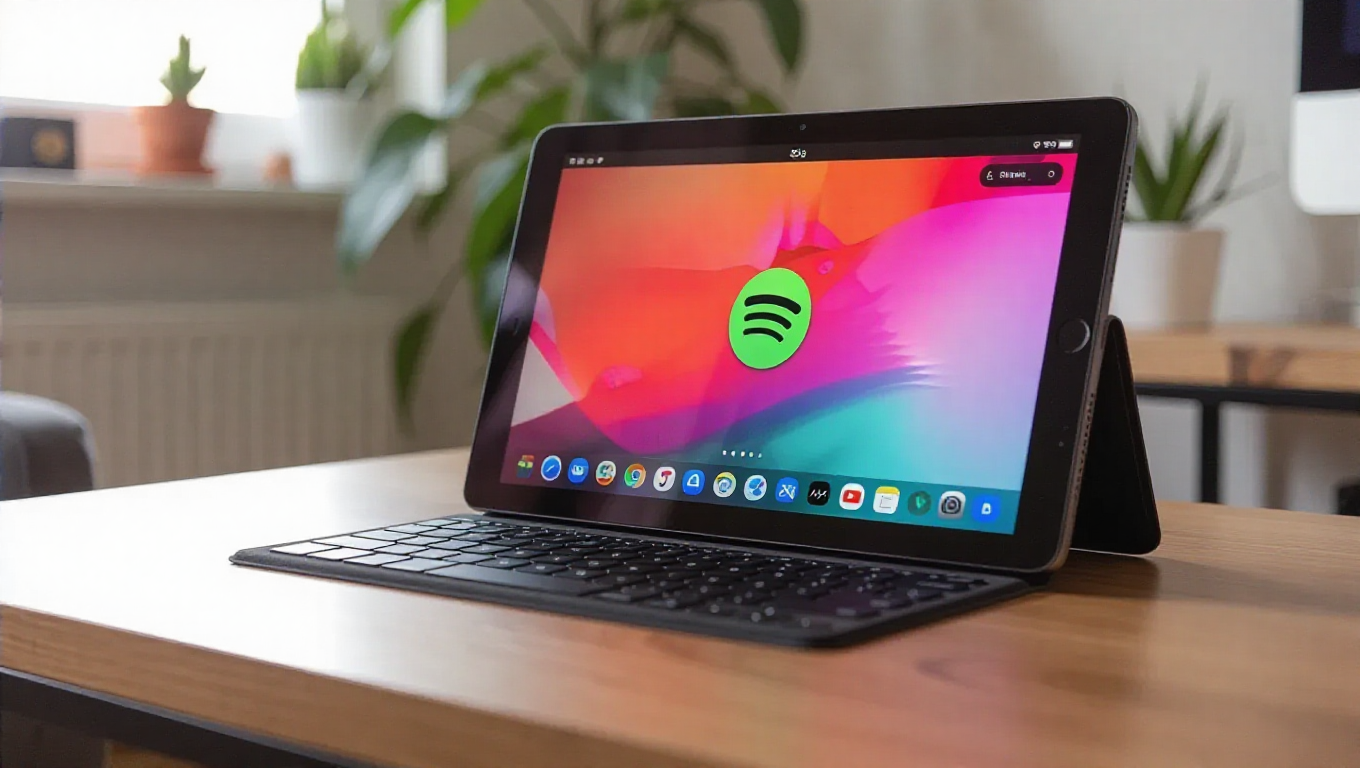
Spotify Unveils Redesigned Interface for Android Tablets
Spotify has quietly launched a significant interface overhaul for its Android tablet application, bringing a more desktop-like experience to larger mobile screens. The update introduces a redesigned layout that enhances usability and provides greater flexibility for music playback control.
Enhanced Layout and Navigation
The most noticeable change in the new interface is the addition of a dedicated media player panel on the right side of the screen. This player can be resized by users, similar to functionality available in Spotify's desktop application, allowing for customizable viewing preferences based on individual needs and tablet screen sizes.
Alongside the resizable player, Spotify has implemented a new bottom navigation bar featuring four core icons: Home, Search, Library, and Create. This streamlined navigation system provides quick access to essential functions without cluttering the interface, making it easier for users to move between different sections of the application.
Rollout and Availability
The updated interface appears to be rolling out to users gradually and is not limited to beta testers. Android tablet owners with the Spotify application installed should receive the update automatically through the standard app update process. The implementation represents a quality-of-life improvement that enhances the overall user experience on larger mobile devices.
Design Philosophy and User Experience
The redesign reflects a growing trend in mobile application development where tablet interfaces receive specialized attention rather than simply being scaled-up versions of smartphone layouts. By incorporating desktop-like elements such as the resizable media player, Spotify acknowledges that tablet users often engage with content differently than smartphone users, requiring interfaces optimized for extended viewing and interaction sessions.
The new bottom navigation bar follows modern design conventions while maintaining consistency with Spotify's established visual language. The placement of frequently used functions at the bottom of the screen makes them easily accessible regardless of tablet size or orientation.
Conclusion
Spotify's interface update for Android tablets represents a thoughtful evolution of the platform's design approach for larger screens. By introducing resizable elements and streamlined navigation, the company has created a more flexible and user-friendly experience that better accommodates the unique characteristics of tablet usage. As mobile devices continue to diversify in form factors, such specialized interface optimizations will likely become increasingly important for maintaining optimal user experiences across different device categories.