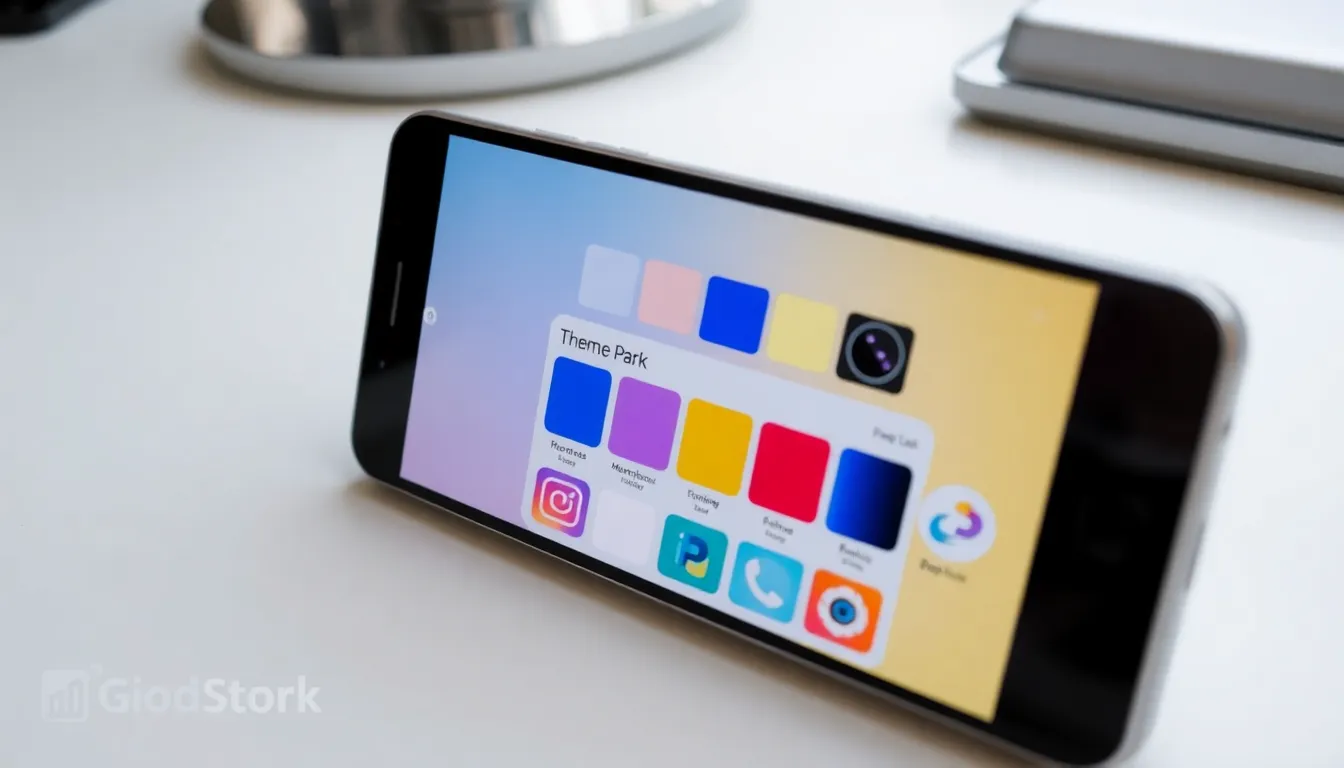
Samsung Updates Good Lock's Theme Park Module with Bug Fixes and Performance Improvements
Samsung has released a new update for the Theme Park module, a key component of its popular Good Lock customization suite for Galaxy devices. This update, version 1.1.01.46, is now available globally through the Galaxy Store and focuses primarily on stability and performance enhancements rather than introducing new features.
Update Details and Changelog
The latest Theme Park update addresses several technical issues to improve the user experience. According to the official changelog, the update includes three main changes:
- Fixed errors in some situations: This resolves various bugs that users may have encountered during theme creation or application, leading to a more reliable customization process.
- Improved icon apply/edit behavior: Enhancements have been made to how icons are applied and edited within themes, potentially making the interface more responsive and intuitive when personalizing app icons.
- Optimized screen rendering and resource handling: These optimizations aim to improve the module's performance, potentially reducing lag or resource consumption while using Theme Park to design or apply themes.
This update appears to be part of a broader maintenance effort for the Good Lock ecosystem. In recent days, updates have also been released for other Good Lock modules, such as LockStar and One Hand Operation +, with the former receiving similar bug fixes and performance improvements.
How to Get the Update and What It Means for Users
Galaxy device owners who use Good Lock can obtain the Theme Park update by opening the Galaxy Store, navigating to the Menu, selecting Updates, and tapping the "Update all" button. The update is being distributed globally, so availability should be widespread.
For users, this update signifies Samsung's ongoing commitment to refining its software customization tools. While no new creative features are added in this version, the focus on fixing errors and optimizing performance suggests a dedication to providing a smooth and stable platform for users who enjoy personalizing their device's appearance. Theme Park allows users to create and apply custom color palettes, icon packs, and other visual elements, making these behind-the-scenes improvements valuable for a seamless customization experience.
Conclusion
The latest update to Samsung's Theme Park module underscores the company's focus on polishing its existing software offerings. By addressing bugs and enhancing performance, Samsung ensures that the Good Lock suite remains a robust and enjoyable tool for Galaxy users seeking to personalize their devices. Users are encouraged to update to benefit from these stability improvements, which lay the groundwork for potentially more feature-rich updates in the future.