Samsung's One UI 8.5 Introduces 'Finder' Feature, Drawing iOS Comparisons
Samsung's latest software update, One UI 8.5, brings a notable new feature that has immediately drawn attention for its similarity to a long-standing Apple interface element. The update, which debuted alongside the Galaxy S26 series, includes a system-wide search tool called "Finder" that bears striking resemblance to iOS's Search button in both functionality and placement.
A Familiar Interface Addition
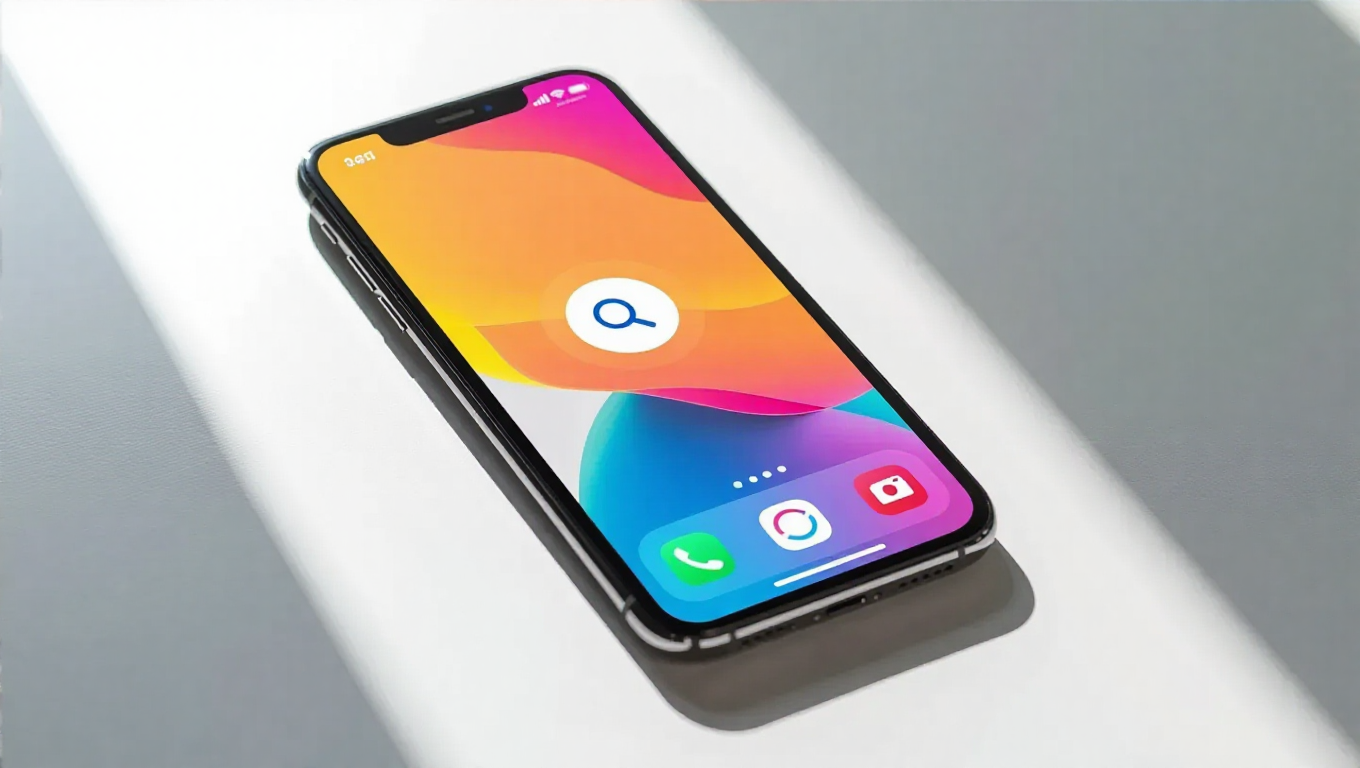
The Finder feature appears as a persistent search button located at the bottom of the home screen, mirroring the position and purpose of Apple's iOS Search function. When activated, it provides quick access to apps, contacts, messages, files, and settings across the device. The implementation suggests Samsung is continuing its pattern of adopting successful interface elements from competitors while putting its own branding on them.
This isn't the first time Samsung has incorporated features popularized by Apple into its software ecosystem. The company has historically taken inspiration from various sources while developing its One UI experience, often refining and integrating these elements into its broader ecosystem strategy. The Finder feature represents another instance of this cross-pollination approach to software development.
Functional Similarities and Differences
While the visual presentation and placement closely mirror Apple's implementation, there are some distinctions in how Samsung has implemented the search functionality. The Finder integrates with Samsung's existing ecosystem services and may offer different prioritization of results based on the company's software architecture. However, the core concept of providing immediate, system-wide search access from the home screen remains essentially identical to Apple's approach.
The timing of this feature's introduction is noteworthy, arriving as a mid-cycle update rather than waiting for a major platform overhaul. This suggests Samsung views such interface enhancements as incremental improvements that can be deployed independently of larger Android version updates.
Industry Context and User Experience
In the competitive smartphone market, feature adoption across platforms has become increasingly common. Companies frequently observe what works well for users on competing platforms and implement similar functionality, often with their own branding and minor adjustments. This practice has led to a gradual convergence of user experiences across different operating systems.
For Samsung users, the Finder feature represents another tool for quickly accessing content across their devices. Whether inspired by Apple's implementation or developed independently, the practical benefit for users remains the same: faster access to information and applications without navigating through multiple menus or screens.
Conclusion
Samsung's introduction of the Finder feature in One UI 8.5 continues the ongoing trend of feature sharing between major mobile platforms. While the implementation closely resembles Apple's iOS Search button in both form and function, the practical result is another tool for users to navigate their devices more efficiently. As smartphone interfaces continue to evolve, such cross-pollination of successful features has become standard industry practice, ultimately benefiting users through improved functionality regardless of platform allegiance.