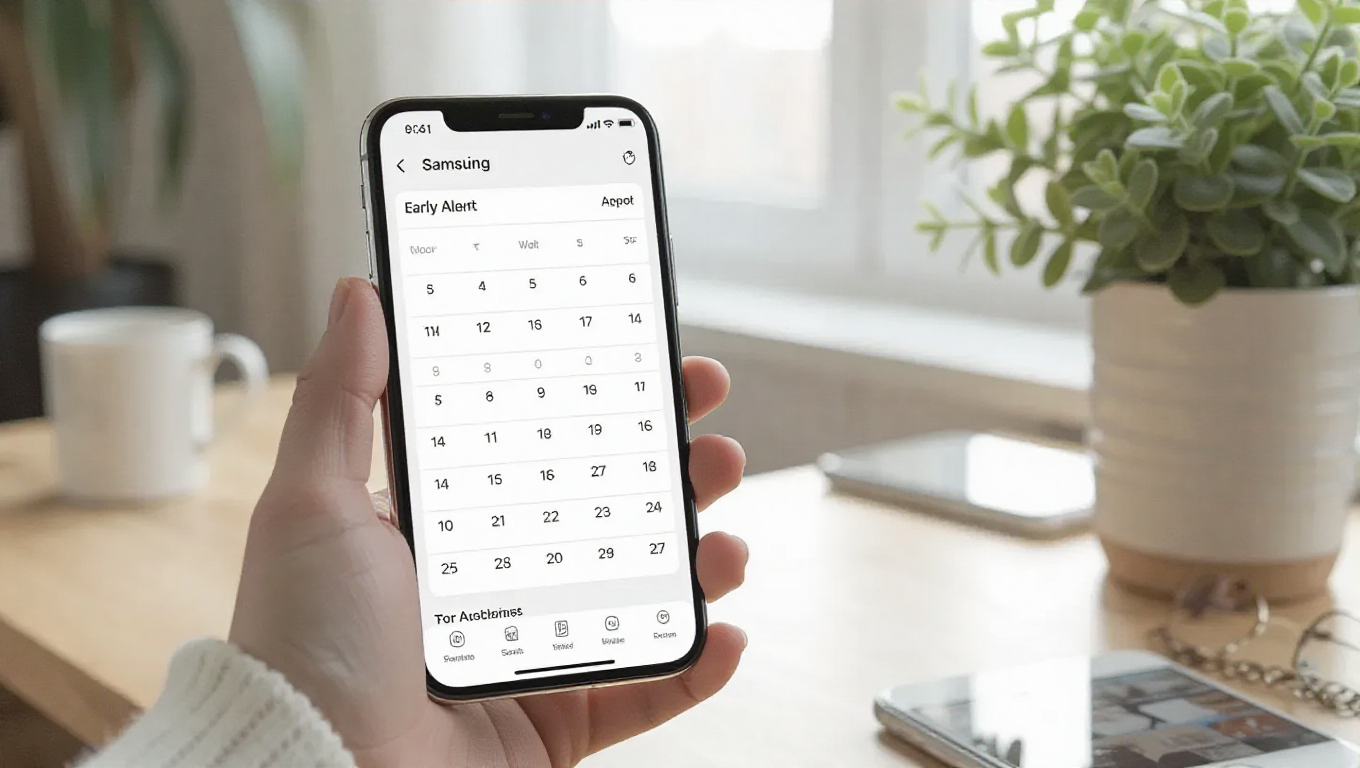
Samsung Reminder App Gains Early Alert Feature for Galaxy Devices
Samsung is enhancing its native Reminder application with a significant update that introduces a new "Early Alert" feature. This functionality provides Galaxy smartphone users with additional flexibility in managing their schedules by allowing them to receive notifications well in advance of scheduled events. The update represents a thoughtful addition to Samsung's productivity ecosystem, addressing the common need for preparatory reminders beyond immediate alerts.
Enhanced Reminder Capabilities
The latest update to Samsung's Reminder app, version 12.7.05.37, brings the Early Alert feature that fundamentally changes how users can approach event planning. When creating a new reminder, the application now presents users with the option to receive an additional notification either one day or one week before the scheduled event. This functionality serves as a preparatory alert, giving users advance notice to prepare for upcoming commitments.
For example, if a user sets a reminder to pay bills on December 25th, 2025 at 8:00 AM, they can now configure the Early Alert to notify them on December 24th (one day before) or December 19th (one week before). This layered approach to reminders helps prevent last-minute scrambling by providing sufficient lead time for task completion or preparation.
Customizable Alert Options
The Early Alert feature offers three distinct configuration options to accommodate different user needs. The "1 Day Before" and "1 Week Before" selections provide straightforward, predefined intervals for advance notifications. For users requiring more specific timing, the "Custom" option allows them to set any desired date and time for their early alert, offering complete flexibility in reminder scheduling.
This customization capability is particularly valuable for events that require varying lead times. A birthday reminder might benefit from a one-week early alert for gift shopping, while a meeting reminder might only need a one-day advance notice for preparation. The system's flexibility ensures it can adapt to diverse scheduling requirements across personal and professional contexts.
Availability and Implementation
The update appears to be initially available for devices running One UI 8.5, which currently includes the Galaxy S25 series. This suggests Samsung is prioritizing its latest flagship devices for the feature rollout, though broader availability to other compatible Galaxy smartphones is expected to follow. The implementation integrates seamlessly with the existing Reminder interface, maintaining the app's familiar workflow while adding the new functionality as an optional enhancement.
The feature's design philosophy emphasizes user convenience without complicating the reminder creation process. The Early Alert option appears as a natural extension of the existing time-setting interface, requiring minimal additional steps to configure while providing substantial additional utility. This thoughtful integration demonstrates Samsung's commitment to enhancing core productivity applications through incremental but meaningful improvements.
Conclusion
Samsung's addition of the Early Alert feature to its Reminder app represents a practical enhancement to the company's productivity toolkit. By allowing users to receive advance notifications for scheduled events, the update addresses a common gap in reminder systems that typically focus only on immediate alerts. The feature's customizable nature ensures it can serve diverse scheduling needs, from personal appointments to professional deadlines.
As the update rolls out to Galaxy devices, users will gain more sophisticated tools for managing their time and commitments. This development reflects the ongoing evolution of smartphone productivity features, where small but thoughtful additions can significantly improve daily organization and planning capabilities. The Early Alert feature positions Samsung's Reminder app as a more comprehensive scheduling solution, potentially reducing the need for third-party reminder applications among Galaxy users.