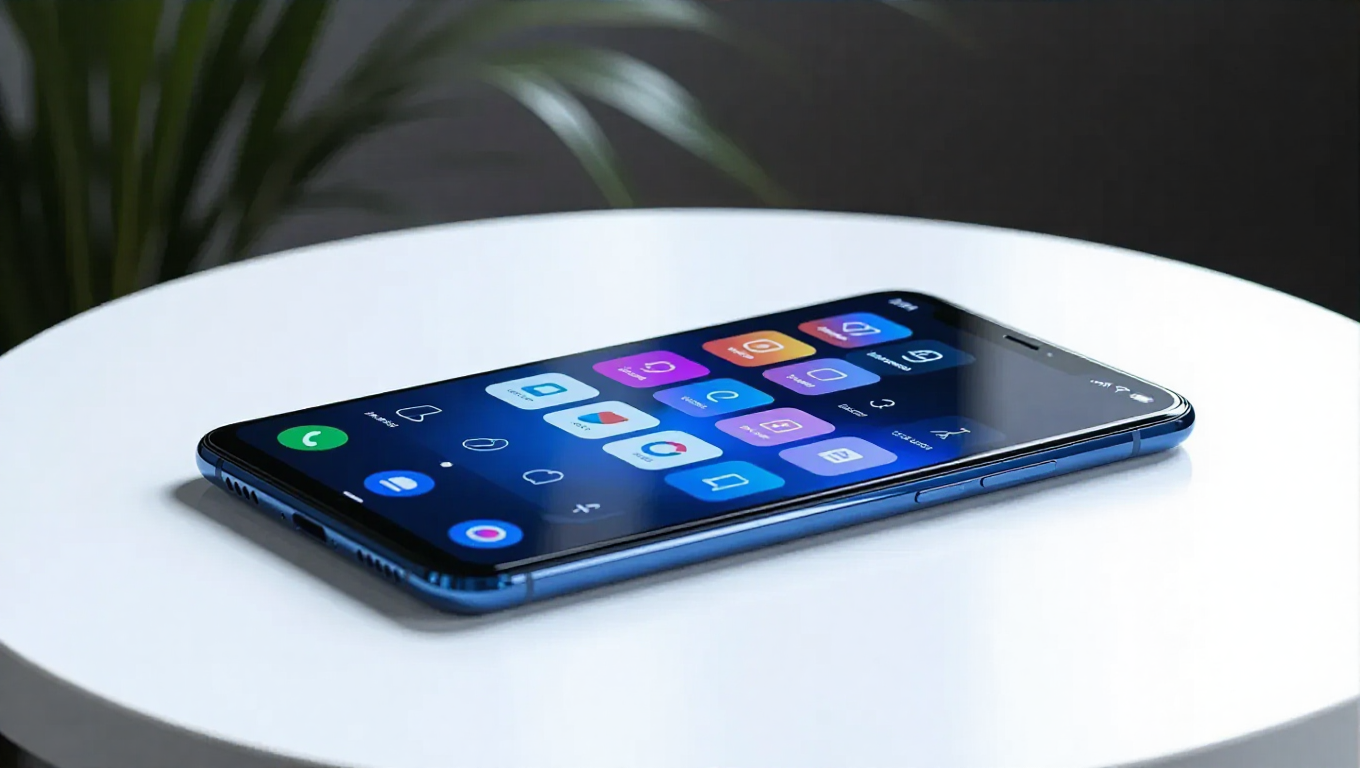
Samsung One UI 8.5: What to Expect
Samsung's One UI has evolved significantly from its TouchWiz origins, becoming a refined Android skin known for its customization and user experience. The upcoming One UI 8.5 update is shaping up to be a substantial release, building on this foundation with interface improvements, enhanced personalization options, and better integration across Samsung's ecosystem.
Interface and Customization Enhancements
One UI 8.5 introduces a new floating tab bar, similar to design elements seen in other mobile operating systems. This pill-shaped bar at the bottom of the screen aims to improve reachability in apps like Phone, Clock, and Gallery by placing relevant buttons and features within easy thumb access.
Samsung DeX receives attention with the ability to remember window sizes and positions, making the desktop experience feel more cohesive and computer-like. For foldable device users, particularly Galaxy Z Fold 7 owners, the update allows customization of the number of favorite apps on the cover screen.
The Good Lock modules see significant upgrades. QuickStar enables unprecedented customization of Quick Settings toggles, allowing users to set custom pictures or photos as backgrounds for their quick settings tiles. Home Up enhances widget customization with adjustable content size and the option to remove background blur. It also introduces the ability to create consolidated Edge panels by combining Apps, Tasks, and People panels into one interface.
Additional interface improvements include the option to disable the bottom swipe gesture entirely for users who frequently accidentally close apps, and the ability to hide specific apps from the Direct Share menu to prioritize frequently used contacts.
Photo Assist and Quick Share Improvements
Photo Assist streamlines on-device AI image editing by allowing users to apply multiple edits without manually saving each iteration. The app presents all edits upon completion, enabling users to select and keep only their preferred versions without breaking their editing workflow.
Quick Share enhancements include proactive face recognition in photos, with the system suggesting sending images to contacts who appear identical to recognized faces. This feature requires users to maintain updated profile pictures in their contacts for optimal functionality.
Ecosystem Integration with Storage Share
One UI 8.5 improves the Samsung ecosystem experience through Storage Share functionality. Users with multiple Samsung devices, such as Galaxy tablets or Samsung TVs, can access their phone's storage directly from these secondary devices. This feature enhances continuity across the ecosystem by eliminating the need for manual file transfers between devices.
Conclusion
Samsung One UI 8.5 appears to focus on refining the user experience through interface improvements, expanded customization options, and better ecosystem integration. While the update builds incrementally rather than introducing revolutionary changes, the enhancements to Good Lock modules, photo editing workflows, and cross-device functionality demonstrate Samsung's commitment to evolving its software platform. The update should be particularly valuable for users invested in Samsung's ecosystem and those who prioritize personalization options on their Galaxy devices.