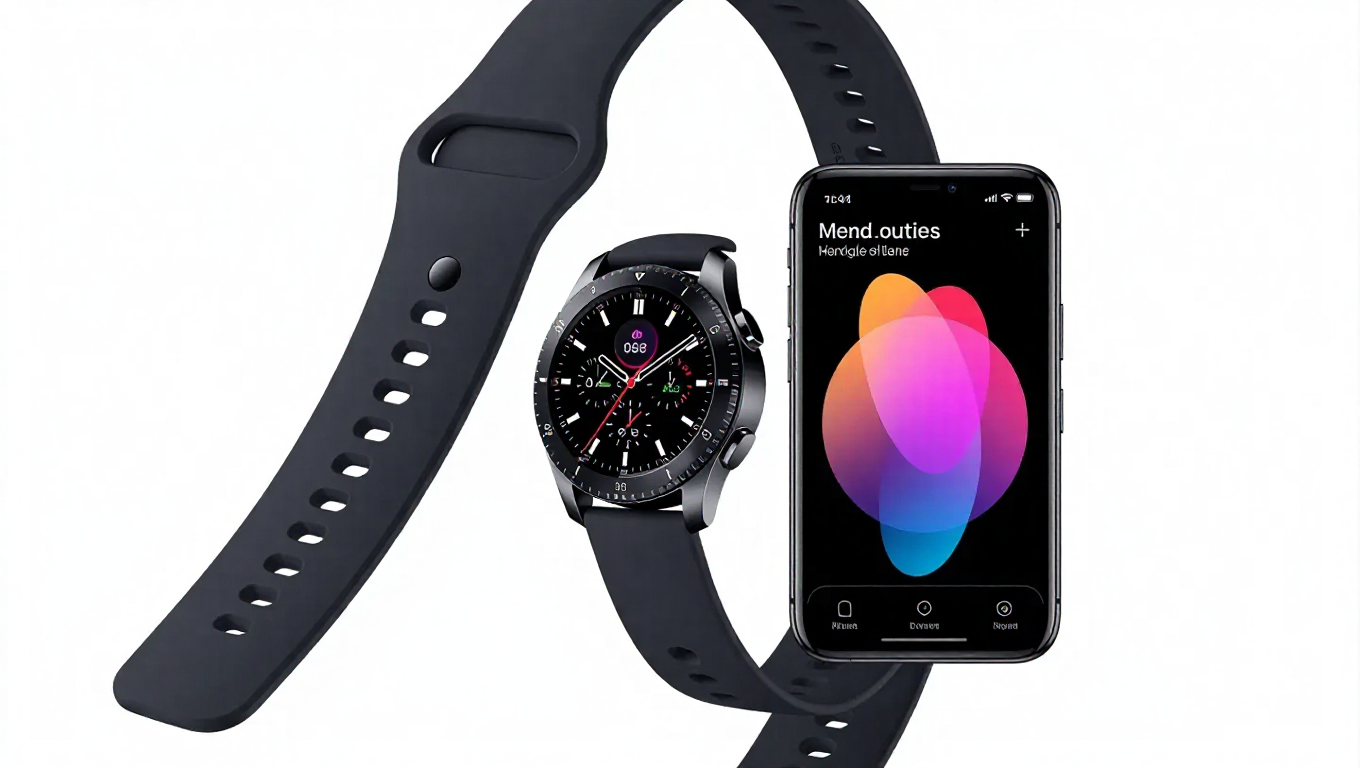
Samsung Modes and Routines: Powerful Automation Limited by Galaxy Watch Integration
Samsung's Modes and Routines stands as one of Android's most comprehensive automation tools, offering users extensive control over device behaviors through customizable routines. However, this powerful system reveals significant limitations when Galaxy Watches enter the ecosystem, creating frustrating gaps in what should be seamless cross-device automation.
The Galaxy Watch Gap in Automation
The core limitation emerges from the app's inability to access basic Galaxy Watch data. There's no way to read the smartwatch's battery percentage, which prevents practical automations like conditionally enabling power-intensive features based on remaining charge. This becomes particularly problematic during workouts where features like Always On Display could be useful but risk draining the watch before exercise completion.
Another significant omission is the lack of conditions to detect when Galaxy Buds are connected to the watch. This prevents automations like automatically starting music playback on the watch during workouts when headphones are connected—a natural use case for fitness routines. The limitation persists even when using enhanced tools like Good Lock's Routines+ module, which expands phone automation capabilities but doesn't bridge the watch gap.
Missing Watch-Specific Features
Beyond data access limitations, Galaxy Watches lack a dedicated Modes and Routines application. Users cannot view or edit routines directly from their wrist, requiring them to return to their paired phone for any adjustments. This creates a disjointed experience that contradicts the convenience smartwatches are meant to provide.
While recent software updates have expanded Modes and Routines capabilities on phones, they haven't addressed these fundamental watch-related shortcomings. The automation tool functions excellently within the phone ecosystem but fails to extend that functionality meaningfully to wearable devices.
Real-World Automation Frustrations
Practical examples highlight these limitations. A user wanting to conserve watch battery during walks cannot create a routine that only activates Always On Display when battery levels exceed 30%. Similarly, seamless workout transitions—where music automatically starts when headphones connect to the watch—remain impossible despite being logical automation scenarios.
The absence of watch battery monitoring also prevents smart power management routines that could extend wearable battery life through conditional feature disabling, something that's standard for phone automation.
Conclusion: Untapped Cross-Device Potential
Samsung has created a robust automation framework that demonstrates what's possible within a single device ecosystem. However, the current implementation reveals a significant gap in cross-device functionality, particularly with Galaxy Watches. For users invested in Samsung's ecosystem, these limitations represent missed opportunities for truly seamless automation across their devices.
The tool's phone-centric design contrasts with modern expectations of interconnected device ecosystems. As wearables become increasingly central to daily routines, expanding Modes and Routines to properly integrate Galaxy Watches would transform it from a powerful phone tool to a comprehensive ecosystem automation solution.