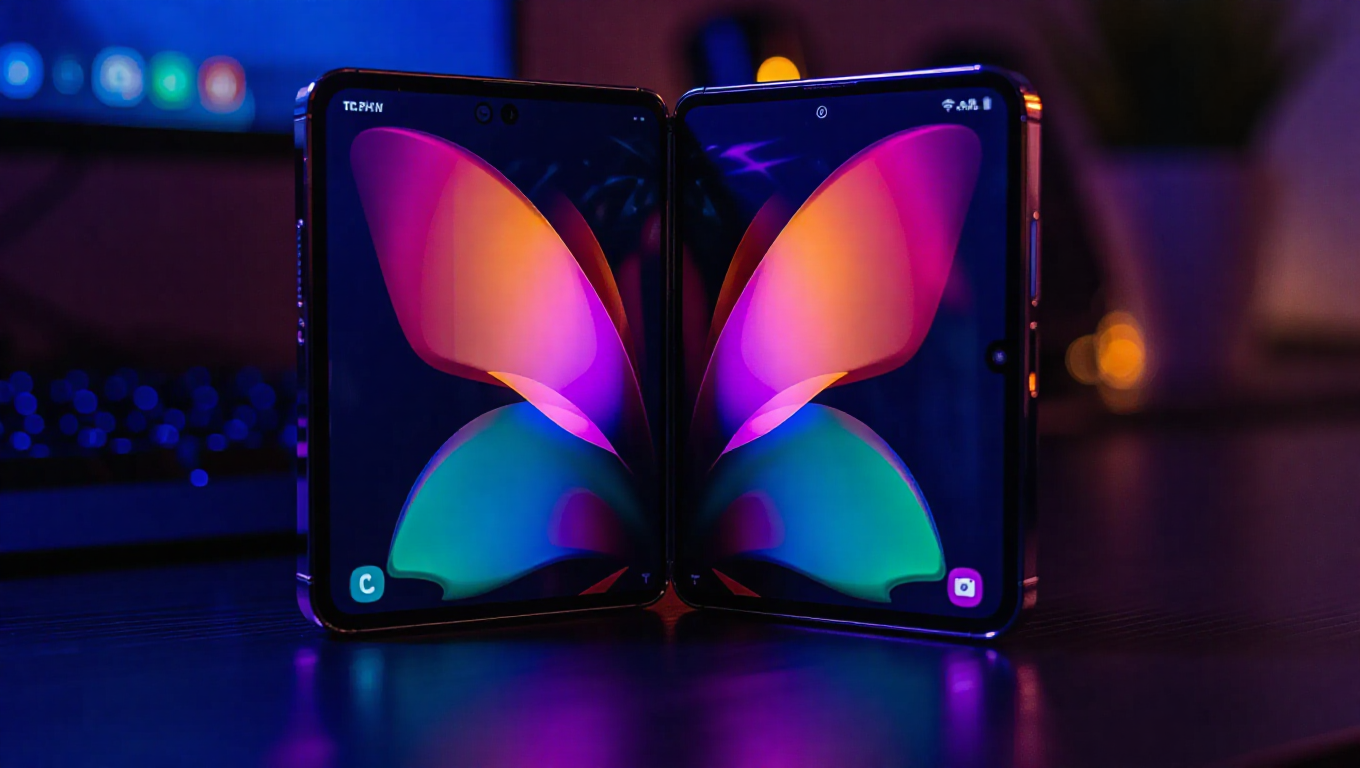
Samsung Good Lock Theme Park Update Enhances Galaxy Z Fold Experience
Samsung continues to refine its customization ecosystem with a new update to the Theme Park module within its popular Good Lock platform. This latest release brings specific optimizations that significantly benefit owners of the company's foldable devices, particularly the Galaxy Z Fold series.
What's New in Theme Park Version 1.1.01.43
The update, identified as version 1.1.01.43, introduces three key improvements that enhance the overall user experience. First, it addresses image loading stability and performance, ensuring smoother operation when applying custom themes and wallpapers. Second, and most notably for foldable device users, the update now enables Theme Park to function properly in landscape mode on Galaxy Z Fold series smartphones.
This landscape mode support represents a meaningful improvement for foldable device owners, allowing them to take full advantage of their device's unique form factor when customizing their interface. The change means users can now comfortably use Theme Park's customization tools whether their device is folded or unfolded, providing a more seamless experience across different usage scenarios.
The third improvement focuses on overall usability and stability, suggesting Samsung has addressed various minor issues to create a more polished experience. These combined enhancements make Theme Park more versatile and reliable, particularly for those invested in Samsung's foldable ecosystem.
Why This Matters for Galaxy Z Fold Users
For Galaxy Z Fold owners, this update addresses a specific pain point in the customization process. Previously, using Theme Park on these devices may have felt constrained by orientation limitations. With landscape mode now properly supported, users can more naturally interact with the app when their device is in its unfolded, tablet-like state.
This improvement aligns with Samsung's broader efforts to optimize software for its foldable lineup. By ensuring that customization tools like Theme Park work seamlessly across different device orientations, Samsung demonstrates its commitment to providing a complete software experience that matches the innovative hardware of its foldable devices.
How to Get the Update
The update appears to be rolling out globally through the Galaxy Store. To install it, users can open the Galaxy Store app, navigate to the Updates section via the hamburger menu in the top-left corner, and look for Theme Park in the update list. From there, they can update the app individually or use the "Update all" option in the top-right corner.
Conclusion
Samsung's latest Theme Park update represents another step forward in optimizing the software experience for its foldable device users. By adding landscape mode support alongside performance improvements, the company shows its dedication to refining even niche aspects of the user experience. For Galaxy Z Fold owners who enjoy personalizing their devices, this update makes the customization process more intuitive and better suited to their device's unique capabilities.
This release follows other recent updates to Good Lock modules, indicating Samsung's ongoing investment in its customization platform. As foldable devices become more mainstream, such software optimizations will likely continue to play an important role in differentiating the user experience from traditional smartphones.