Samsung Galaxy Z TriFold Hands-On: A First Look at Triple-Folding Innovation
The Samsung Galaxy Z TriFold represents a bold leap in foldable phone technology, introducing a device that folds not once, but twice. Initial hands-on experiences reveal a product that feels both futuristic and familiar, building upon Samsung's foldable legacy while charting new territory.
Design and First Impressions
Unboxing the Galaxy Z TriFold evokes memories of Samsung's original Galaxy Fold, complete with a comprehensive package that includes the phone, a case, and a 45W charger. The device itself defies expectations with its surprisingly slim profile when folded, reportedly thinner than a Galaxy Z Flip with a case attached.
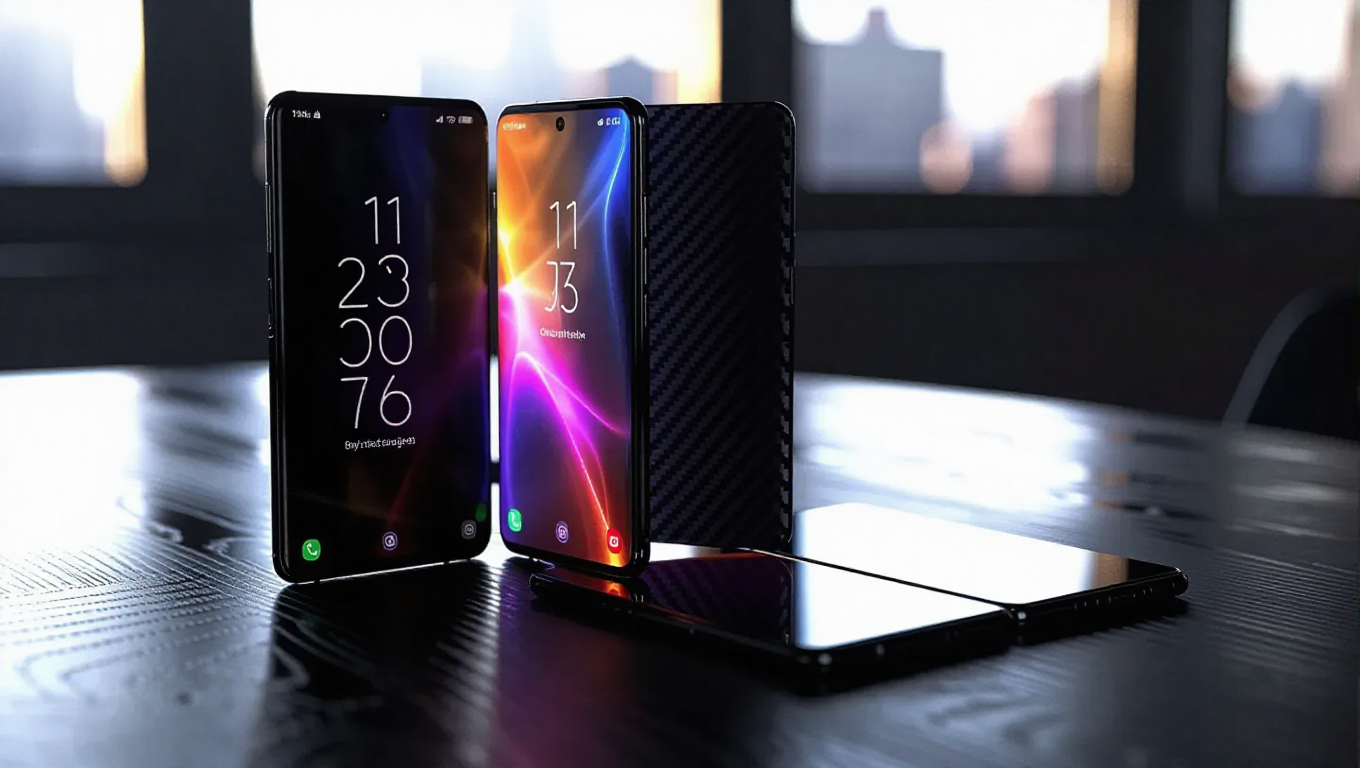
The carbon fiber-like pattern on the back creates a striking visual effect that changes with light, though the thickness when folded—especially with the included case—adds noticeable bulk. The asymmetrical G-shaped folding design, while functional for protecting the inner display and improving grip, presents a non-uniform appearance that some may find visually distracting.
Folding Mechanics and Display
The triple-folding mechanism feels genuinely impressive, with hinges that prevent incorrect folding even under pressure. On-screen animations guide users through the folding process when the display is active. The main display, when fully unfolded, transforms the device into a legitimate small tablet, particularly effective in landscape orientation for multitasking with up to three portrait apps simultaneously.
While the bezels appear thicker than those on the Galaxy Z Fold 7—a reasonable compromise for this first-generation product—the expansive screen real estate makes multitasking intuitive and fluid. The absence of Flex Mode support means the device cannot stand on its own without a case, limiting some potential use cases.
Software Experience and Limitations
Booting up the TriFold reveals the familiar One UI interface, but the experience changes dramatically when unfolded. Samsung DeX implementation presents challenges, with unclear system-wide toggles that can lead to confusion between standard and DeX modes. App compatibility remains a work in progress, with some applications like X defaulting to DeX mode on the full display rather than optimizing for the expanded canvas.
Despite these software growing pains, using the fully unfolded device in portrait mode creates a unique tablet-like experience for web browsing and media consumption. The overall feeling of interacting with a personal tablet that folds into pocketable form factors remains genuinely special.
Conclusion
The Samsung Galaxy Z TriFold represents a significant step forward in foldable technology, offering a glimpse into a future where devices seamlessly transition between phone and tablet forms. While first-generation compromises are evident in software optimization and certain design choices, the core innovation—a functional triple-folding display—delivers on its promise of expanded screen real estate without sacrificing portability. As developers adapt to this new form factor and Samsung refines the experience, the TriFold lays groundwork for what could become the next evolution in mobile computing.