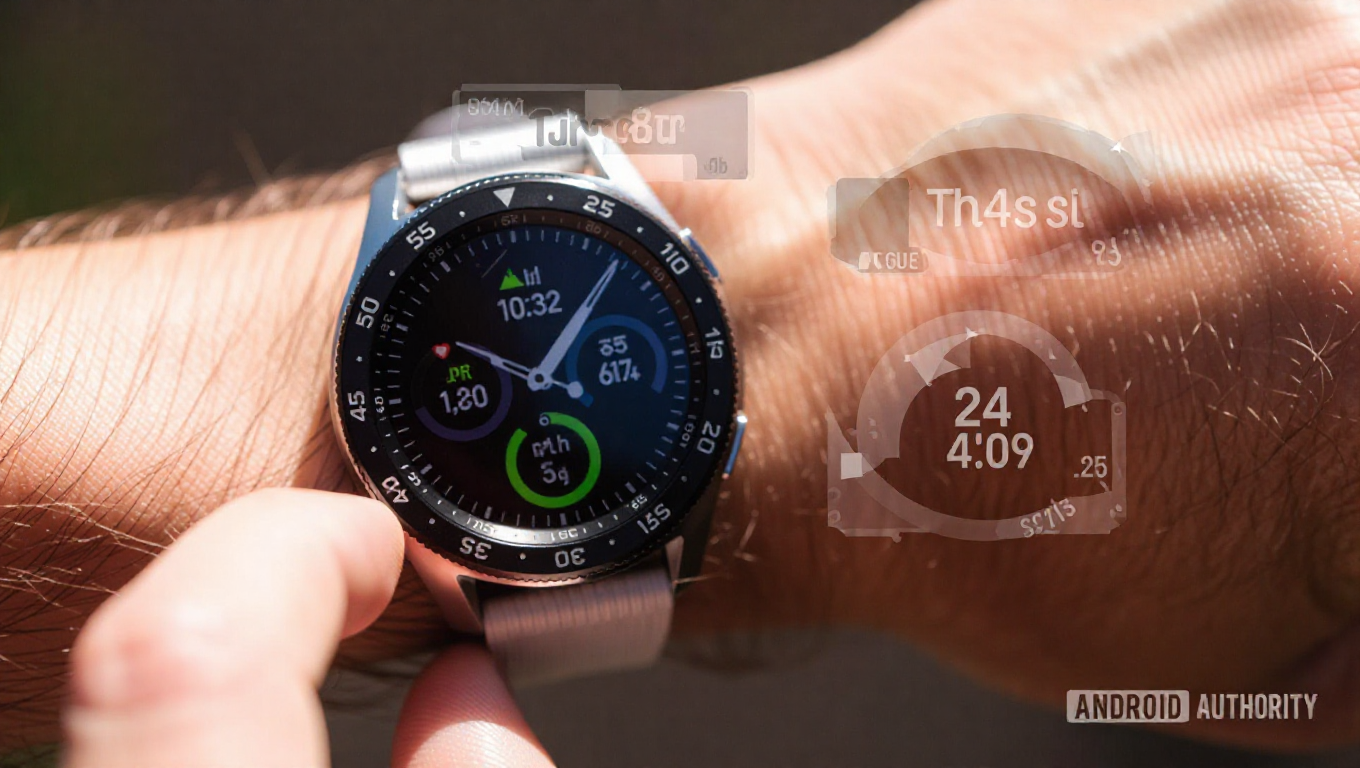
Samsung Galaxy Watches Limited by Inflexible Workout Screen Customization
Samsung's Galaxy Watch series has established itself as a capable contender in the smartwatch market, praised for its robust hardware, reliable fitness tracking, and comprehensive smart features. However, a closer examination reveals a persistent software limitation that undermines the user experience for fitness enthusiasts: restrictive workout screen customization. While the devices track extensive data, how that information is presented during activities remains frustratingly inflexible.
The Core Limitation: Fixed Layouts and Screen Count
When initiating a workout on a Galaxy Watch, users are presented with a default screen showing predefined metrics like duration, heart rate, and speed. The watch allows switching to alternative layouts, with typically three or four options available depending on the activity type. The critical constraint is that users can only select a maximum of two screens to swipe between during a session. This restriction becomes immediately apparent for athletes who require more granular data organization.
For example, a runner might ideally configure three distinct screens: one showing primary metrics like distance, duration, heart rate, and current time for at-a-glance monitoring; a second dedicated to performance analytics like average pace, average and maximum heart rate, and speed; and a third focused on biomechanics like cadence and steps. This logical segmentation, which balances readability with information density, is impossible on current Galaxy Watches. The data is being collected, but users cannot organize its presentation to match their training needs.
Missing Features and a Glaring Inconsistency
The limitations extend beyond screen count. There is no option to include segment-related metrics, such as lap or split data, on the active workout screen. The watch can track segments (like per-kilometer splits) and will announce them, but this information vanishes after a few seconds without any way to review it during the activity. For runners and cyclists who rely on split times to manage pace, this represents a significant oversight.
This shortcoming is particularly striking given Samsung's general emphasis on personalization elsewhere in the watch's interface. Features like the Quick Panel, customizable watch faces, and configurable tiles offer users considerable control over their device's layout and information access. The stark contrast makes the rigid workout screens feel like an anomaly—a holdover from an older software philosophy that hasn't been modernized alongside the rest of the platform.
The Path Forward: Unlocking Potential with Software
The solution does not require new hardware. Galaxy Watches already possess capable sensors and processors. The need is for improved software design that grants users deeper control. A logical step would be the introduction of a dedicated workout screen editor within the companion Samsung Health app on smartphones. Designing complex screen layouts on a small watch display is cumbersome; a phone-based editor would allow users to easily select, arrange, and prioritize data fields before syncing the configuration to their watch.
Enabling three, four, or even more customizable screens, along with the ability to pin segment data, would transform the workout experience. Users could tailor their view precisely to their sport, goals, and preferences, making the watch a more powerful and personal training tool.
Conclusion
Samsung Galaxy Watches are held back not by their hardware capabilities but by self-imposed software constraints on workout screen personalization. While they excel in tracking fitness data, the presentation of that data during activities remains limited and inflexible compared to user expectations and competing offerings. For a company that champions customization, addressing this specific gap through a more robust and user-configurable interface would unlock significant potential, better serving the fitness enthusiasts who form a core part of its smartwatch audience. The foundation is strong; it's time for the software experience to match it.