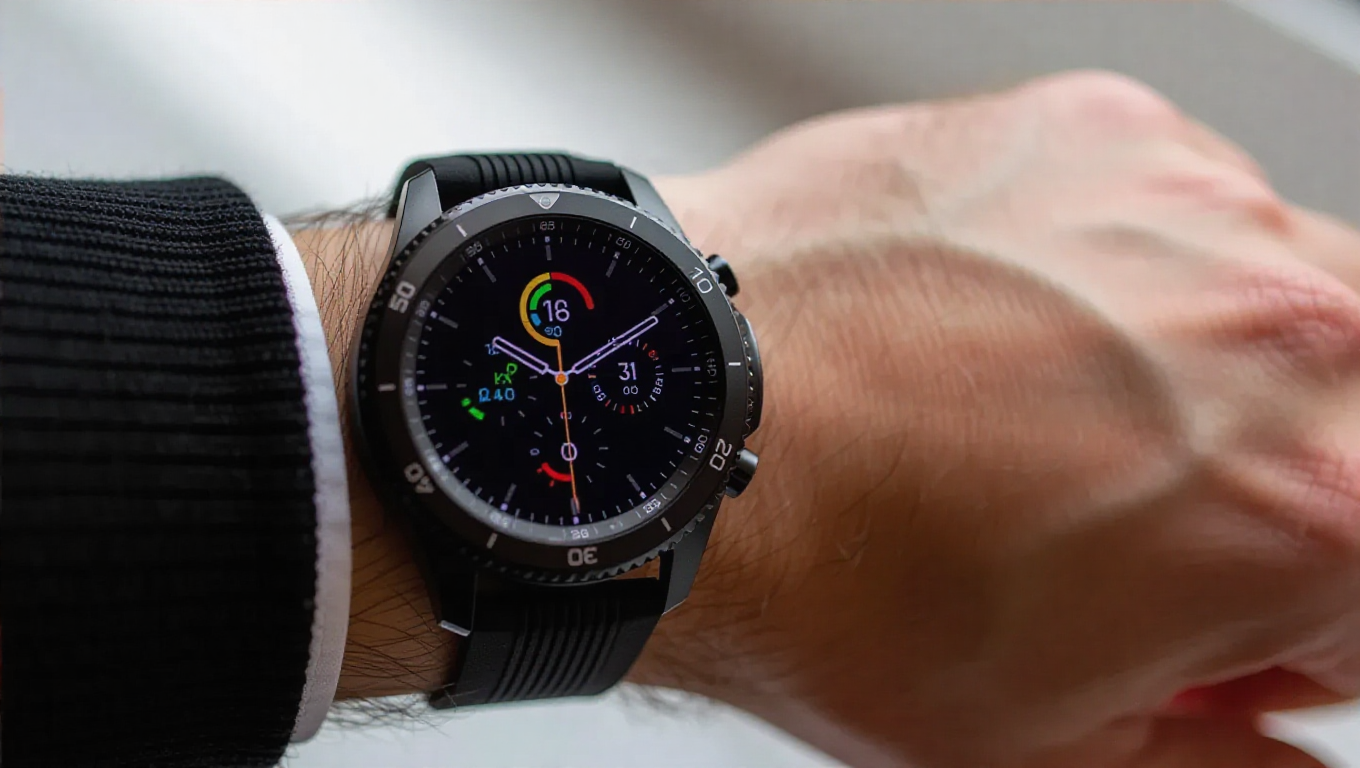
Samsung Confirms Galaxy Watch Bug Breaking Do Not Disturb, Offers Fix
Galaxy Watch users seeking uninterrupted focus or rest have encountered a frustrating new issue following the recent One UI 8 software update. A confirmed bug causes the Do Not Disturb (DND) function to malfunction when activated through the watch's quick settings panel, undermining one of the device's core notification management features.
The Problem: DND Won't Stay Enabled
The issue manifests when users swipe down to access the quick settings panel on their Galaxy Watch and toggle on Do Not Disturb. Instead of remaining active, the setting automatically deactivates after a few seconds, allowing notifications to come through normally. This behavior defeats the purpose of the feature, which is designed to mute alerts during meetings, workouts, or sleep.
Samsung has officially acknowledged the problem, confirming it affects a wide range of smartwatch models. The bug impacts devices from the Galaxy Watch 4 through the latest Galaxy Watch 8, indicating it's related to the One UI 8 update rather than specific hardware. User reports on official support forums have documented consistent experiences across different watch generations, with many expressing frustration over disrupted routines.
The Workaround: How to Properly Enable DND
While Samsung engineers work on developing a permanent software fix, the company has identified a reliable workaround that allows users to properly activate Do Not Disturb. The key is to avoid using the quick settings shortcut entirely.
Instead, users should navigate to the full settings menu on their Galaxy Watch. From there, they can access the Do Not Disturb settings and enable the feature directly. When activated through this method, the setting remains stable and functions as intended, properly silencing notifications until manually turned off.
This workaround confirms the bug is specific to the quick settings implementation rather than the core DND functionality. Users who rely heavily on Do Not Disturb for sleep tracking or focused work sessions can continue using the feature reliably by following this alternative activation path.
Looking Ahead: When to Expect a Permanent Fix
Samsung has indicated that a permanent fix is in development and will likely arrive through a future software update. While no specific timeline has been provided, the company's confirmation suggests the issue is being prioritized given its impact on core functionality.
The bug's appearance following the One UI 8 update highlights the challenges of maintaining software consistency across multiple device generations. As smartwatches become increasingly sophisticated with more complex notification management systems, such issues occasionally emerge during major software transitions.
For now, Galaxy Watch users affected by the Do Not Disturb bug have a functional workaround available. The temporary solution requires slightly more navigation but provides the same notification silencing functionality while Samsung prepares a comprehensive fix for the quick settings implementation.
As with any software issue affecting multiple device models, users are advised to keep their watches updated to receive the fix once it becomes available. In the meantime, the settings menu workaround ensures uninterrupted use of this important feature for productivity and wellness.