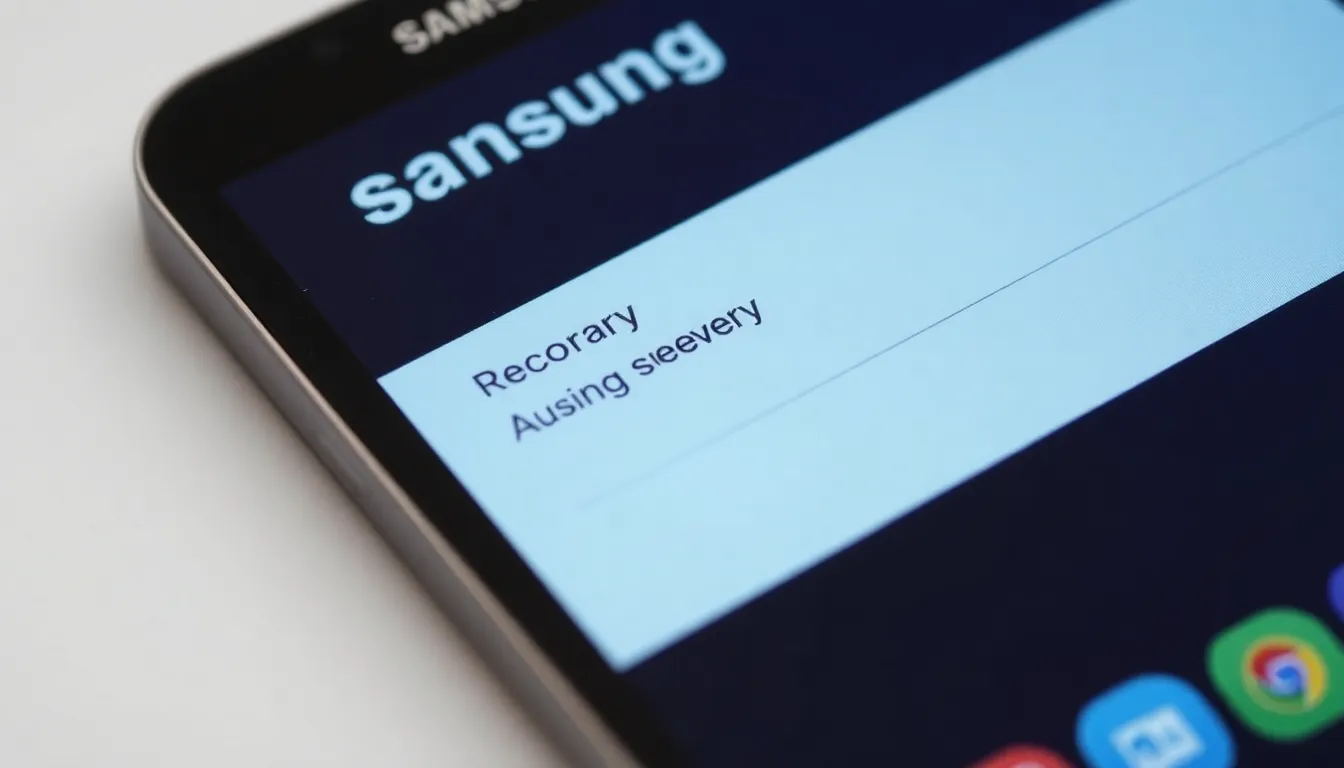
Samsung Galaxy Update Removes Android Recovery Tools, Limits Sideloading
In a move that has caught the attention of Android enthusiasts and power users, Samsung appears to be systematically removing fundamental tools from the Android recovery menu in its latest Galaxy device updates. The changes, which affect core functionality like sideloading and other maintenance options, represent a significant shift in how users interact with their devices at the system level.
What's Changing in the Recovery Menu
The Android recovery menu has long served as a critical troubleshooting and maintenance interface for smartphone users. Traditionally accessible by pressing specific hardware button combinations during boot-up, this menu provides options for clearing cache partitions, performing factory resets, and most notably for advanced users, sideloading software updates and custom ROMs.
Recent updates to Samsung Galaxy devices have reportedly stripped away several of these capabilities. The sideloading option, which allows users to manually install software packages from external sources, appears to be among the removed features. This change effectively prevents users from installing custom firmware, beta builds, or specific software versions not officially distributed through Samsung's update channels.
Implications for Users and Developers
The removal of these tools has significant implications for different user groups. For everyday consumers, the changes may go unnoticed, as most rely on automatic over-the-air updates for their device maintenance. However, for power users, developers, and enthusiasts who regularly use sideloading for testing applications, installing custom software, or troubleshooting problematic updates, this represents a substantial limitation of device control.
Android's open nature has traditionally allowed for greater user agency compared to more locked-down mobile operating systems. The recovery menu tools have been particularly valuable for users who prefer to maintain older software versions, install security patches independently, or customize their device experience beyond manufacturer offerings. Their removal suggests a move toward a more controlled software environment.
Security Versus Control
While Samsung has not provided official reasoning for these changes, industry observers suggest several possible motivations. Security concerns likely play a significant role, as sideloading capabilities can potentially be exploited to install malicious software if users aren't careful about their sources. By removing these options, Samsung may be attempting to create a more secure default environment for the majority of users who may not understand the risks associated with manual software installation.
However, this security-focused approach comes at the cost of user autonomy. The changes effectively centralize software distribution through Samsung's official channels, giving the company complete control over what software can run on its devices. This could impact independent developers, security researchers, and users in regions where official updates may be delayed or unavailable.
Looking Forward
The evolution of Samsung's approach to device software management reflects broader industry trends toward more controlled ecosystems. As smartphone security becomes increasingly important, manufacturers face difficult decisions about balancing protection with user freedom. These recovery menu changes suggest Samsung is prioritizing security and stability over the flexibility that has long characterized the Android experience.
For users who rely on sideloading and other advanced recovery tools, alternative methods may still exist through developer options or third-party solutions, though these typically require additional technical knowledge. As the Android ecosystem continues to mature, the tension between security and user control will likely remain a central theme in how manufacturers design their software experiences.