Samsung Galaxy S26 Ultra's Privacy Display Feature Confirmed in One UI 8.5
While the Samsung Galaxy S26 Ultra is expected to offer incremental upgrades over its predecessor, one standout feature has now been officially confirmed through the device's upcoming software. One UI 8.5, the version that will ship with the S26 Ultra, includes settings for a revolutionary Privacy Display feature that makes the screen invisible to anyone except the device owner.
Privacy Display: A Game-Changer for Public Use
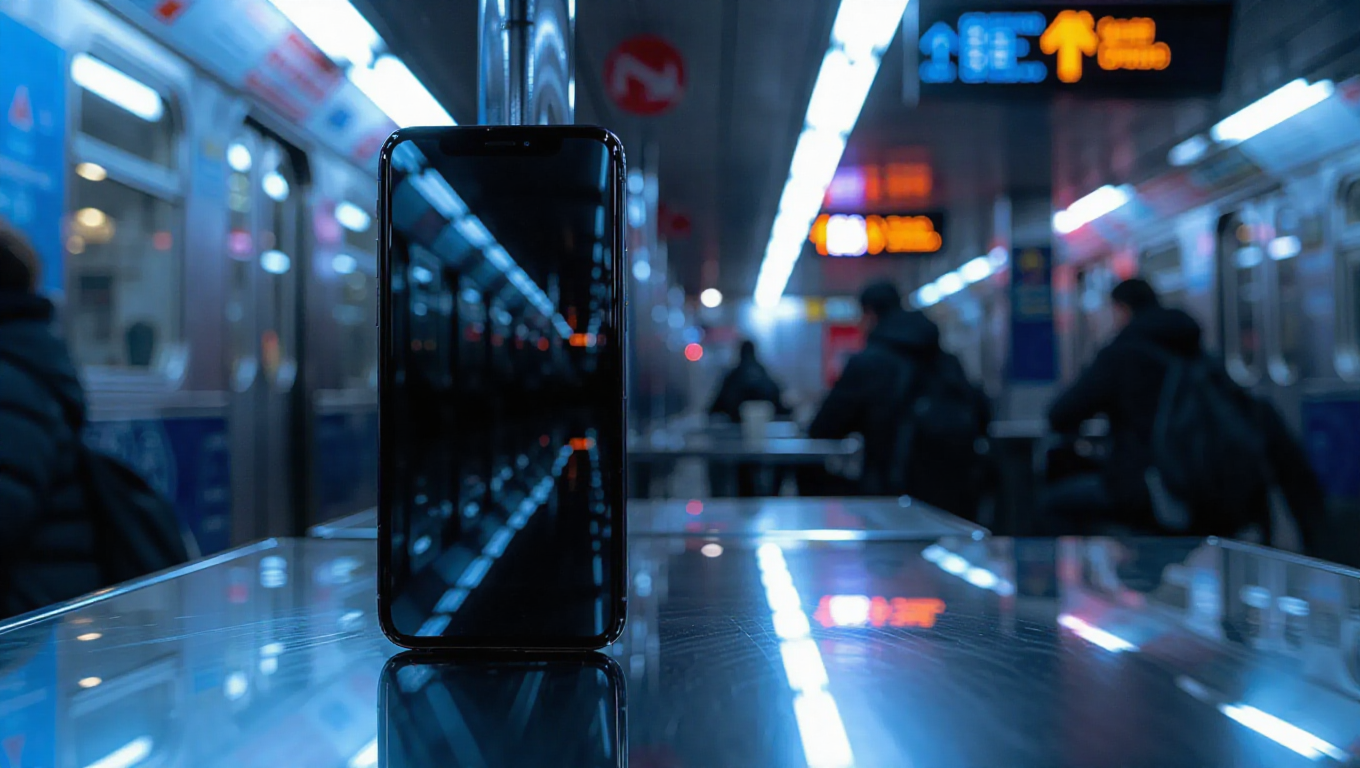
The Privacy Display feature represents a significant advancement in smartphone privacy technology. When enabled, it prevents people around the user from seeing what's displayed on the screen, making it particularly valuable in public settings like public transportation, cafes, or crowded spaces where privacy concerns are paramount.
According to screenshots from One UI 8.5, the feature offers two distinct intensity levels. The default setting provides basic privacy protection, while a "Maximum privacy protection" option presumably narrows the viewing angle even further, creating an extremely restricted zone where the screen remains visible.
Smart Automation and Integration
Beyond manual activation, Privacy Display includes intelligent automation capabilities. The feature can be configured to turn on automatically under specific conditions, likely through integration with Samsung's Modes and Routines application. This means users could set the feature to activate automatically when leaving home or work locations, ensuring privacy protection without requiring manual intervention.
The feature will also include a Quick Settings toggle for convenient access, allowing users to enable or disable Privacy Display with a single tap from the notification panel. This seamless integration suggests Samsung has designed the feature for practical, everyday use rather than as a novelty addition.
Implementation and User Experience
While the technical implementation details remain undisclosed, the feature appears to work by manipulating the screen's viewing angles through software and potentially hardware adjustments. The two intensity settings suggest users will have flexibility in balancing privacy needs with potential trade-offs in screen visibility or battery impact.
The automatic activation capability through Modes and Routines indicates Samsung is thinking about contextual privacy—recognizing that privacy needs vary depending on location and situation. This approach could make the feature more useful than simple manual toggles, as it adapts to users' lifestyles rather than requiring constant attention.
Conclusion
The confirmation of Privacy Display in One UI 8.5 positions the Galaxy S26 Ultra as a potential leader in smartphone privacy innovation. While the device may offer only modest hardware improvements over the S25 Ultra, this software-driven feature addresses a genuine user concern that has grown increasingly important in our connected world.
As smartphone privacy becomes more critical to consumers, features like Privacy Display could become standard expectations rather than premium differentiators. Samsung's implementation—with its multiple intensity levels, automation capabilities, and system integration—suggests thoughtful design that prioritizes both security and usability. The S26 Ultra's launch will reveal how effectively this technology works in practice, but its confirmation marks an important step toward more private mobile experiences.