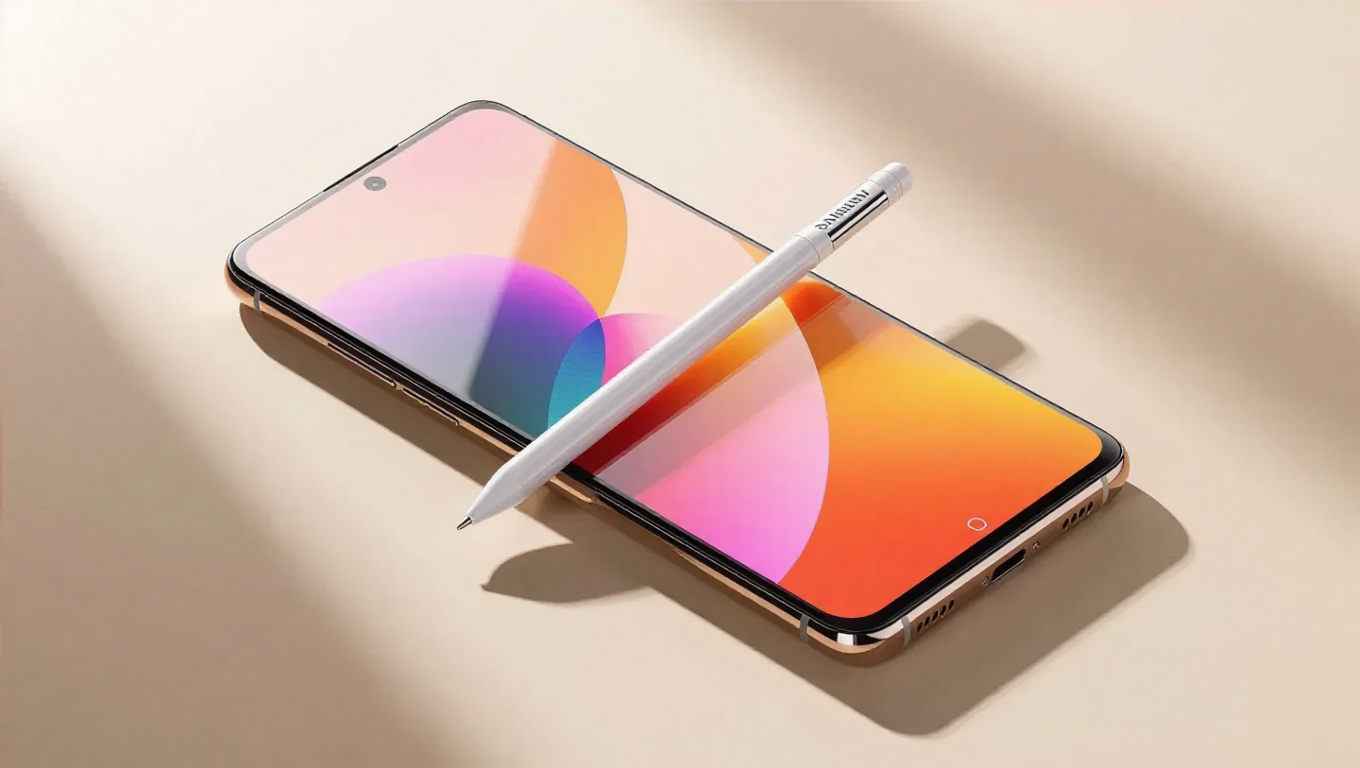
Samsung Galaxy S26 Ultra S Pen Slot Design Change
For years, Samsung's Ultra smartphones have featured the S Pen stylus with a flexible insertion method—users could slide it into the slot with the button facing either upward or downward without issue. However, early information about the upcoming Galaxy S26 Ultra suggests this familiar convenience is changing. The new device appears to require a specific orientation for the S Pen, potentially altering how users interact with this signature feature.
A New Insertion Method
Recent hands-on observations indicate the Galaxy S26 Ultra's S Pen must be inserted with its button facing upward. This orientation allows the curved end of the stylus to align perfectly with the phone's curved edge, creating a flush fit. When inserted correctly, the S Pen sits seamlessly within the device, maintaining the sleek profile Samsung is known for.
If inserted with the button facing downward, the S Pen's curvature no longer matches the phone's contour, causing it to protrude slightly. This not only affects aesthetics but could potentially impact the stylus's security in the slot during daily use. The change represents a deliberate design decision, likely tied to the phone's refined chassis and edge curvature.
Design Implications
This adjustment marks a departure from the Galaxy S25 Ultra and its predecessors, which offered bidirectional insertion flexibility. While some users may find the new requirement slightly less convenient, it reflects Samsung's ongoing refinement of the Ultra series' physical design. The precise alignment suggests enhanced attention to detail in how components integrate with the phone's form.
The S Pen itself appears to maintain its familiar functionality—pressure sensitivity, Bluetooth connectivity for remote controls, and note-taking capabilities—with the change limited to its physical interaction with the device. Early images show the stylus retaining its signature shape and button placement, confirming that the modification is primarily about how it interfaces with the phone's body.
User Adaptation
For long-time Galaxy Note and S Ultra users accustomed to casual S Pen insertion, this change may require a brief adjustment period. The need for specific orientation introduces a new step in the user experience, albeit a minor one. However, the visual and tactile feedback—the satisfying click when properly aligned—could make the process more intentional and precise.
This design evolution also hints at Samsung's confidence in user familiarity with the S Pen ecosystem. After years of similar insertion methods, the company may be optimizing for perfect alignment rather than flexibility, prioritizing seamless integration over bidirectional convenience.
Conclusion
The Galaxy S26 Ultra's redesigned S Pen slot represents a subtle but significant shift in Samsung's approach to stylus integration. By requiring specific orientation, the company ensures perfect alignment with the phone's curved edges, enhancing both aesthetics and potentially improving retention. While this change may initially surprise some users, it reflects the ongoing refinement of the Ultra series as Samsung balances innovation with the practical realities of premium smartphone design. As with any hardware adjustment, user experience will ultimately determine whether this modification enhances or complicates the S Pen's legendary convenience.