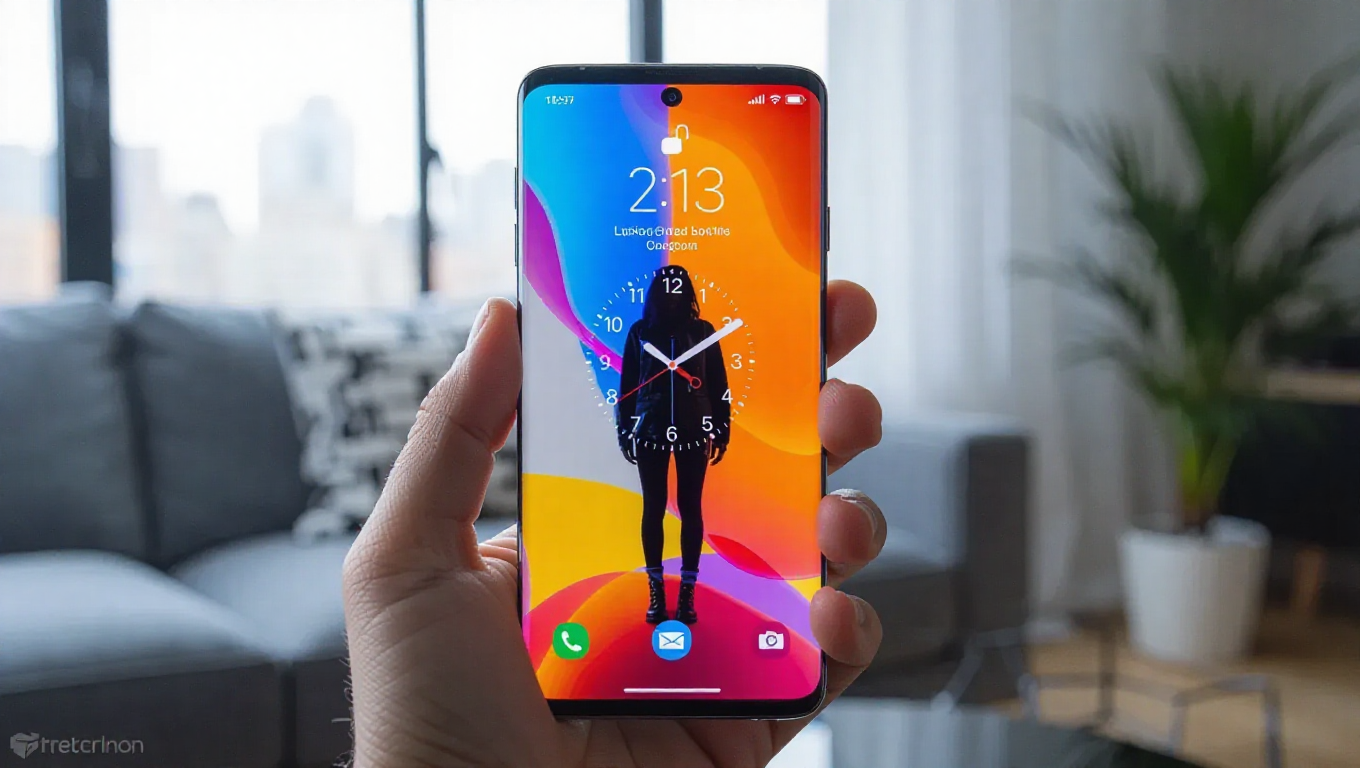
Samsung Galaxy Adaptive Clock Issues: Official Fix Available
The visually striking Adaptive Clock feature, which dynamically wraps the lockscreen clock around subjects in wallpapers, has been experiencing functionality problems for many Samsung Galaxy users following recent updates.
Widespread Recognition Issues
Numerous reports indicate that the Adaptive Clock feature has been failing to properly recognize human subjects and pets in wallpapers. Instead of elegantly adapting to the contours of heads and bodies, the clock has been applying awkwardly over faces and other prominent elements, defeating the feature's intended aesthetic purpose.
The Adaptive Clock functionality, initially introduced through the LockStar module in Samsung's Good Lock customization suite, became more widely accessible with the rollout of One UI 8. The feature is designed to intelligently detect subjects in wallpapers and position the clock around them for a seamless visual experience.
Samsung's Acknowledgment and Solution
Samsung has officially acknowledged the widespread issues affecting the Adaptive Clock feature and has provided users with a straightforward solution. The company confirms that updating the LockStar module within the Good Lock application to the latest version resolves the recognition and placement problems that have been frustrating users.
This official fix comes as welcome news to Galaxy owners who have come to appreciate the Adaptive Clock's ability to create visually harmonious lockscreen experiences. The feature represents one of the more innovative visual enhancements in Samsung's software ecosystem, making its proper functioning important for user satisfaction.
Implementation Steps
Users experiencing Adaptive Clock malfunctions should navigate to the Galaxy Store or Samsung's app distribution platform and check for updates to the Good Lock application, specifically focusing on the LockStar module. Installing the latest available version typically restores proper functionality, allowing the clock to once again intelligently adapt to wallpaper subjects.
The timing of this fix is particularly relevant as Samsung continues to refine the Adaptive Clock feature, with upcoming versions of One UI expected to bring further enhancements to this popular customization option.
Conclusion
Samsung's prompt response to the Adaptive Clock issues demonstrates the company's commitment to maintaining the functionality of its software features. Galaxy users who have been frustrated by the feature's recent performance can now easily restore its intended behavior through a simple module update. As Samsung continues to develop its software ecosystem, such responsive support for user-reported issues helps maintain customer satisfaction with the Galaxy experience.