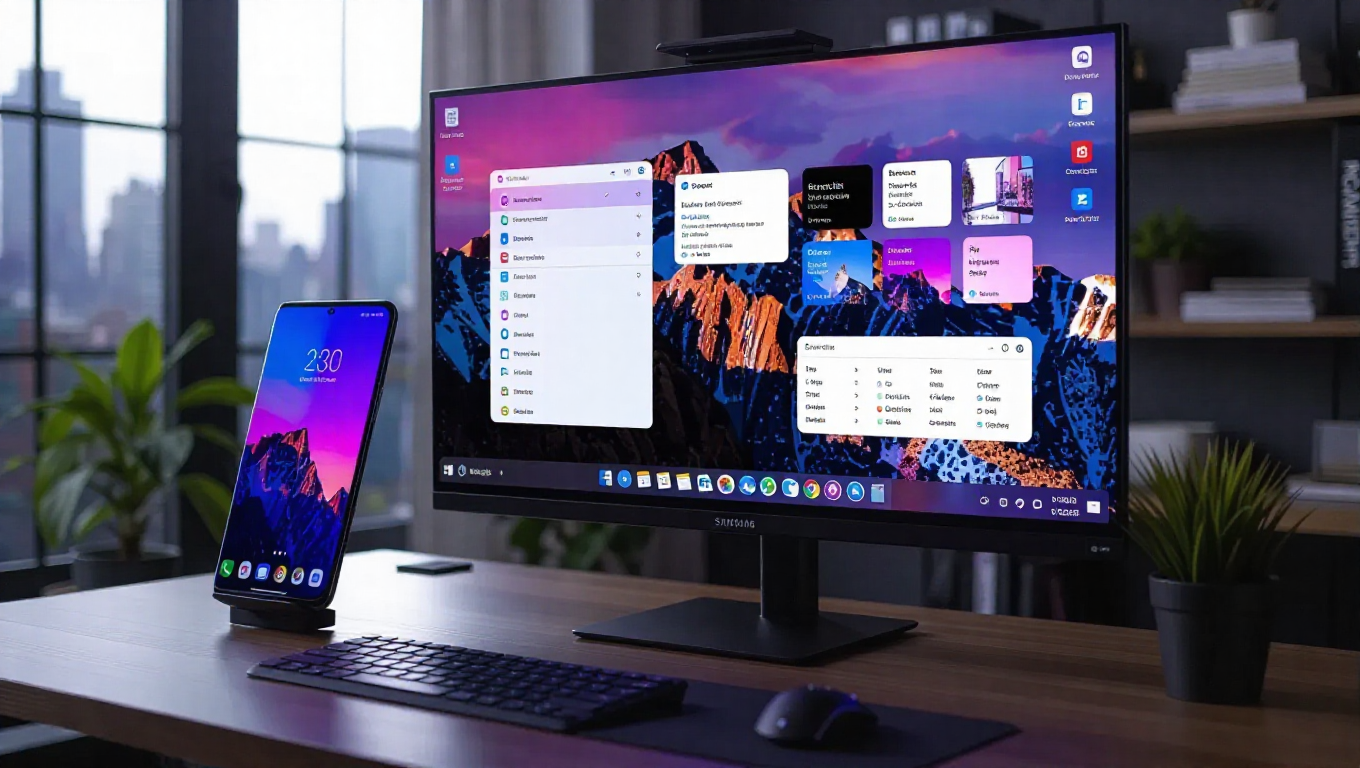
Samsung DeX on One UI 8.5 vs One UI 8.0: Key Feature Comparison
Samsung's DeX platform continues to evolve with the latest One UI 8.5 update, bringing several notable improvements over the previous One UI 8.0 version. While maintaining the familiar desktop-like interface that transforms smartphones into productivity workstations, the new iteration introduces features that enhance both functionality and user control.
Interface and Control Enhancements
At first glance, the DeX experience appears largely unchanged between the two firmware versions. The application layouts, grid lines, and overall workspace design remain consistent, preserving the learning curve for existing users. However, subtle but powerful changes in the control scheme mark significant progress.
A new quick-access button in the corner now allows seamless switching between DeX mode and screen mirroring. This toggle functionality enables users to instantly transition their display output without navigating through multiple menus. Additionally, a lock button has been implemented to secure the workspace behind passcode protection, adding a layer of security for shared or public display scenarios.
Recording and Productivity Features
Screen recording capabilities have received a substantial upgrade in One UI 8.5. While previous versions allowed full-screen recording, the new implementation introduces partial screen recording functionality. Users can now select specific areas of their DeX workspace to capture, providing more focused and efficient recording options for tutorials, presentations, or documentation purposes.
The most significant addition is the introduction of multiple desktop support. This feature, previously available on Galaxy tablets running One UI 8.0, has now been extended to smartphones. Multiple desktops enable users to organize applications and windows across separate workspaces, mimicking the multi-desktop functionality found in traditional desktop operating systems and significantly enhancing workflow management.
Performance and Compatibility
The demonstration shows DeX running smoothly on a Galaxy S25 Ultra with One UI 8.5, indicating strong performance optimization. The transition between features appears fluid, with no noticeable lag when switching modes or activating new functions. This suggests that Samsung has maintained its focus on ensuring DeX remains a responsive and reliable productivity tool despite the added capabilities.
Compatibility with existing DeX accessories and displays appears unchanged, meaning users can continue using their current setups without requiring new hardware investments. The update focuses on software enhancements rather than altering fundamental connectivity requirements.
Conclusion
Samsung's One UI 8.5 represents a meaningful step forward for the DeX platform. While preserving the core experience that users have come to expect, the update introduces practical improvements that address specific productivity needs. The addition of multiple desktops brings smartphone DeX closer to parity with tablet and traditional desktop environments, while the enhanced recording controls and quick-access toggles demonstrate thoughtful refinement of existing features.
These changes collectively strengthen DeX's position as a viable mobile productivity solution, particularly for users who regularly transition between mobile and desktop workflows. The update suggests Samsung remains committed to evolving DeX beyond mere screen mirroring into a genuinely functional desktop alternative powered by smartphone hardware.