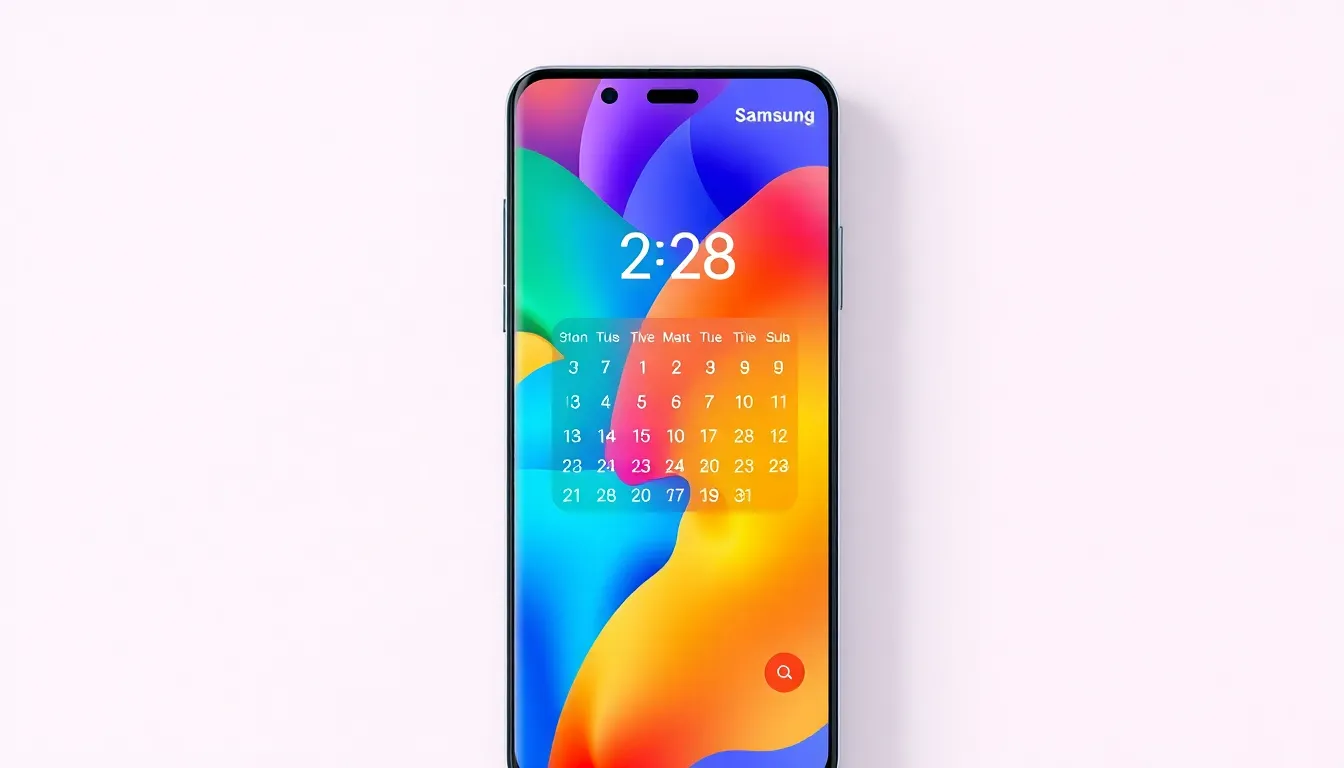
Samsung Calendar Update to Add AI-Generated Visuals to Widgets
Samsung is enhancing its native Calendar application with artificial intelligence features, most notably the ability to generate custom image backgrounds for calendar widgets based on event titles. The update, currently rolling out to Galaxy smartphones, represents a significant step in personalizing the user interface through AI integration.
AI-Powered Personalization
The standout feature of the update is the AI-generated image background capability for the Calendar's Countdown widget. This function analyzes calendar event titles and creates corresponding visual backgrounds, potentially transforming mundane date displays into visually engaging countdowns. For instance, a calendar entry titled "Beach Vacation" might trigger the generation of a tropical shoreline image as the widget background.
While this AI feature appears prominently in the official changelog, initial reports suggest it may not be immediately accessible to all users following the update. The functionality seems to be gradually rolling out, possibly dependent on server-side activation or specific device configurations.
Enhanced Functionality and Organization
Beyond the AI visuals, the update brings several practical improvements to calendar management. Users now have the option to hide past schedules, helping to declutter their calendar view and focus on upcoming events. The reminder system has been enhanced with support for marking reminders as complete, providing better task tracking capabilities.
Search functionality receives a substantial upgrade with natural language processing support. This allows users to search for events using conversational phrases rather than specific keywords, making information retrieval more intuitive. Additionally, the update improves media handling with support for attaching multiple images to calendar entries and enhanced display options.
Availability and Implementation
The update, carrying version number 12.7.05.36, appears to be initially available for devices running One UI 8.5. Users can check for the update through the Galaxy Store by navigating to the Updates section. The rollout seems to be progressive, with some features potentially requiring additional time to become fully functional across all eligible devices.
This update represents Samsung's continued investment in AI integration across its software ecosystem. By bringing generative AI capabilities to fundamental applications like Calendar, the company is working to make artificial intelligence a seamless part of everyday device interaction rather than a separate, specialized function.
Conclusion
Samsung's latest Calendar update demonstrates how AI can enhance even the most established applications. While the headline feature of AI-generated widget backgrounds shows promise for personalization, the accompanying organizational improvements address practical user needs. As the rollout continues, it will be interesting to see how these AI capabilities evolve and whether they expand to other widgets and applications within Samsung's ecosystem. The update represents a balanced approach to AI implementation, combining innovative visual features with functional enhancements that improve daily productivity.