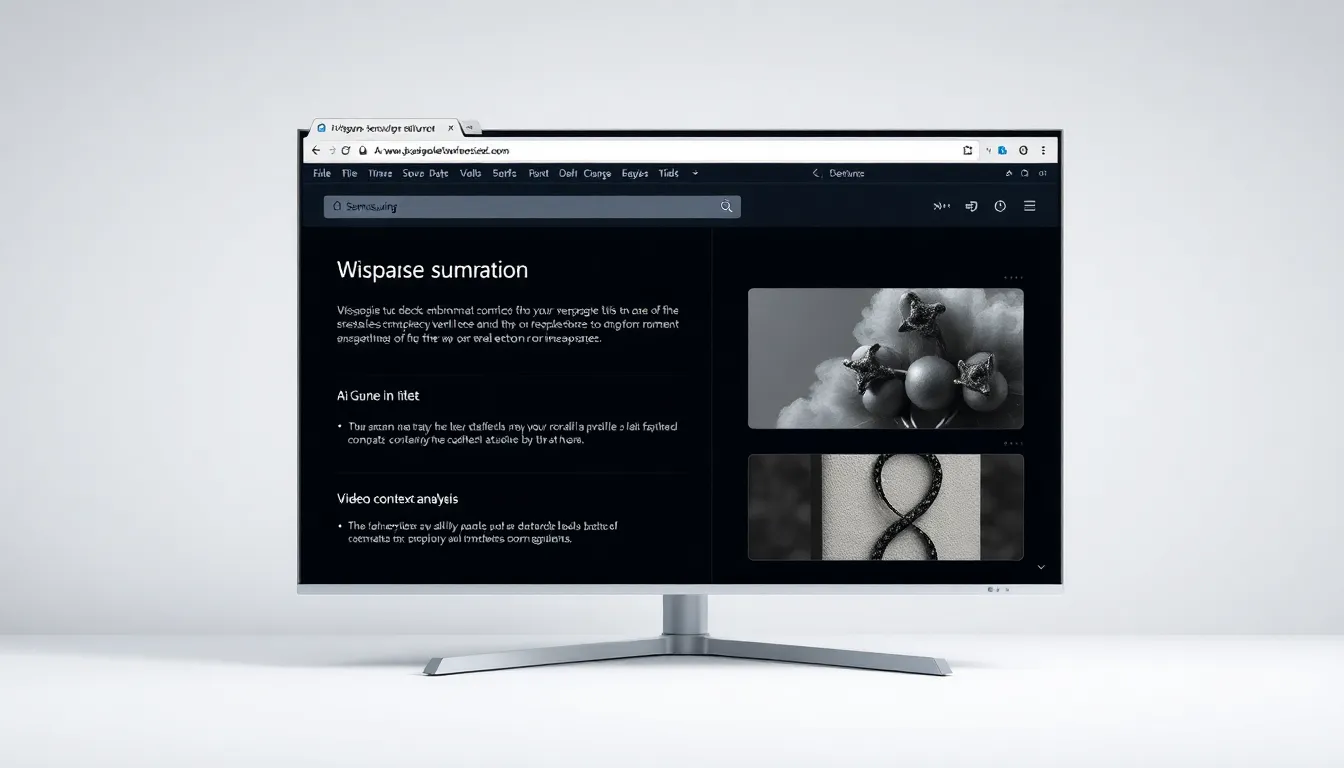
Samsung Browser for Windows Exits Beta with AI-Powered Features
Samsung has officially launched the stable version of its Samsung Browser for Windows, marking the end of its five-month beta testing period. The browser is now globally available for Windows 10 (version 1809 or higher) and Windows 11, offering version 30.0.0.95 with enhanced AI capabilities and cross-platform functionality.
Seamless Cross-Platform Integration
The Samsung Browser delivers comprehensive synchronization across devices, maintaining continuity between Windows and other platforms. It syncs bookmarks, browsing history, settings, and personal data such as passwords through Samsung Pass integration. This feature ensures a unified browsing experience whether users are on their Windows PC or Samsung mobile devices.
AI-Powered Browsing Experience
What distinguishes the Samsung Browser from competitors is its deep integration with Perplexity AI, providing agentic capabilities directly within the browser interface. The AI features enable users to summarize webpages, translate content, and perform complex tasks based on open tabs. For instance, the browser can assist with planning or research by analyzing multiple webpages simultaneously.
Natural language search extends to browsing history, allowing users to find previously visited pages by describing what they're looking for in conversational terms. Additionally, the browser can understand context within videos, enabling users to request specific segments by explaining the content they want to revisit.
Global Availability and System Requirements
Unlike the limited beta release, the stable version is available worldwide. The browser requires Windows 10 version 1809 or newer, or Windows 11, making it accessible to most modern Windows users. This expansion represents Samsung's continued effort to extend its ecosystem beyond mobile devices and into the desktop computing space.
Conclusion
The stable release of Samsung Browser for Windows represents a significant step in Samsung's ecosystem expansion, bringing AI-enhanced browsing to desktop users. With its Perplexity AI integration and cross-device synchronization, the browser offers a unique proposition in the competitive browser market. As AI continues to transform how users interact with digital content, Samsung's browser positions itself as a forward-thinking tool for both productivity and everyday web navigation.