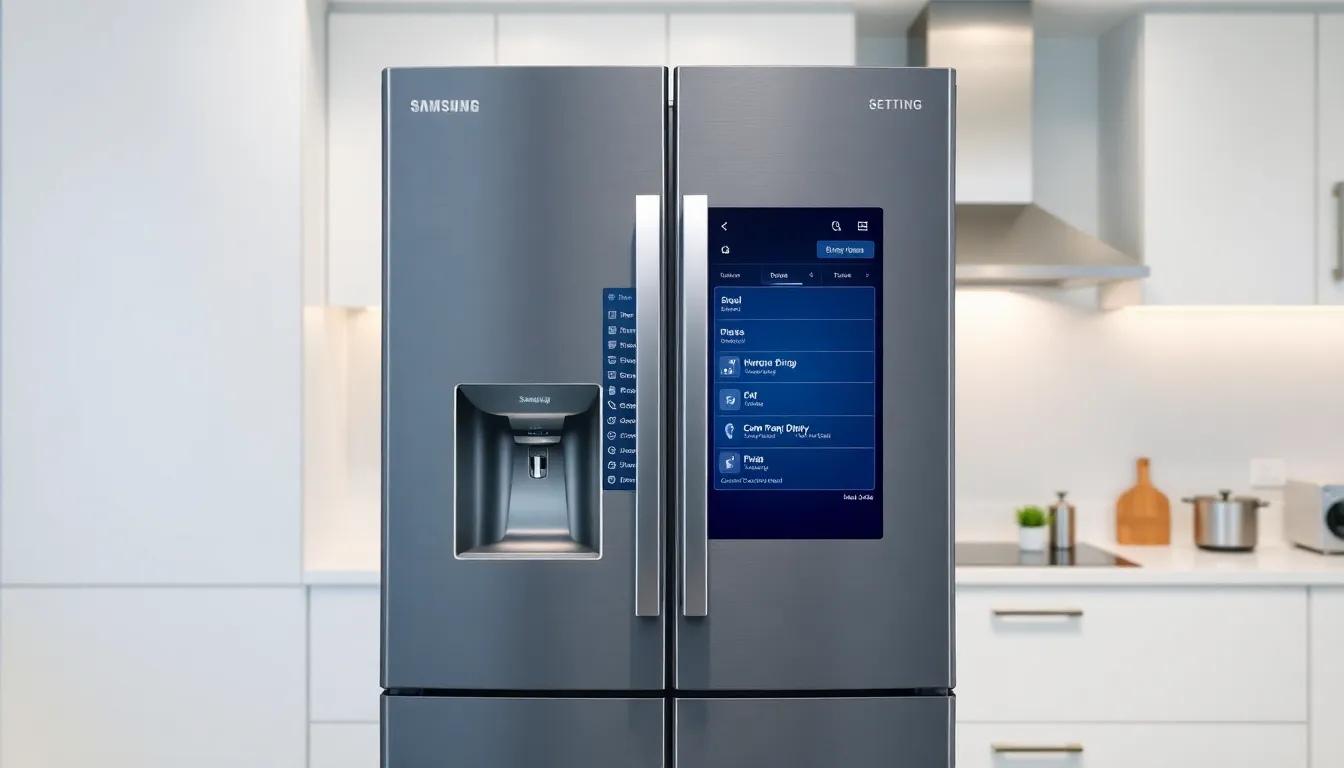
Samsung Adds Option to Disable Ads on Smart Refrigerators
Samsung has introduced a welcome change for owners of its premium smart refrigerators, providing users with the ability to turn off advertisements that previously appeared on the appliance's display screens. This move comes after customer feedback regarding unwanted promotional content on high-end kitchen appliances.
Addressing Customer Concerns
The controversy began when Samsung started displaying advertisements on refrigerator screens through software updates. These ads appeared on the cover screen when users employed Weather, Color, and Daily Board themes. Given that Samsung's smart refrigerators represent premium appliances with price points often reaching several thousand dollars, many consumers expressed frustration at encountering advertisements on products they had already purchased at significant cost.
The inclusion of advertising on such expensive household appliances sparked considerable discussion among smart home enthusiasts and technology consumers. Many questioned the appropriateness of serving ads on devices that customers had already paid substantial amounts to acquire, particularly when the advertising appeared without clear opt-out options initially.
How to Disable Refrigerator Ads
The process for turning off advertisements on Samsung smart refrigerators is straightforward. Users need to navigate to the Settings menu on their refrigerator's display interface. By scrolling to the bottom of the settings options, they will find an "Advertisements" toggle switch. Simply turning this setting to the off position will remove promotional content from the refrigerator's display.
This functionality became available through a recent software update distributed to compatible refrigerator models. The update represents Samsung's response to user feedback and demonstrates the company's willingness to provide consumers with greater control over their smart appliance experience.
The Broader Smart Appliance Context
The situation highlights ongoing conversations about advertising in connected home environments. As household appliances become increasingly sophisticated with integrated displays and internet connectivity, manufacturers face decisions about how to monetize these platforms beyond the initial purchase price. While some companies explore subscription models or advertising revenue, consumer acceptance of these approaches varies significantly.
Samsung's decision to provide an opt-out option for refrigerator advertisements suggests the company recognizes the importance of user choice in the smart home ecosystem. This approach balances potential revenue opportunities with respect for customer preferences regarding their home environment.
Conclusion
Samsung's implementation of an advertisement toggle for its smart refrigerators represents a positive step toward consumer-friendly smart appliance design. By giving users control over their viewing experience, the company addresses concerns about intrusive advertising while maintaining the advanced functionality that makes these appliances appealing. As smart home technology continues to evolve, this type of user-centric approach will likely become increasingly important for manufacturers seeking to build trust and long-term customer relationships in the connected home market.