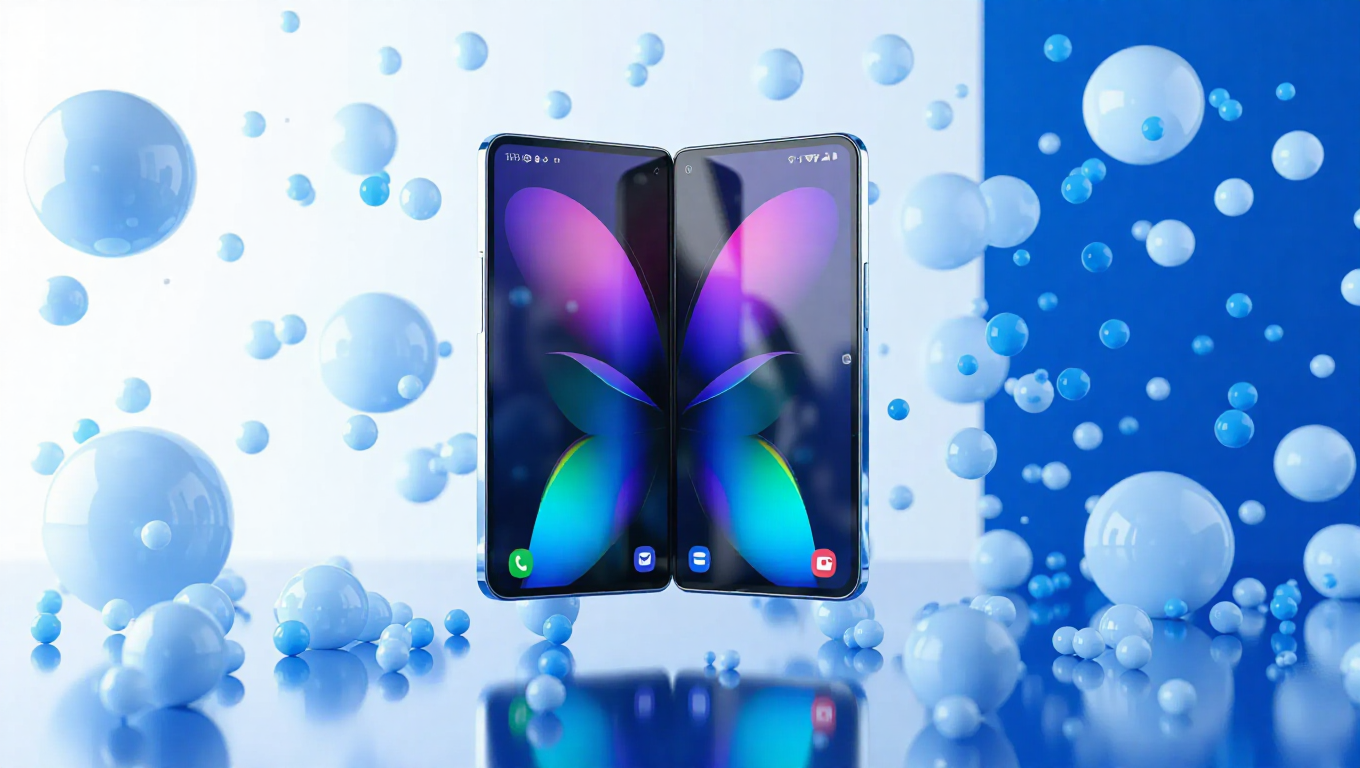
One UI 8.5's Foldable Shortcomings: A Critical Look
Samsung's One UI 8.5 has generated considerable anticipation with its promise of enhanced customization and refined user experience. As the next major software iteration, it brings interface improvements that many Galaxy users have eagerly awaited. However, early impressions on foldable devices reveal a software experience that doesn't fully leverage the unique form factor, leaving room for significant improvement before its public release.
Interface Navigation Frustrations
One of the most touted features of One UI 8.5 is its revamped Quick Panel customization. Users can rearrange elements, adjust toggle sizes, and personalize their notification shade to an unprecedented degree. While this flexibility works well on traditional smartphones, its implementation on foldables introduces unexpected navigation hurdles.
On Galaxy Z series devices, the swipe gestures that typically allow seamless transition between notifications and Quick Panel toggles appear to be broken. Swiping down from the left side of the screen reveals notifications but prevents users from swiping across to access the Quick Panel. Conversely, initiating the gesture from the right side brings down the Quick Panel but blocks access to notifications through swiping. This creates an unnecessarily fragmented experience that contradicts the fluid interaction users expect from premium foldable devices.
Camera Feature Compromises
Beyond interface navigation issues, One UI 8.5 on foldables makes noticeable compromises in the camera department. Two popular features—Single Take and dual recording—have been removed from the main camera application interface. These capabilities, which allowed users to capture multiple photos and videos simultaneously or record from multiple cameras, have been relocated to the Camera Assistant module.
While this approach mirrors what's been implemented on the Galaxy S25 series, it represents a step backward for foldable users who previously enjoyed direct access to these features. The relocation adds an extra layer of complexity to what should be intuitive photography experiences, particularly frustrating for users who frequently utilize these creative tools.
Room for Improvement Before Release
The current state of One UI 8.5 on foldable devices highlights a disconnect between software development and hardware optimization. While the update brings genuine improvements in customization and general functionality, its execution on devices with unique form factors suggests that more attention needs to be paid to how these interfaces translate to folding screens.
With the public release expected in the coming months, there remains opportunity for Samsung to address these concerns. The navigation inconsistencies and feature relocations detract from what should be a seamless experience on premium devices that command significant investment from consumers.
Conclusion
One UI 8.5 represents both progress and missed opportunities for Samsung's foldable lineup. The software delivers on its promise of enhanced customization but falters in execution on devices that require specialized interface considerations. The navigation quirks and camera feature compromises create friction points that undermine the otherwise polished experience.
As Samsung continues to refine its software before widespread deployment, addressing these foldable-specific issues should be a priority. The company has demonstrated capability in creating excellent software experiences, but One UI 8.5's current state on foldables suggests that more work is needed to fully realize the potential of these innovative devices. The success of Samsung's foldable ecosystem depends not just on hardware innovation but on software that feels native to the form factor rather than adapted to it.