One UI 8.5 Enhances Galaxy Z Flip 7 Privacy with Cover Display Call Feature
Samsung's foldable Galaxy Z Flip series has consistently pushed the boundaries of what's possible with a compact form factor, particularly through its innovative cover display functionality. The upcoming Galaxy Z Flip 7 continues this tradition with a cover screen that occupies nearly the entire front panel when the device is closed. This expansive real estate allows users to perform numerous tasks—from accessing widgets and running full applications to capturing high-quality selfies with the rear cameras—all without ever unfolding the phone. One of the most convenient features has been the ability to handle phone calls directly from the cover display. However, this convenience came with a notable drawback: the lack of an earpiece on that side meant calls defaulted to speakerphone, potentially compromising privacy in quiet or public settings.
A Practical Solution for Call Privacy
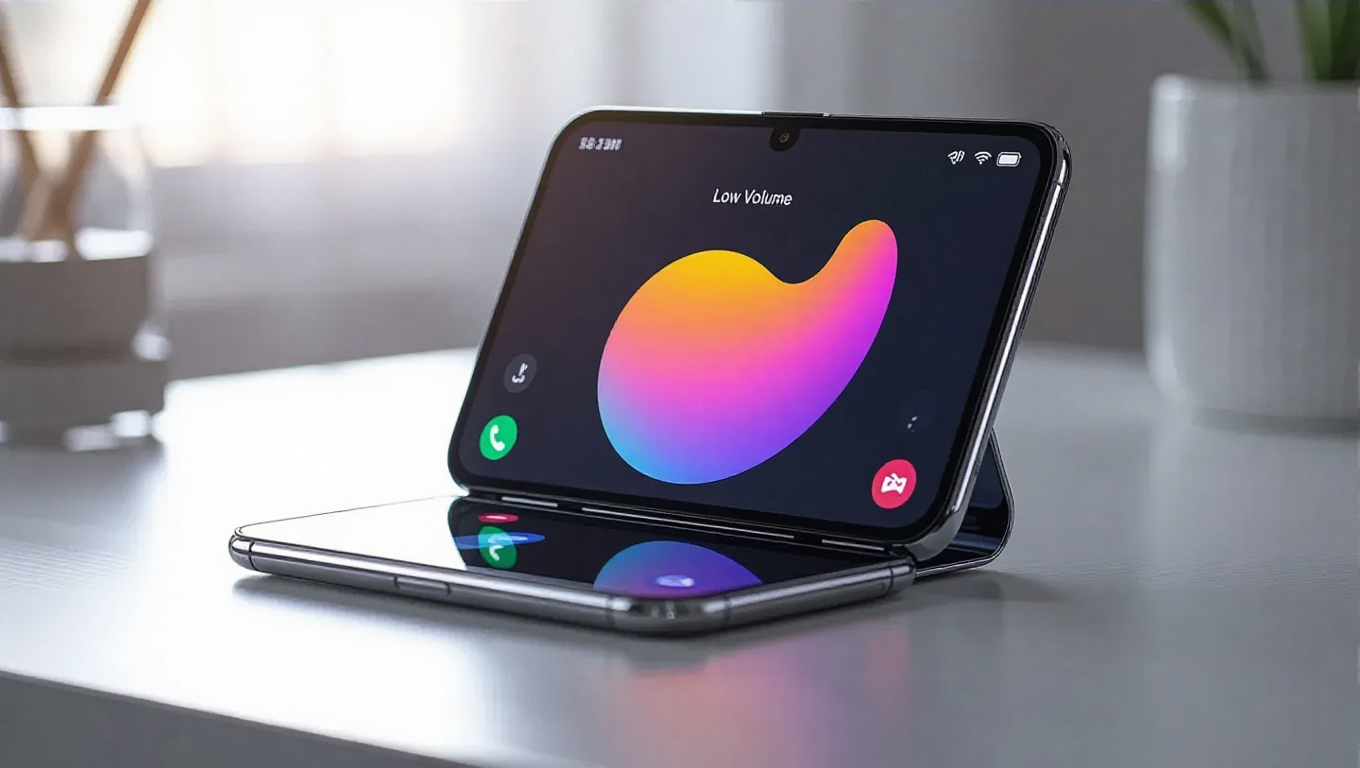
With the imminent One UI 8.5 update, Samsung is introducing a straightforward yet effective solution to this privacy concern. Early builds of the software reveal a new Low Volume button integrated directly into the call screen when using the Galaxy Z Flip 7's cover display. This dedicated button serves as an instant shortcut, allowing users to quickly lower the call volume to its minimum setting with a single tap—functionality that previously required adjusting the physical volume buttons. Tapping the button again restores the audio to its previous level, providing seamless control over call audibility.
The feature is designed for practicality rather than complexity. It doesn't create a new audio mode but instead optimizes the existing volume controls for scenarios where discretion is paramount. For instance, if a user answers a call in a library, office, or crowded cafe and realizes the conversation is too loud, the Low Volume button offers an immediate fix without the need to unfold the device or navigate through menus. Reports indicate the phone retains this low-volume preference, meaning users won't need to reactivate it for subsequent calls on the cover display, enhancing the overall user experience.
Implications for the Flip Ecosystem
While this feature has been confirmed for the Galaxy Z Flip 7 through early testing, its availability on older Flip models remains uncertain. There don't appear to be technical barriers preventing its rollout to previous devices, but Samsung has not made any official announcements regarding broader compatibility. The One UI 8.5 beta program for the Galaxy Z Flip 7 is expected to launch in the coming weeks, though the exact timeline is still unconfirmed.
This addition underscores Samsung's ongoing commitment to refining the foldable experience based on real-world usage patterns. By addressing a specific pain point—privacy during cover display calls—the company demonstrates how software updates can meaningfully enhance hardware capabilities. It also highlights the evolving role of cover displays, which are transitioning from simple notification panels to fully functional interfaces that support core smartphone activities.
Conclusion
The introduction of the Low Volume button in One UI 8.5 represents a thoughtful enhancement to the Galaxy Z Flip 7's utility. It solves a genuine user concern without adding unnecessary complexity, aligning with Samsung's broader strategy of making foldable devices more practical for everyday use. As cover displays become increasingly central to the foldable experience, such software-driven improvements will likely play a crucial role in shaping user satisfaction and adoption. For Galaxy Z Flip 7 owners, this update promises to make an already versatile device even more adaptable to diverse environments, reinforcing the value of Samsung's iterative software development.