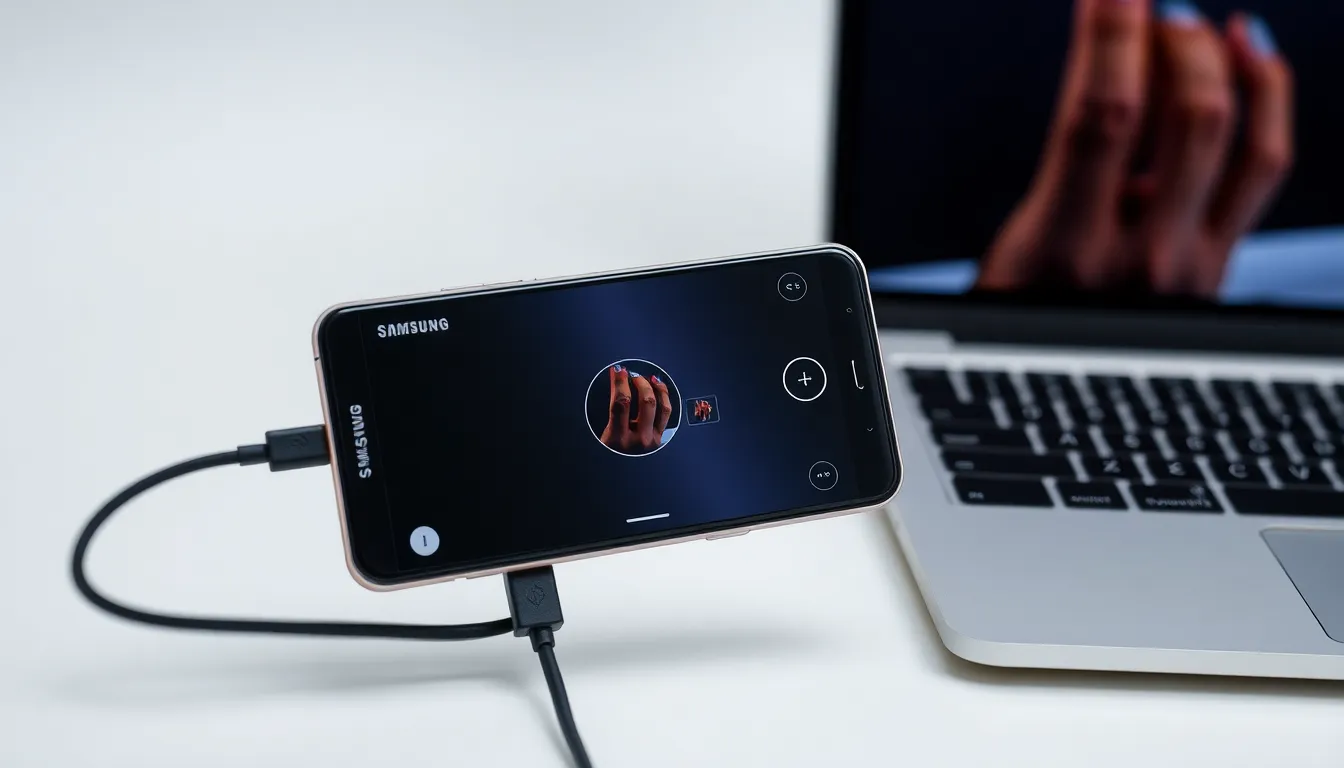
One UI 8.5 Enables Galaxy Phones as High-Quality Computer Webcams
Samsung's latest One UI 8.5 update brings a practical feature that transforms Galaxy smartphones into versatile webcams for desktop and laptop computers. While not officially highlighted during recent announcements, this functionality provides users with a high-quality camera alternative for video calls, streaming, and recording.
Cross-Platform Webcam Functionality
The feature works through a wired USB connection between Galaxy devices and computers, supporting both Windows and macOS operating systems. Users can select between front or rear cameras, with the rear offering ultrawide (0.6x), primary (1x), and telephoto (2x) options depending on device capabilities. The front camera provides 1x and 2x zoom levels for flexible framing.
An HD mode enhances visual quality at the cost of increased battery consumption, making it suitable for important meetings or content creation where image clarity matters most. The system can automatically switch between lenses based on subject distance to maintain optimal focus.
Resolution and Platform Differences
Windows users benefit from higher resolution options, with support for Full HD (1080p) still images and video at 30 or 60 frames per second. macOS currently supports HD (720p) resolution for both photos and video at 30fps. These differences reflect platform-level implementation rather than hardware limitations of Galaxy devices.
The feature represents an evolution from previous implementations that required specific apps like Windows Phone Link and only worked with Microsoft's operating system. The new wired approach provides more reliable connectivity and broader compatibility.
Practical Applications and Limitations
This functionality proves particularly valuable for users who lack dedicated webcams or seek better image quality than built-in laptop cameras provide. Content creators, remote workers, and students can leverage Galaxy phones' superior camera hardware for professional-looking video output.
One current limitation is the lack of microphone support through the phone's audio system. Users must rely on their computer's microphone or external audio equipment for sound during video calls and recordings. This separation of audio and video sources may require additional setup for optimal results.
Conclusion
Samsung's integration of webcam functionality into One UI 8.5 demonstrates the company's focus on ecosystem connectivity and practical feature development. By repurposing existing hardware—the high-quality cameras already present in Galaxy devices—Samsung provides users with enhanced flexibility for their computing needs. As remote work and digital communication continue to evolve, such cross-device functionality becomes increasingly valuable, potentially setting a standard for how smartphones can complement traditional computing setups.