Mobile Hotspot Explained: How to Use Your Phone as a Portable Wi-Fi Router
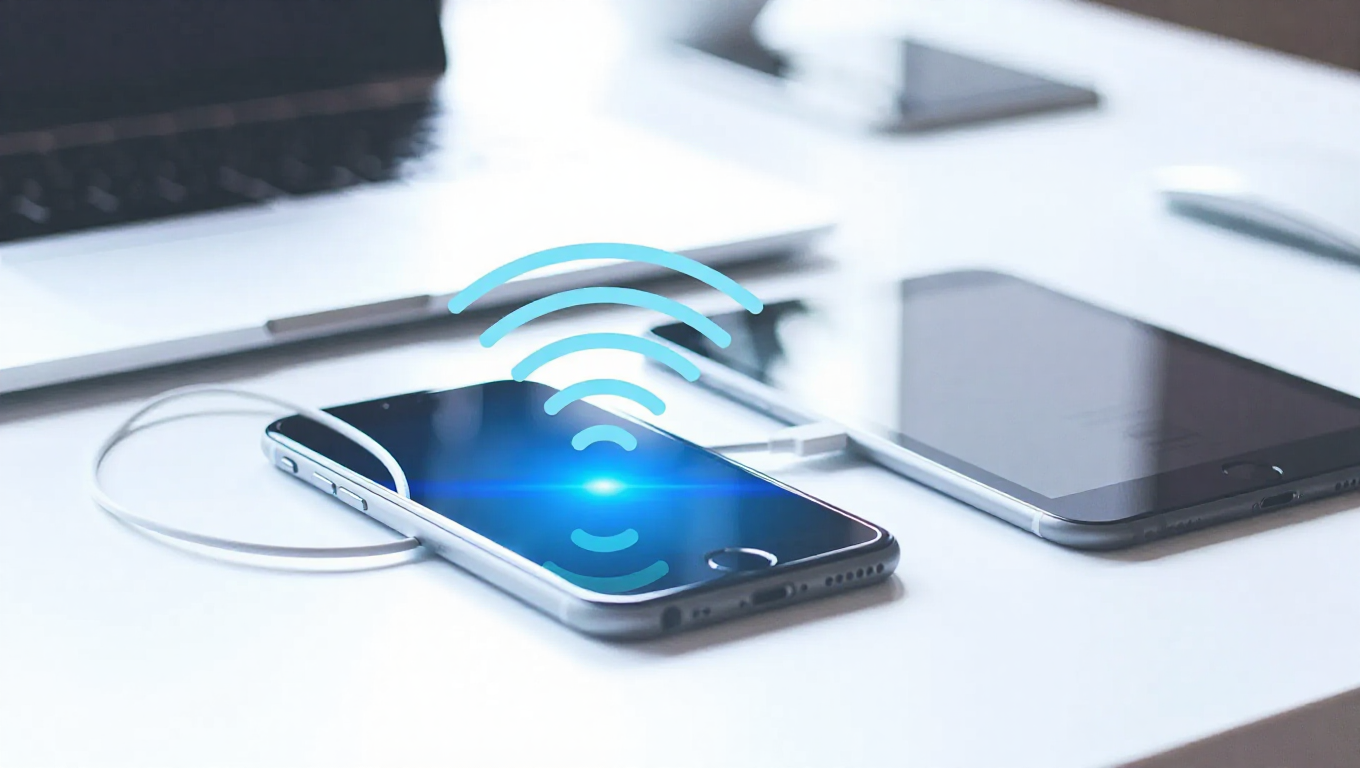
A mobile hotspot transforms your smartphone into a portable Wi‑Fi router, sharing your cellular data connection with other devices. This feature, also called tethering, creates internet access anywhere you have a mobile signal, making it invaluable when traditional Wi‑Fi isn't available. Understanding how to set up and manage your hotspot ensures reliable connectivity on the go.
What Is a Mobile Hotspot and How Does It Work?
A mobile hotspot uses your phone's cellular data connection to create a wireless network that other devices can join. Your smartphone acts as a bridge between the mobile network and connected devices, converting cellular signals into Wi‑Fi signals. The technology works through your phone's built‑in Wi‑Fi chip, which broadcasts a customizable network name and password. When devices connect, their internet traffic routes through your phone's data plan, with carriers typically treating this usage the same as regular smartphone browsing, though some plans have specific allowances or restrictions.
Most modern smartphones support hotspot functionality with compatibility for 4G and 5G networks. Connection speeds depend on carrier network quality and signal strength, and while phones continue normal operation during sharing, increased battery drain occurs due to additional processing requirements.
How to Set Up and Turn On a Mobile Hotspot
Setting up a mobile hotspot takes just a few taps in your phone's settings menu. The process differs slightly between operating systems:
- For Android devices: Go to Settings > Connections > Mobile Hotspot and Tethering, then tap Mobile Hotspot to enable the feature.
- For iPhones: Navigate to Settings > Personal Hotspot and toggle the feature on.
Before activating, customize the network name and password for security. Choose a memorable network name and create a strong password with at least eight characters, including numbers and symbols, to prevent unauthorized access. Once configured, your hotspot appears in nearby devices' Wi‑Fi settings like any other wireless network, with most phones displaying connected device counts and data usage for easy monitoring.
What Devices Can Connect to a Mobile Hotspot?
Any Wi‑Fi‑enabled device can connect to a mobile hotspot, including tablets, gaming consoles, streaming devices, other smartphones, and smart home gadgets. Most phones support 5–10 simultaneous connections, though the exact number depends on device model and carrier restrictions. Each connected device shares available bandwidth, so performance decreases as more connections are added. For example, a laptop streaming video while a tablet downloads files creates noticeable slowdowns compared to single-device use.
Some carriers limit hotspot connections or throttle speeds after certain usage thresholds. Checking mobile plan details helps understand any restrictions on connected devices or data speeds.
How Much Data Does a Mobile Hotspot Consume?
Mobile hotspot data consumption varies based on connected device activities:
- Light Usage: Web browsing (1–3 MB per minute), email checking (10–50 KB per email), social media scrolling (2–5 MB per minute).
- Moderate Usage: Music streaming (1–2 MB per song), video calls (150–1100 MB per hour), standard definition video (1 GB per hour).
- Heavy Usage: High definition video streaming (3–7 GB per hour), 4K video streaming (up to 25 GB per hour), online gaming (50–300 MB per hour).
Monitoring usage through your phone's built‑in data tracking or carrier app is recommended. Setting data alerts helps avoid overage charges, and unlimited plans may be beneficial for frequent hotspot users. Background app updates, cloud syncing, and automatic downloads on connected devices continue consuming data even when not actively used.
Why Is My Mobile Hotspot Slow or Not Working?
Several factors can cause slow hotspot performance or connection issues:
- Signal and Network Issues: Weak cellular signal strength, network congestion during peak hours, distance from cell towers, or physical obstructions blocking signal.
- Device and Usage Factors: Too many connected devices sharing bandwidth, phone overheating from extended use, outdated software, or background apps consuming processing power.
- Carrier Restrictions: Data plan throttling after reaching limits, hotspot speed caps, or network management during congestion.
To improve performance, check signal strength and move to areas with better coverage, reduce connected device counts, restart your phone, update the operating system, or reset network settings if issues persist.
Conclusion
A mobile hotspot is a powerful connectivity tool that leverages your smartphone's cellular data to provide internet access to other devices. Proper setup, security customization, and awareness of data usage patterns ensure efficient operation. While performance depends on factors like signal strength and carrier plans, troubleshooting common issues can maintain reliability. This feature offers flexibility for staying connected in various scenarios, from remote work to travel, making it an essential function in modern smartphones.