How Your Android Phone Can Serve as a Travel Router to Bypass Hotel Wi-Fi Limits
Travelers often face frustrating internet restrictions when staying at hotels, boarding cruises, or flying with airlines. These services typically provide free Wi-Fi for the first one or two devices but charge additional fees for connecting more gadgets. For solo travelers with multiple personal devices or families sharing a connection, these per-device limits can quickly become costly and inconvenient.
Transforming Your Android Device into a Travel Router
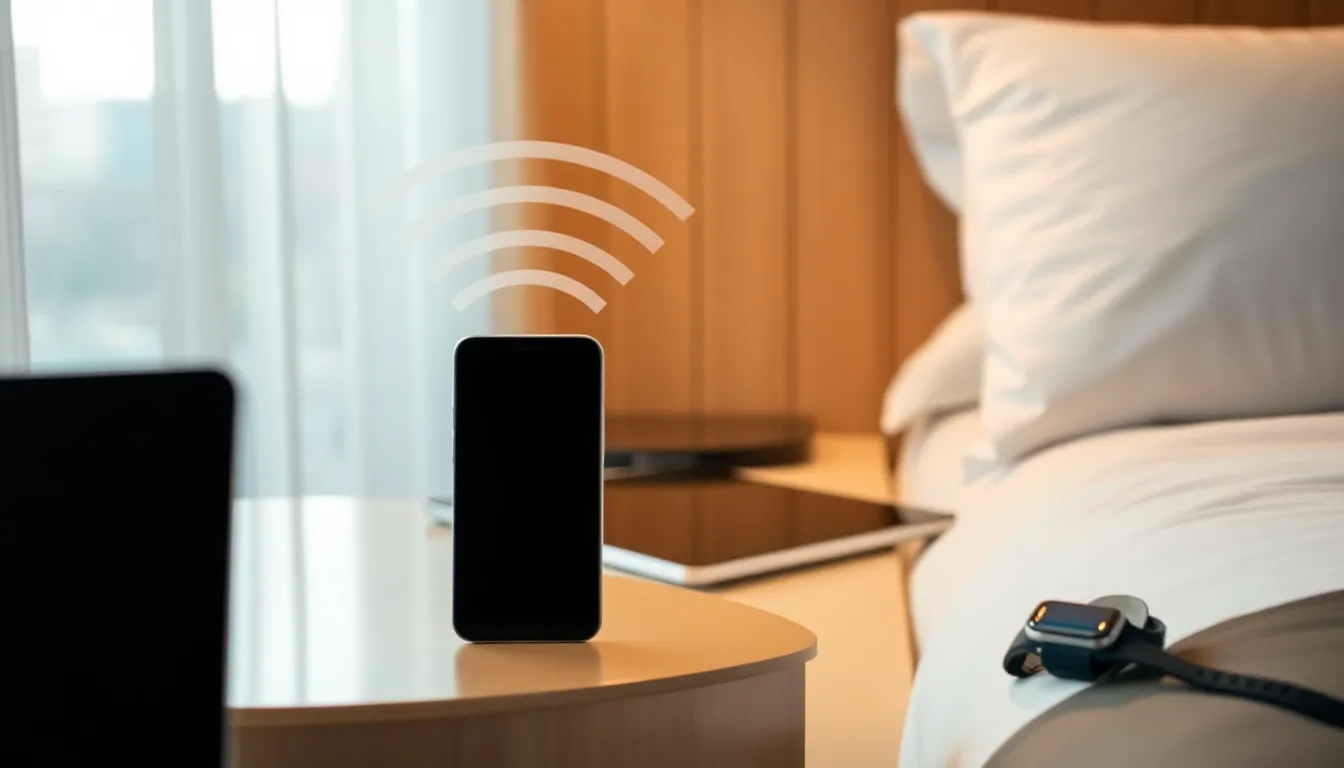
Many modern Android smartphones include built-in functionality that allows them to share internet connections with other devices. By enabling the mobile hotspot feature, users can connect their phone to a hotel's Wi-Fi network and then broadcast that connection to laptops, tablets, additional phones, and other Wi-Fi enabled devices. This effectively turns the Android device into a travel router without requiring any additional hardware.
The process typically involves accessing the phone's settings, locating the hotspot or tethering options, and configuring the shared network with a secure password. Once activated, other devices can connect to the phone's Wi-Fi network just as they would to any standard router, allowing multiple gadgets to access the internet through the single hotel connection that the phone maintains.
Benefits Beyond Cost Savings
While bypassing per-device fees represents the most immediate financial benefit, using an Android phone as a travel router offers additional advantages. The setup provides greater control over network security since users can implement strong passwords rather than relying on potentially vulnerable public networks. It also creates consistency across devices, as all connected gadgets share the same network environment.
For travelers concerned about data privacy on public networks, this approach allows them to implement additional security measures on their primary device that then protect all connected gadgets. The convenience of managing a single connection point rather than multiple individual logins simplifies the travel experience, particularly when moving between locations or dealing with connection timeouts common in hospitality settings.
Considerations and Limitations
While this approach works well in many situations, travelers should be aware of potential limitations. Some hotels implement more sophisticated network restrictions that may detect and block tethering activities. Battery consumption increases significantly when a phone serves as a hotspot, so keeping the device plugged into power is advisable for extended use.
Network performance may also be affected, as the phone must manage both receiving and transmitting data. For basic browsing and communication needs, this typically works adequately, but bandwidth-intensive activities like streaming high-definition video on multiple devices simultaneously may experience reduced performance compared to direct connections.
Conclusion
Using an Android smartphone as a travel router represents a practical solution to common connectivity challenges faced by modern travelers. By leveraging built-in tethering capabilities, users can avoid per-device fees, maintain better security control, and simplify their internet access while away from home. As connectivity becomes increasingly essential for both work and leisure travel, this approach offers a cost-effective alternative to purchasing dedicated travel router hardware while maximizing the utility of devices already carried on every trip.