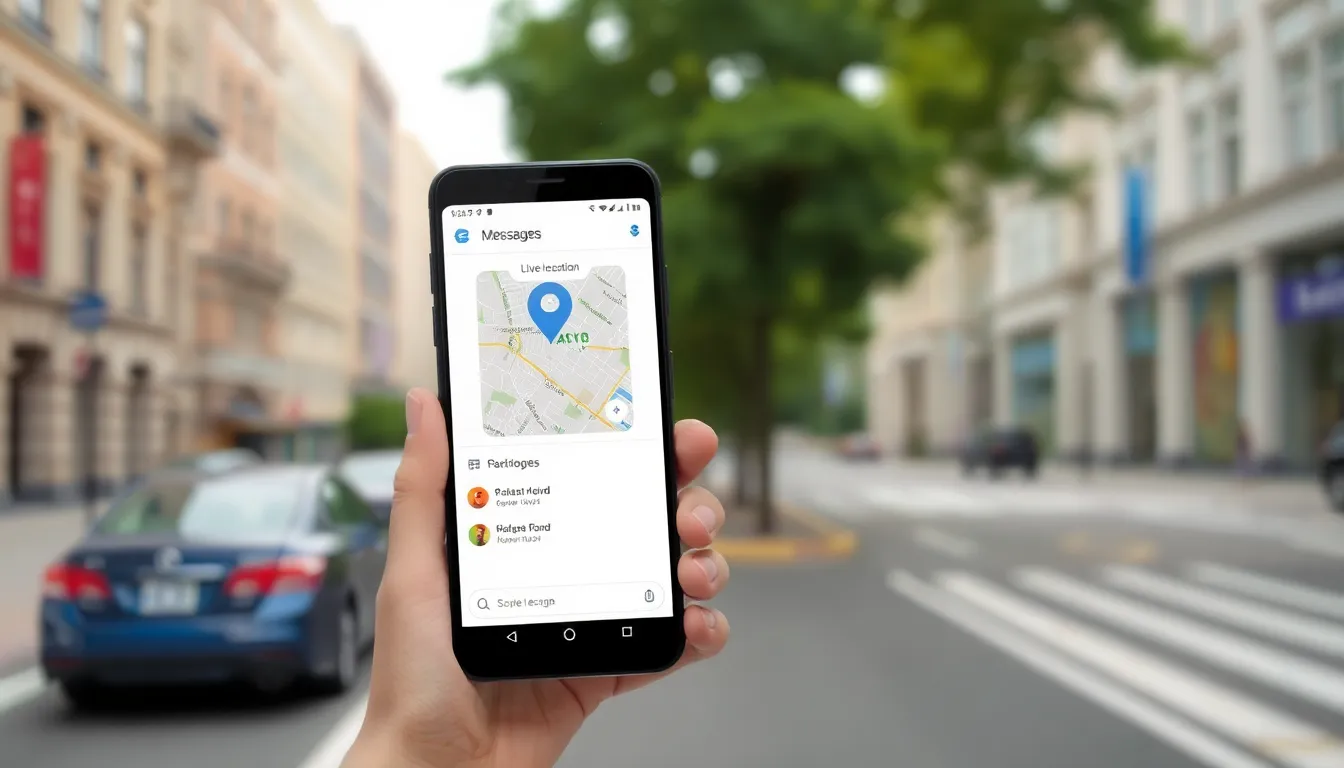
How to Use Real-Time Location Sharing in Google Messages on Android
Real-time location sharing has become an essential tool in modern messaging, offering both convenience and safety. For a significant period, this functionality was notably absent from Google's default messaging application. However, a recent update has integrated this long-awaited feature directly into Google Messages, bringing it in line with other popular communication platforms.
Activating and Using the Feature
The rollout of live location sharing within Google Messages began in late March. To utilize this feature, users must first ensure their Google Messages app is updated to the latest version. Once updated, the process is straightforward. Within an existing chat thread, users can tap the attachment icon (often represented by a plus sign or paperclip). Among the options presented, such as photos or files, a new location-sharing icon should now be visible.
Selecting this option opens a menu to share either a static pin of a specific address or, more importantly, the new "Share live location" function. Tapping this initiates the real-time sharing session. Users are prompted to set a duration for how long their location will be shared, with options typically ranging from 15 minutes to several hours. After confirming the time limit, the live location is sent as a special message within the chat. The recipient can then tap on this message to open a map view that updates in real-time, showing the sender's precise movements.
Practical Applications and Benefits
This feature addresses numerous everyday scenarios. For social coordination, it simplifies meeting friends at a crowded event or finding each other in an unfamiliar area. From a safety perspective, it provides peace of mind for individuals engaging in activities like solo running, hiking, or late-night travel, allowing trusted contacts to monitor their journey. It also serves practical purposes, such as letting family know when you're on your way home or helping a partner navigate to your exact spot in a large parking lot. The integration within the default messaging app means no need to switch between applications, streamlining the process for the vast number of Android users who rely on Google Messages.
Conclusion
The addition of real-time location sharing marks a significant enhancement for Google Messages, filling a notable gap in its feature set. Its implementation is user-friendly, requiring just a few taps to activate a session with a customizable duration. This tool empowers users with greater connectivity and security directly from their primary messaging interface. As the feature continues its rollout, it is poised to become a valuable asset for Android users looking to share their whereabouts quickly and efficiently.