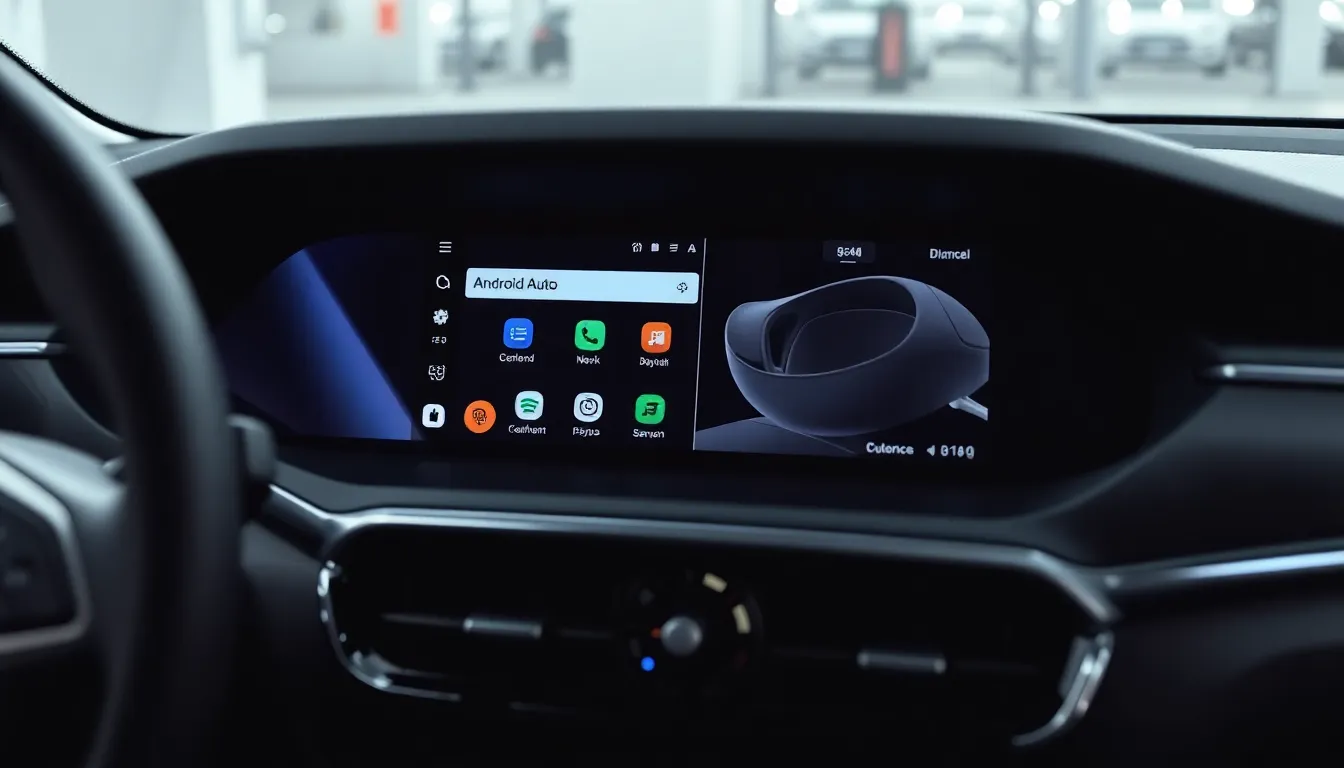
How to Use a Web Browser in Android Auto While Parked
Android Auto has evolved beyond just navigation and media playback. A recent development allows users to access web browsers directly on their car's display, but with an important safety restriction: this feature only works when the vehicle is parked. This opens up new possibilities for productivity and entertainment during those inevitable waiting moments.
Practical Applications for Parked Browsing
The primary use case for this feature becomes clear in common scenarios where drivers find themselves waiting. Whether at an electric vehicle charging station, waiting in a school pickup line, or during a lunch break in a parking lot, that large car display can now serve as a more comfortable browsing surface than a small phone screen. The feature transforms idle time into productive moments without compromising safety.
Safety First: The Parked-Only Restriction
This functionality is intentionally limited to parked situations to maintain driver safety. The system detects when the vehicle is stationary and only then enables web browsing capabilities. This thoughtful implementation ensures that drivers won't be tempted to browse while driving, addressing potential distraction concerns while still providing utility during appropriate times.
Enhanced Display Experience
Modern vehicles equipped with Android Auto often feature displays around 12 inches with high resolution, providing a significantly better browsing experience than most smartphone screens. This larger canvas makes reading articles, checking emails, or browsing websites more comfortable and efficient during those parked moments.
Implementation and Availability
The web browsing capability integrates seamlessly with the existing Android Auto interface. Users can access their preferred browser through the familiar Android Auto menu system when their vehicle is detected as parked. The feature works with popular browsers that support Android Auto compatibility, though availability may vary depending on specific vehicle models and Android Auto versions.
Conclusion
The addition of web browsing to Android Auto's capabilities represents a thoughtful expansion of the platform's utility. By restricting this feature to parked situations only, developers have balanced innovation with safety considerations. This enhancement turns the car's display into a more versatile tool during waiting periods, making those inevitable pauses in daily routines more productive and enjoyable without compromising road safety.