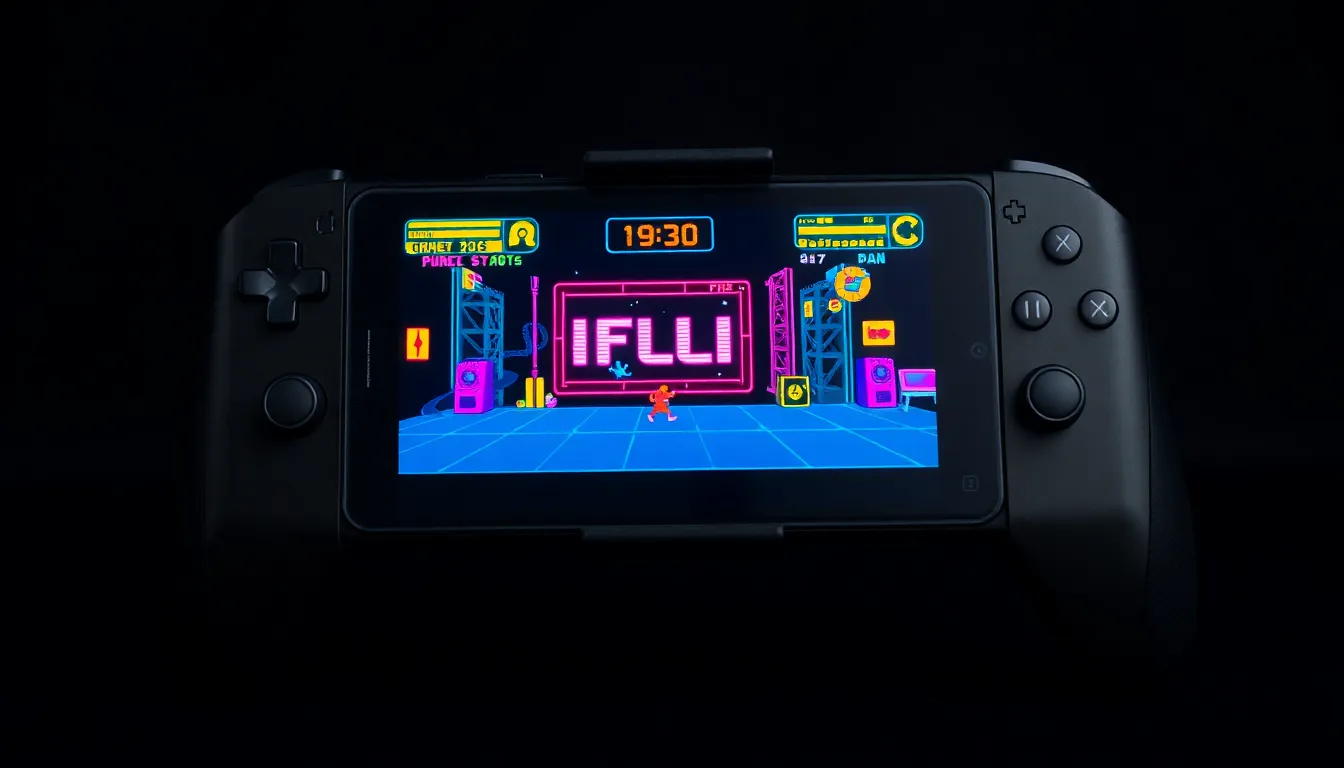
How to Transform an Old Pixel 7 Pro into a Portable Emulation Handheld
In the ever-evolving world of technology, smartphones quickly become outdated, often relegated to drawers as backups or forgotten entirely. However, one creative approach is giving these devices a second life by converting them into dedicated gaming machines. This article explores how an aging Pixel 7 Pro can be repurposed into a functional portable emulation handheld, offering a surprising and enjoyable retro gaming experience.
The Emulation Potential of Older Hardware
While the Pixel 7 Pro may not compete with current flagship smartphones in raw power, it possesses more than enough capability for emulation tasks. Emulating older gaming consoles, particularly 16-bit systems, does not demand the extreme processing power required by modern AAA titles. The device's hardware is well-suited for running classic games from consoles like the Super Nintendo Entertainment System (SNES), Sega Genesis, and even earlier platforms. For more demanding 3D consoles, performance can often be maintained by running games at 720p resolution, which remains perfectly acceptable on a smartphone's compact display. This makes the Pixel 7 Pro a viable candidate for a dedicated emulation device.
Benefits of a Dedicated Gaming Device
Converting an old smartphone into a handheld emulator offers several advantages. Firstly, it provides a distraction-free gaming experience by separating gaming from daily smartphone use, which can help maintain productivity on a primary device. Secondly, it extends the lifespan of electronic hardware, contributing to more sustainable consumption. The Pixel 7 Pro's high-quality OLED display, capable speakers, and ergonomic design enhance the retro gaming experience, making it feel premium despite the device's age. Additionally, the process is relatively straightforward, involving the installation of emulator apps and game ROMs, along with optional accessories like controller grips for improved comfort.
Practical Considerations and Performance
In practice, the Pixel 7 Pro handles a wide range of retro consoles effectively. Reports indicate smooth performance for 2D games from systems like the Game Boy Advance and PlayStation Portable (PSP). For more resource-intensive 3D consoles, such as the Nintendo GameCube, performance can vary but often remains playable with adjusted settings. The device's battery life, while reduced from its original capacity, is sufficient for several hours of gameplay, especially when optimized for emulation. Storage is another consideration; with expandable options or cloud management, users can build extensive libraries of classic games without issue.
Conclusion
Repurposing an old Pixel 7 Pro into a portable emulation handheld is not only feasible but also a rewarding project for retro gaming enthusiasts. It demonstrates that older technology can find new purpose beyond its initial lifecycle, offering an affordable and high-quality alternative to dedicated gaming devices. By leveraging the Pixel 7 Pro's capable hardware, users can enjoy a vast library of classic games on a compact, portable platform. This approach highlights the potential for sustainability in tech, encouraging creativity in reusing devices rather than discarding them. Whether for nostalgia or discovery, this transformation turns an aging smartphone into a gateway to gaming history.