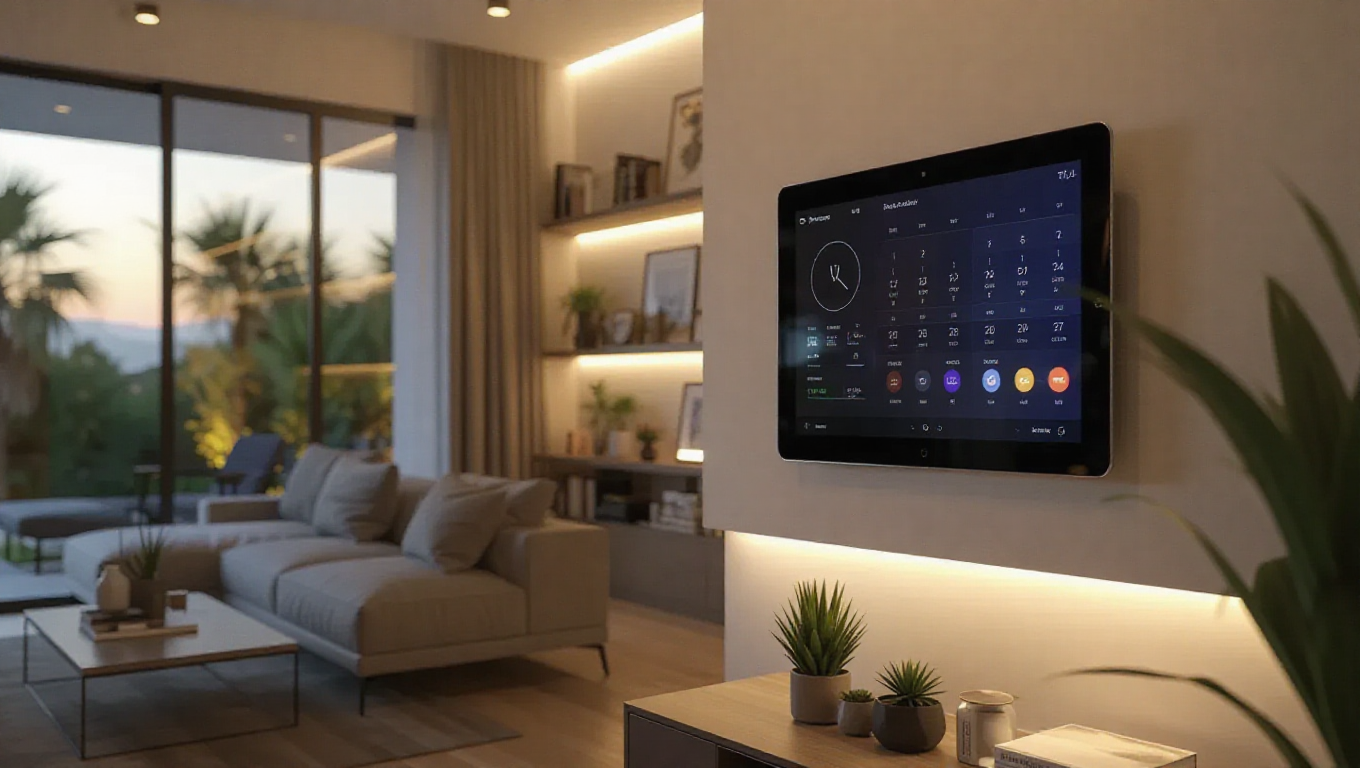
How to Transform an Old Android Tablet into a Smart Display
Many households have old Android tablets gathering dust, devices that were once cutting-edge but now sit forgotten. These tablets, with their decent screens and connectivity, represent untapped potential. Instead of letting them languish, they can be repurposed into versatile smart displays, offering a cost-effective and customizable solution for home automation, media control, and information hubs.
Unlocking the Potential of Forgotten Devices
Old Android tablets often have capable hardware that remains functional long after their primary use fades. Their screens are ideal for displaying information, and their Wi-Fi connectivity allows them to integrate seamlessly into smart home ecosystems. The key to transformation lies in software customization. By installing specialized launchers and automation apps, these devices can be turned into dedicated control panels. This approach not only reduces electronic waste but also provides a tailored experience that commercial smart displays might not offer.
Essential Software and Setup Steps
To begin, users should install a launcher designed for kiosk or display mode, which locks the tablet into a single app or interface. This prevents accidental exits and ensures the device functions solely as a display. Next, integrating smart home platforms like Google Home, Amazon Alexa, or open-source alternatives allows control over lights, thermostats, and security systems. Adding weather widgets, calendar feeds, and news tickers can turn the tablet into an information center. For media, streaming apps or digital photo frames can be configured to run automatically, making the tablet a dynamic piece of home decor.
Practical Applications and Benefits
Repurposed tablets can serve multiple roles in a home. In the kitchen, they can display recipes, control smart appliances, or stream cooking tutorials. In living rooms, they might show family calendars, control entertainment systems, or act as digital photo albums. The flexibility of Android allows for endless customization based on user needs. Moreover, this project is cost-effective, utilizing existing hardware instead of purchasing new dedicated devices. It also encourages creativity, as users can experiment with different layouts and functions to suit their lifestyles.
Conclusion
Turning an old Android tablet into a smart display is a practical and rewarding project that breathes new life into outdated technology. With minimal software adjustments, these forgotten devices can become integral parts of a modern smart home, offering functionality that rivals commercial products. This approach not only saves money but also promotes sustainability by extending the lifespan of electronic devices. For anyone with an old tablet sitting in a drawer, this transformation represents an opportunity to innovate and enhance daily living without additional expense.