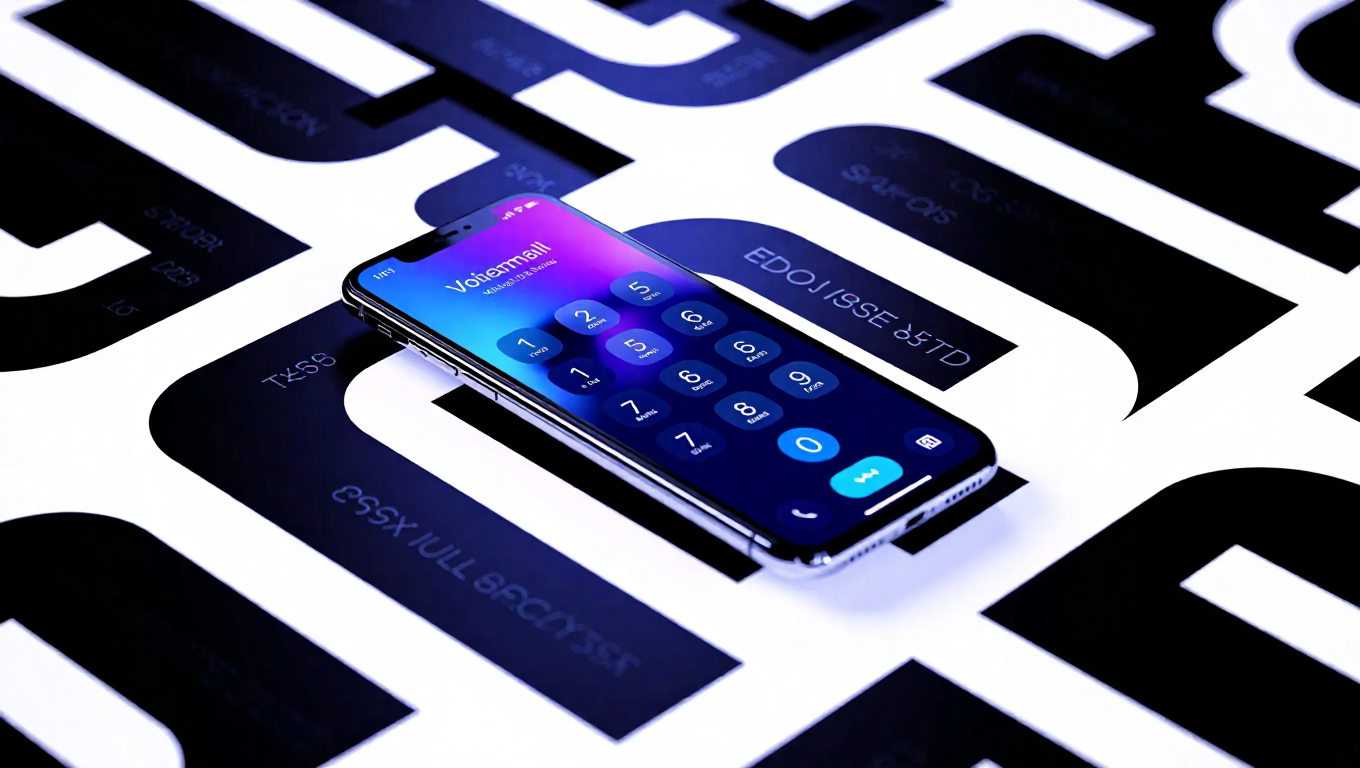
How to Set Up Voicemail on Your Smartphone: A Complete Guide
Voicemail remains an essential communication tool for smartphone users, allowing callers to leave recorded messages when you're unavailable. While setup processes vary slightly between devices and carriers, the fundamental steps are consistent across most modern smartphones. This guide covers everything from initial activation to advanced features like visual voicemail.
Understanding Voicemail and Its Benefits
Voicemail is a message recording service that automatically answers calls when you can't pick up, storing messages on carrier servers for later retrieval. Beyond basic functionality, properly configured voicemail offers several advantages. It helps maintain professional communication standards, provides detailed context from callers before you return calls, and allows flexible message management. The service presents a more polished alternative to unanswered calls and enables immediate communication even during meetings, travel, or other unavailable periods.
Activating Voicemail for the First Time
Initial voicemail setup typically begins with opening your phone app and dialing your own mobile number or pressing and holding the "1" key. The carrier's automated system will guide you through creating a 4-6 digit password and recording your initial greeting. On Samsung and most Android devices, users can navigate through the Phone app's three-dot menu to Settings, then Voicemail, where they can tap their voicemail number to dial directly into the system.
Some carriers automatically provision voicemail during SIM activation, while others require contacting customer support. During the setup call, it's recommended to choose a memorable but secure password and record a clear greeting in a quiet environment. The system allows multiple recording attempts until you're satisfied with the result.
Regular vs. Visual Voicemail
Traditional voicemail requires dialing in and listening to messages sequentially, similar to older answering machines. Users navigate messages using keypad commands to delete, save, or skip recordings. This method works universally but demands more time and attention.
Visual voicemail represents a significant upgrade, displaying messages as a selectable list within an app interface. This system typically includes text transcription, allowing users to read message content before listening. Additional features include selective playback in any order, batch deletion capabilities, and quick scanning to identify urgent messages. While many Samsung Galaxy and Android devices support visual voicemail, availability depends on carrier support and specific mobile plans, with some providers including it free while others charge additional fees.
Creating and Customizing Your Greeting
To create or modify your voicemail greeting, dial into your voicemail system and select the greeting option from the menu. Most systems offer a choice between personal recordings and default number announcements. For optimal results, record in quiet environments using natural speaking tones. Effective greetings typically include your name and a brief message such as "Hello, you've reached [your name]. I can't take your call right now, but please leave a message and I'll get back to you soon." Professional users might add company names or expected response times.
The system allows previewing recordings before finalizing them, with unlimited re-recording options. Users can switch between personal and default greetings as needed, making it easy to update messages for different circumstances or professional requirements.
Conclusion
Setting up voicemail on smartphones involves straightforward steps that significantly enhance communication capabilities. Whether using traditional dial-in systems or advanced visual voicemail interfaces, proper configuration ensures you never miss important messages while maintaining professional standards. Regular maintenance of greetings and passwords, combined with understanding your carrier's specific features, creates an efficient voicemail system that adapts to both personal and professional needs.