How to Photograph the Northern Lights with Google Pixel and Android Phones
Recent geomagnetic storms have made the Northern Lights visible across much of the Northern Hemisphere, presenting a rare opportunity for smartphone photographers. With the right techniques, Android devices, particularly Google Pixel phones, can capture stunning images of this natural phenomenon. This guide provides practical steps to optimize your smartphone camera for aurora photography.
Essential Camera Settings and Preparation
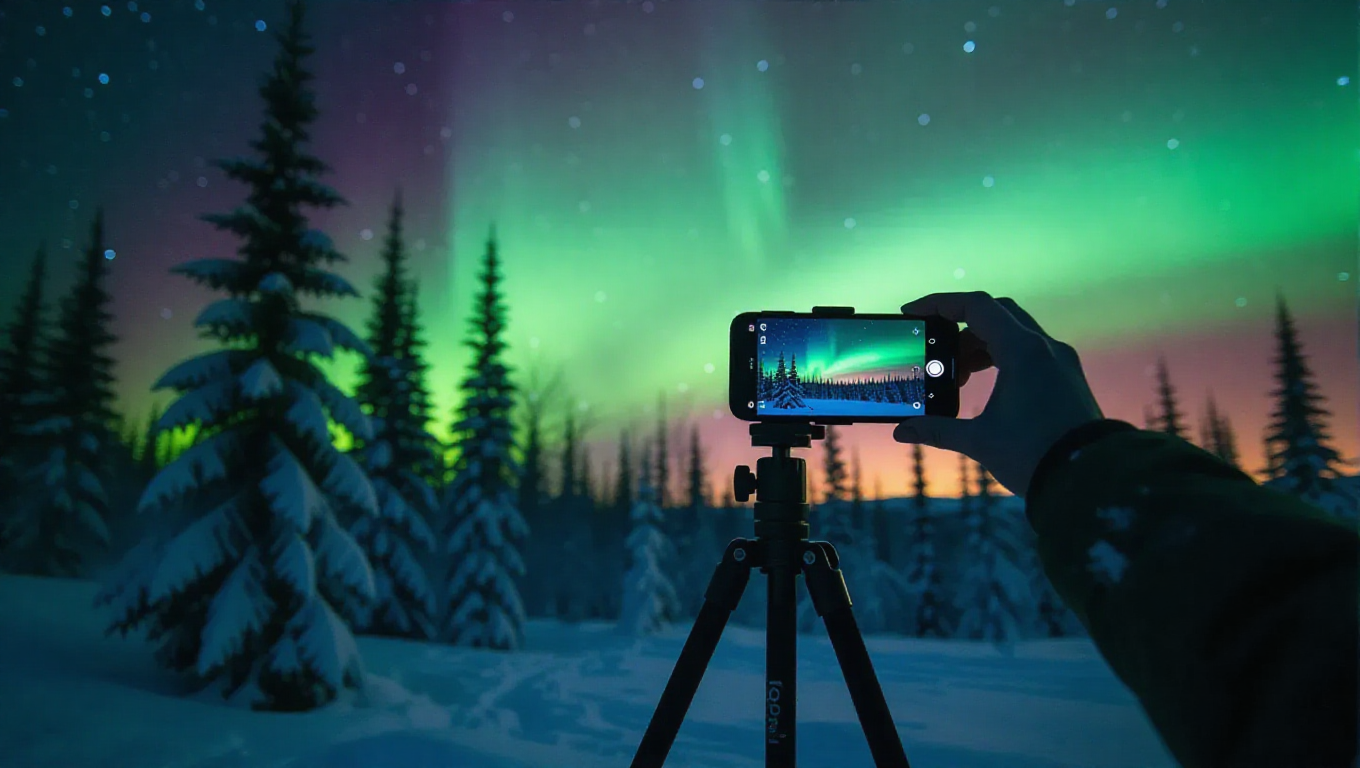
Successful Northern Lights photography begins with proper preparation. For Google Pixel users, Night Sight mode is the primary tool, as it automatically adjusts for low-light conditions and long exposures. On other Android devices, manual camera controls are essential. Key settings include setting ISO between 800-3200 to balance light sensitivity with noise, using shutter speeds of 4-15 seconds to capture enough light, and focusing manually to infinity. A tripod or stable surface is crucial to prevent blur during long exposures.
Techniques for Optimal Results
Beyond basic settings, several techniques can enhance your aurora photos. Using a timer or remote shutter helps avoid camera shake. Experimenting with different exposure times allows you to capture varying intensities of the lights. For Google Pixel phones, enabling Astrophotography mode in Night Sight can produce particularly detailed shots. On other Android devices, third-party camera apps with manual controls offer greater flexibility. Composition should include foreground elements like trees or landscapes to add depth and context to the images.
Practical Tips and Considerations
Environmental factors play a significant role in aurora photography. Shooting in locations with minimal light pollution improves clarity. Dressing warmly and having spare batteries are practical necessities in cold conditions. Post-processing can enhance colors and contrast, but starting with well-exposed shots is key. Reports indicate that recent smartphone advancements, especially in computational photography, have made capturing the Northern Lights more accessible than ever, though patience and practice remain essential for best results.
Conclusion
Photographing the Northern Lights with Android smartphones, including Google Pixel devices, is achievable with the right approach. By leveraging manual settings, stable supports, and optimal shooting conditions, users can capture memorable images of this celestial display. As smartphone camera technology continues to evolve, opportunities for amateur astrophotography are expanding, making it easier to document natural wonders like the aurora borealis.