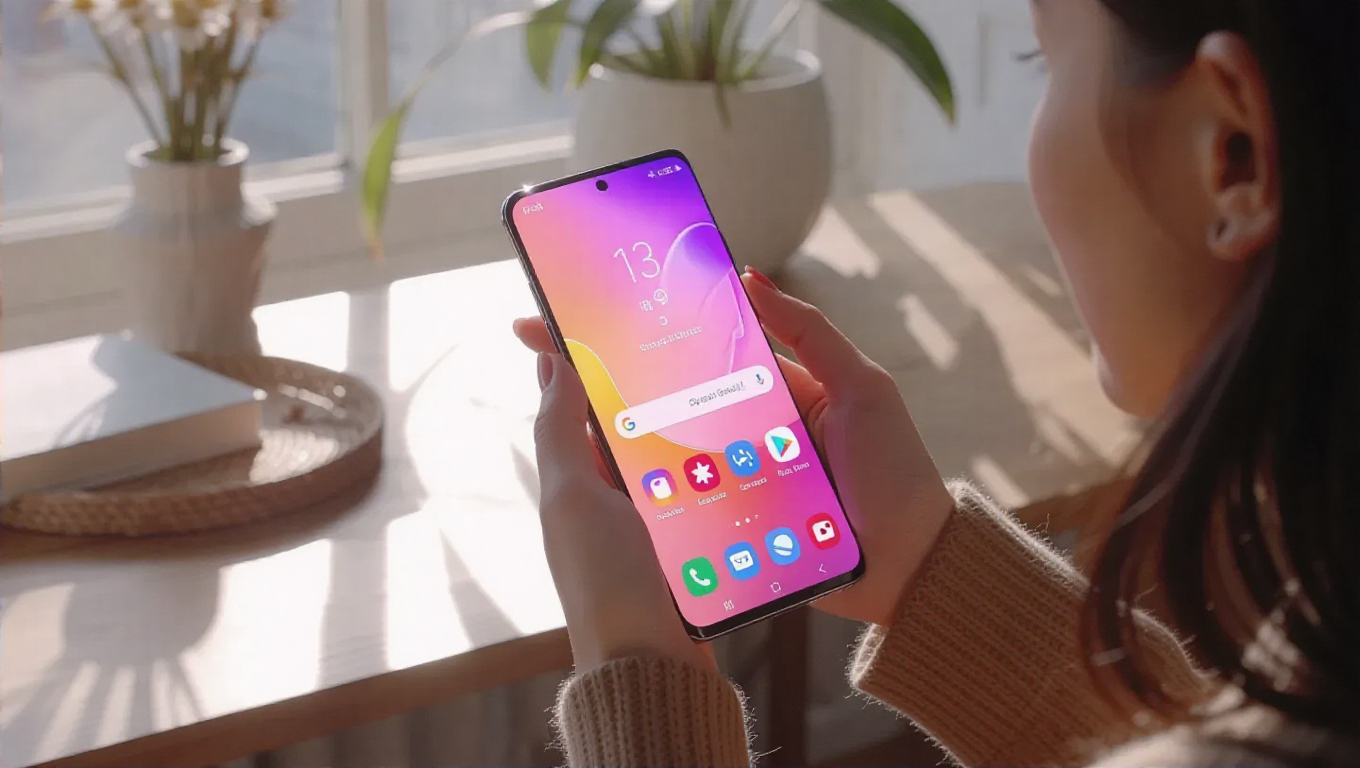
How to Make Your Old Samsung Phone Feel Like New Again
With new smartphone releases constantly generating excitement, many Samsung Galaxy users experience the urge to upgrade. However, there are effective ways to refresh your existing device without spending money on the latest model. By implementing a few software adjustments, you can significantly improve performance and user experience.
Optimize Animation Speeds
One of the most impactful changes involves adjusting animation settings. The developer options menu contains controls that allow users to fine-tune how quickly animations appear. Reducing these animation scales can create a noticeably snappier interface that mimics the responsiveness of newer devices.
Customize Gesture Controls
Modern smartphones rely heavily on gesture-based navigation, and Samsung devices offer extensive customization options. By exploring gesture settings, users can optimize how their phone responds to swipes, taps, and other interactions. Properly configured gestures can streamline navigation and reduce perceived lag, making the interface feel more responsive.
Enable Auto-Optimization Features
Samsung includes built-in maintenance tools that many users overlook. The auto-optimization feature performs background tasks to maintain peak performance, including automatically restarting the device at scheduled intervals. This regular refresh helps clear temporary files and reset system processes, preventing the gradual slowdown that often occurs with extended use.
Additional performance tips include:
- Regularly clearing app cache and temporary files
- Uninstalling unused applications that run in the background
- Updating to the latest available software version
- Managing background processes and notifications
Conclusion
Revitalizing an older Samsung phone doesn't require technical expertise or expensive upgrades. By strategically adjusting animation settings, customizing gesture controls, and utilizing built-in optimization tools, users can achieve a noticeably fresher experience. These software tweaks address the core elements that contribute to the "new phone feeling"—responsive navigation, smooth transitions, and consistent performance. With proper maintenance and configuration, your current device can remain satisfyingly functional even as newer models enter the market.