How to Identify Your Samsung Phone Model: A Complete Guide
Knowing the exact model number of your Samsung smartphone is more than just technical trivia—it's essential for obtaining proper support, tracking firmware updates, and understanding your device's capabilities. For new Samsung users or those with multiple devices, identifying the specific model can be crucial when seeking repairs, accessories, or software information.
Locating Your Samsung Phone's Model Number
There are several straightforward methods to determine your Samsung phone's model number, each suitable for different situations and device conditions.
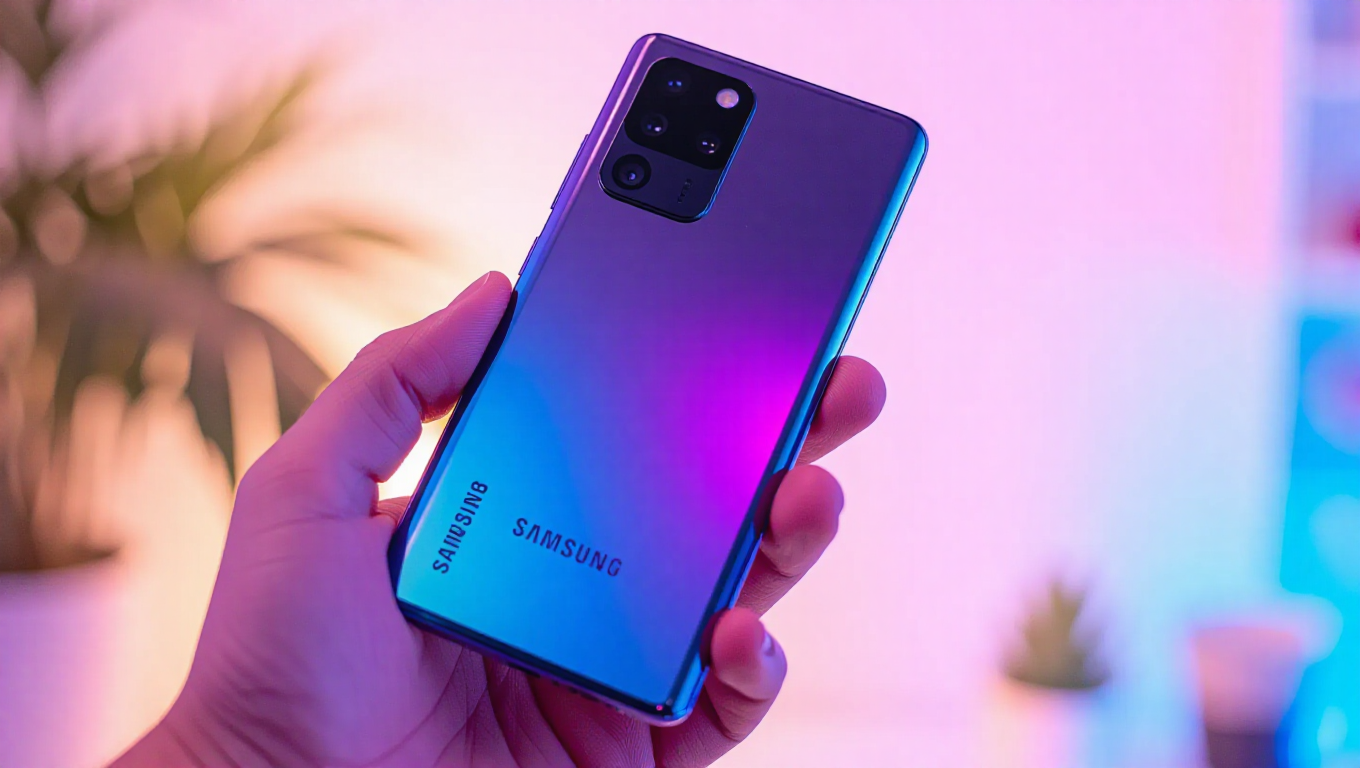
The most direct approach involves examining the physical device. Samsung typically prints the model number on the back of the phone, positioned beneath the "Designed & Engineered by Samsung" text. This model number always begins with the prefix "SM-" followed by additional characters that identify the specific variant. For example, a Galaxy Note 10+ might display "SM-N975F" in this location.
If the printed text has become illegible due to wear, damage, or because it's covered by a protective skin or case, an alternative method exists within the phone's software. Navigating to the Settings app, then selecting "About phone" reveals the model number clearly alongside the device name. This digital method ensures accuracy regardless of the phone's physical condition.
For older Samsung devices with removable batteries—a feature no longer present in modern smartphones—the model number can be found on a sticker beneath the battery. This historical method remains relevant for those maintaining or troubleshooting legacy devices.
Why Model Numbers Matter
The model number serves as a unique identifier that unlocks comprehensive information about any Samsung device. When encountering an unfamiliar Samsung phone, the model number provides immediate access to its specifications, release details, and compatibility information.
This information proves particularly valuable when seeking firmware updates, especially for older devices that may no longer receive automatic over-the-air updates. By searching with the exact model number, users can locate specific firmware versions compatible with their particular device variant.
Additionally, the model number facilitates accurate support requests, ensures compatibility when purchasing accessories or replacement parts, and helps distinguish between regional variants that may have different network capabilities or feature sets.
Practical Applications
Once obtained, the model number enables users to research their device thoroughly. Comprehensive databases exist that catalog Samsung devices by model number, providing instant access to specifications, release dates, supported networks, and available color options.
For those interested in firmware management, the model number allows precise identification of available software versions, including security patches and major Android updates. This proves especially useful for enthusiasts who manually update their devices or troubleshoot software issues.
The model number also assists in identifying device origins and capabilities, as different suffixes often indicate variations in cellular bands, storage configurations, or regional features.
Conclusion
Identifying your Samsung phone's model number is a simple yet powerful skill that enhances device ownership. Whether checking the physical device, navigating software settings, or examining older removable batteries, multiple accessible methods exist for every situation. This information transforms from obscure technical detail to practical tool—enabling better support, ensuring accurate updates, and providing deeper understanding of your device's capabilities and limitations. Keeping this identifier handy ensures you can maximize your Samsung smartphone's potential throughout its lifecycle.