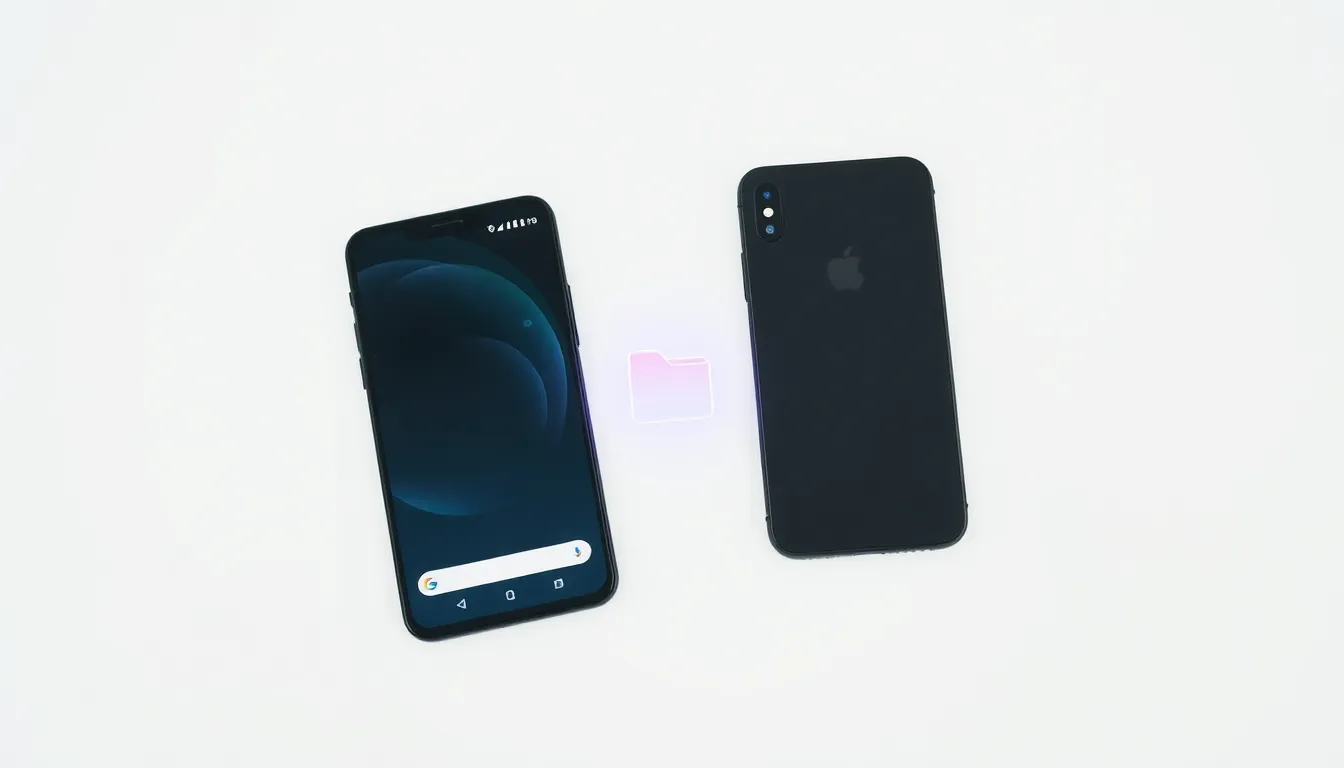
How to AirDrop Files from Pixel to iPhone Using Quick Share
For years, Apple's AirDrop has been one of the standout features of the iOS ecosystem, enabling effortless file sharing between Apple devices with a simple tap. Android users have long envied this seamless functionality, but that gap is finally closing as Google's Quick Share now bridges the divide between Android and Apple ecosystems.
The Cross-Platform Breakthrough
Google has achieved what many thought impossible: making Quick Share compatible with Apple's AirDrop protocol. This integration means Pixel users can now send photos, documents, and other files directly to iPhones and other Apple devices using the same Quick Share interface they're already familiar with.
The functionality works exactly as you'd expect - when sharing content from a compatible Pixel device, nearby iPhones will appear in the sharing menu alongside other Android devices. There's no need for special apps, complicated setup processes, or third-party solutions. The system is designed to "just work" in the background, handling the protocol translation automatically.
Current Limitations and Future Expansion
While this represents a significant step forward in cross-platform compatibility, there are some initial limitations. Currently, this AirDrop compatibility is exclusive to Google's Pixel 10 family of smartphones. This restriction means owners of older Pixel models or other Android devices from manufacturers like Samsung, OnePlus, or Xiaomi cannot yet take advantage of this feature.
Industry observers expect Google to expand this functionality to more Android devices in the coming months, though the exact timeline remains uncertain. The initial exclusivity to Pixel 10 devices suggests Google is using its flagship lineup as a testing ground before broader rollout.
How It Works in Practice
The process for sharing files between Pixel and iPhone is remarkably straightforward. Pixel users simply select the content they want to share, tap the share button, and choose Quick Share from the menu. Nearby iPhones will appear as available devices alongside other compatible Android phones and tablets.
Recipients on the iPhone side receive the same AirDrop prompt they're accustomed to, with no additional steps required. The entire process maintains the security and privacy standards of both platforms, with files transferring directly between devices without cloud storage intermediaries.
What This Means for Ecosystem Boundaries
This development represents a significant shift in how mobile platforms interact. For years, features like AirDrop have served as ecosystem lock-in tools, encouraging users to stay within either the Apple or Android worlds. By making Quick Share compatible with AirDrop, Google is breaking down these artificial barriers and prioritizing user convenience over platform exclusivity.
The move could pressure Apple to reciprocate by making AirDrop more accessible to Android users, though there's no indication yet that such development is underway. For now, the compatibility flows primarily from Android to Apple devices rather than bidirectionally.
Conclusion
The integration of Quick Share with AirDrop marks a watershed moment for cross-platform file sharing. Pixel 10 users can now enjoy the same seamless sharing experience with iPhone users that was previously exclusive to the Apple ecosystem. While currently limited to Google's latest flagship devices, this functionality demonstrates a growing trend toward interoperability between competing mobile platforms.
As this feature expands to more Android devices in the future, it could fundamentally change how users think about platform loyalty and ecosystem boundaries. For now, Pixel 10 owners have gained a powerful new tool for bridging the Android-iPhone divide, making file sharing between different platforms as simple as tapping a button.