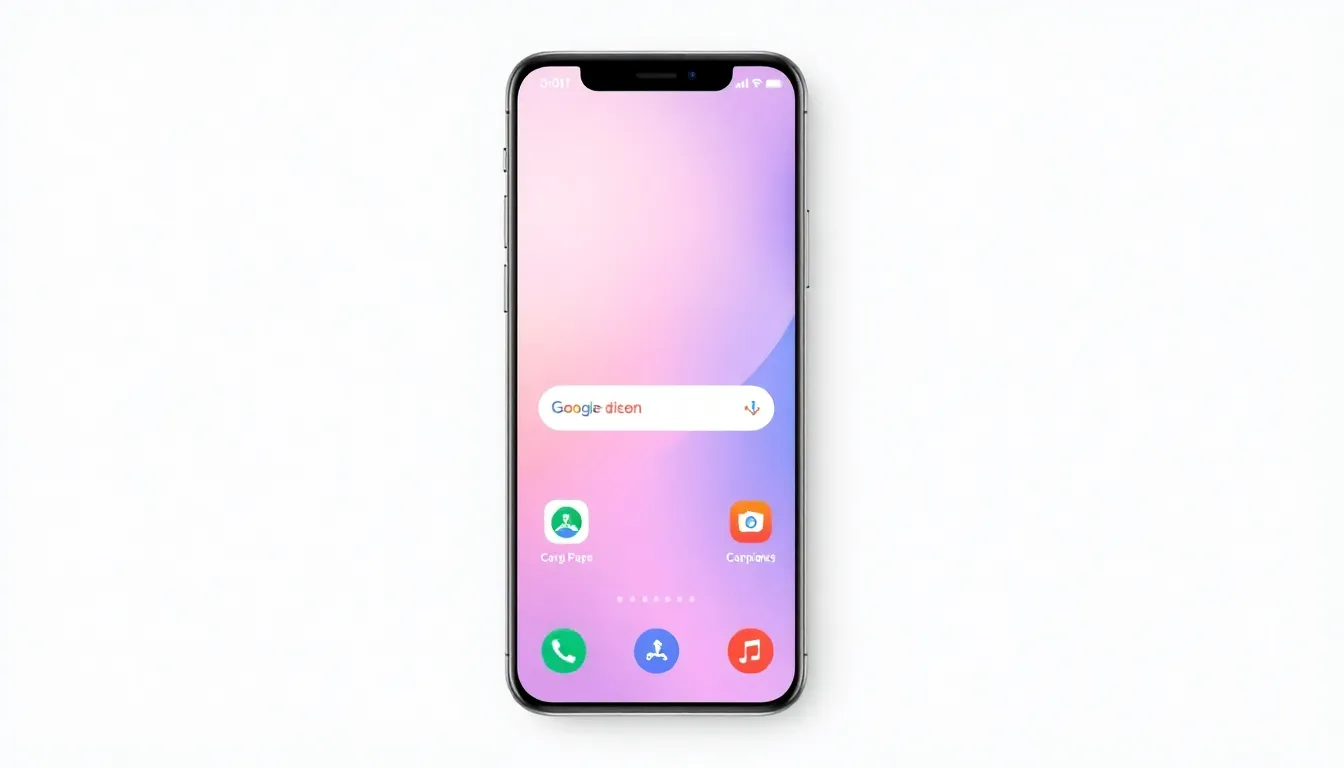
How Pixel Launcher's Evolution is Making Custom Launchers Obsolete
For years, Android enthusiasts have turned to custom launchers like Nova Launcher to personalize their home screens beyond what stock launchers offered. However, recent developments in Google's Pixel Launcher are challenging this long-standing practice. The integration of advanced customization features directly into the Pixel Launcher is making third-party alternatives increasingly unnecessary for many users.
The Rise of Built-in Customization
The Pixel Launcher has quietly incorporated features that were once exclusive to custom launchers. Users can now create custom action shortcuts without needing additional apps, a functionality that previously required third-party solutions. This capability allows for personalized quick actions directly from the home screen, matching what dedicated launcher apps offered for years.
Icon customization has also seen significant improvements. The ability to change icon shapes and apply various theme packs directly through the Pixel Launcher provides visual personalization options that satisfy many users' aesthetic preferences. Additionally, the option to hide unwanted apps in designated private spaces addresses privacy concerns that previously drove users to custom launchers.
Widget and Layout Flexibility
Home screen layout options have expanded considerably. Users can now arrange icons in denser configurations, such as 5×5 grids, providing more screen real estate for apps and widgets. The At a Glance widget, once a fixed element, can be modified or supplemented with third-party widget stacking solutions that integrate seamlessly with the Pixel Launcher.
The Google Search widget bar, another previously rigid component, now offers customization options that allow users to tailor their search experience. These incremental improvements collectively create a more flexible home screen environment that adapts to individual user preferences rather than forcing a one-size-fits-all approach.
Performance and Integration Advantages
Beyond feature parity, the Pixel Launcher offers inherent advantages as a first-party solution. Better integration with the Android operating system ensures smoother performance and more reliable updates. The launcher benefits from direct access to system-level features that third-party developers cannot always replicate, resulting in a more cohesive user experience.
Battery optimization and memory management also tend to be more efficient with the stock launcher, as it's specifically tuned for Pixel hardware and software. This optimization reduces the performance compromises that sometimes accompany third-party launchers, particularly on devices with limited resources.
The Changing Landscape of Android Customization
The evolution of the Pixel Launcher reflects a broader trend in Android development. As stock launchers incorporate more customization features, the gap between first-party and third-party solutions narrows. This shift benefits users who want personalization without the complexity of managing additional apps or potential compatibility issues.
While dedicated custom launchers still offer niche features for power users, the majority of customization needs can now be met through the Pixel Launcher itself. This development represents a maturation of Android's approach to user interface design, balancing flexibility with stability and performance.
Conclusion
The Pixel Launcher's transformation from a basic home screen interface to a comprehensive customization platform marks a significant shift in Android personalization. By integrating features that were once exclusive to third-party launchers, Google has created a compelling alternative that combines customization with system-level optimization. For many users, this evolution eliminates the need to install separate launcher apps, streamlining their Android experience while maintaining the personalization options that make the platform unique. As stock launchers continue to evolve, the distinction between first-party and third-party customization solutions may become increasingly blurred, ultimately benefiting users with more integrated and efficient personalization options.