How Galaxy Watch Ultra Customization Evolves with Lifestyle Changes
Smartwatch customization is no longer just about aesthetics; it's becoming a dynamic reflection of personal priorities. For Galaxy Watch Ultra users, the transition from general convenience to targeted functionality highlights how wearable technology adapts to individual lifestyle evolution.
From Basic Information to Health-Centric Displays
Initial customization typically focuses on readily accessible information: battery status, daily activity goals, weather updates, and app shortcuts. However, as users become more invested in health tracking, their watch face configurations undergo significant transformation.
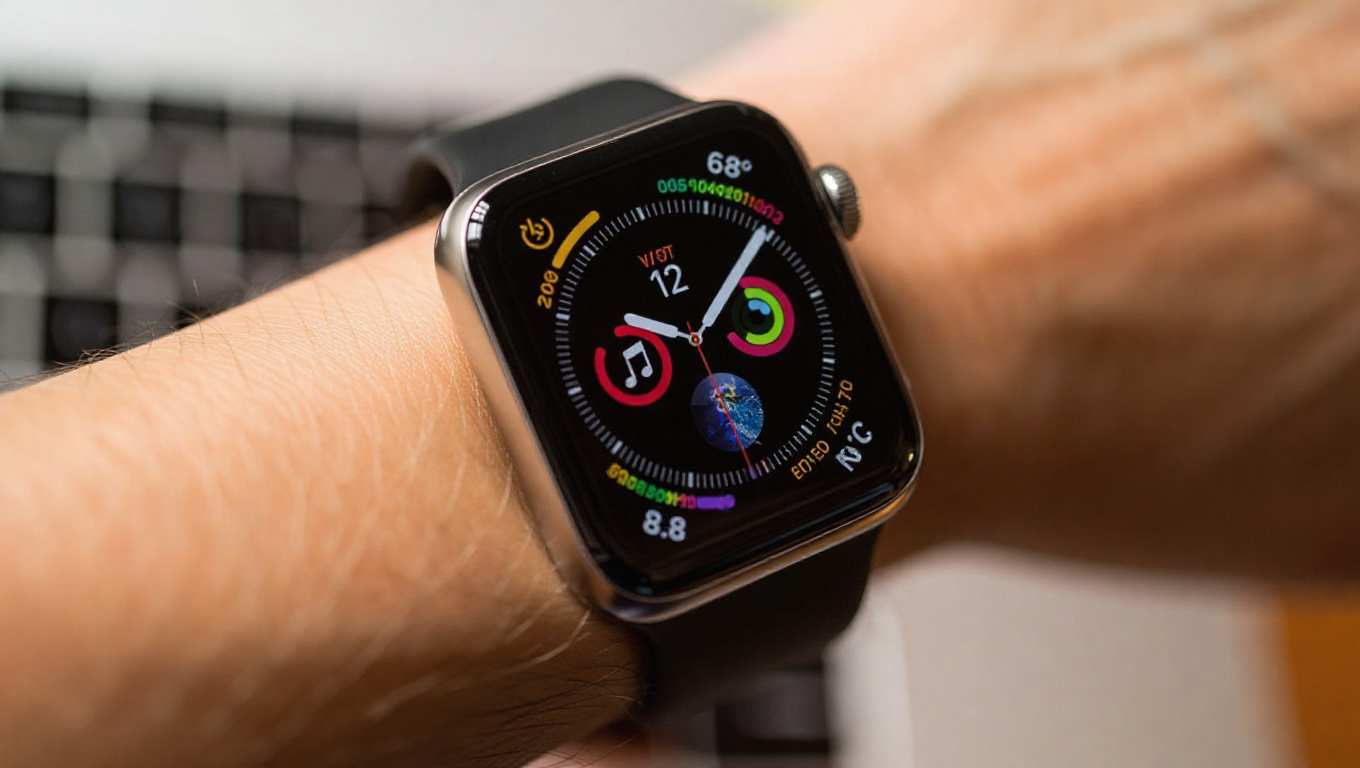
The shift becomes particularly noticeable when users begin monitoring specific metrics like daily calorie intake and water consumption. Watch faces with multiple complication slots—such as Circle Dashboard, Daily Dashboard, and Info Board—become personalized health dashboards. Users commonly arrange complications to display battery level, calorie intake, activity progress, date, payment access, sleep data, step count, and water intake simultaneously, creating an at-a-glance overview of daily wellness goals.
For simpler watch faces with fewer complication slots, users maintain core health metrics while relying on alternative access methods for other functions. Visual presentation also matters; progress-based graph indicators for metrics like battery, calories, steps, and water intake are often preferred for their immediate readability.
Hardware Customization for Enhanced Daily Efficiency
The Galaxy Watch Ultra's additional Quick Button represents a significant customization advancement over previous models. This hardware feature enables faster access to frequently used functions without relying solely on touchscreen navigation.
Common configurations include setting the Quick Button to initiate workout tracking with a double press, allowing users to start exercise logging instantly. Meanwhile, the home button is often customized for smart home integration—double-pressing to launch smart home controls and long-pressing to access voice assistant features for queries or timer functions.
Adapting to Evolving Priorities
The overall customization journey demonstrates a clear progression from general utility to specialized functionality. As users incorporate more health monitoring and contactless payments into their routines, their watch configurations evolve accordingly. The combination of versatile software customization and enhanced hardware controls allows the Galaxy Watch Ultra to serve as a truly personalized tool that grows with its user's changing needs.
This adaptive approach to wearable technology suggests that future smartwatch development may increasingly focus on providing flexible platforms that users can tailor to their specific lifestyle phases, rather than offering one-size-fits-all solutions.