Google's Pixel Studio-Powered Screenshot Editor Begins Rollout with AI Enhancements
Google has initiated the rollout of its significantly upgraded screenshot editor to Pixel devices, marking a substantial improvement in the native screenshot editing experience. The new interface, which leverages the company's Pixel Studio technology, brings artificial intelligence capabilities and expanded editing tools to users' fingertips.
Early Rollout Surprises Users
The enhanced screenshot editor, which was initially tested in Android 16 QPR2 Beta 1 back in August, is now appearing on Pixel phones running the stable November 2025 update. This represents an earlier-than-expected deployment, as the full Android 16 QPR2 release isn't anticipated until December. The rollout appears to be gradual, with some users already seeing the new interface while others remain on the previous version.
Pixel Studio Integration Transforms Editing
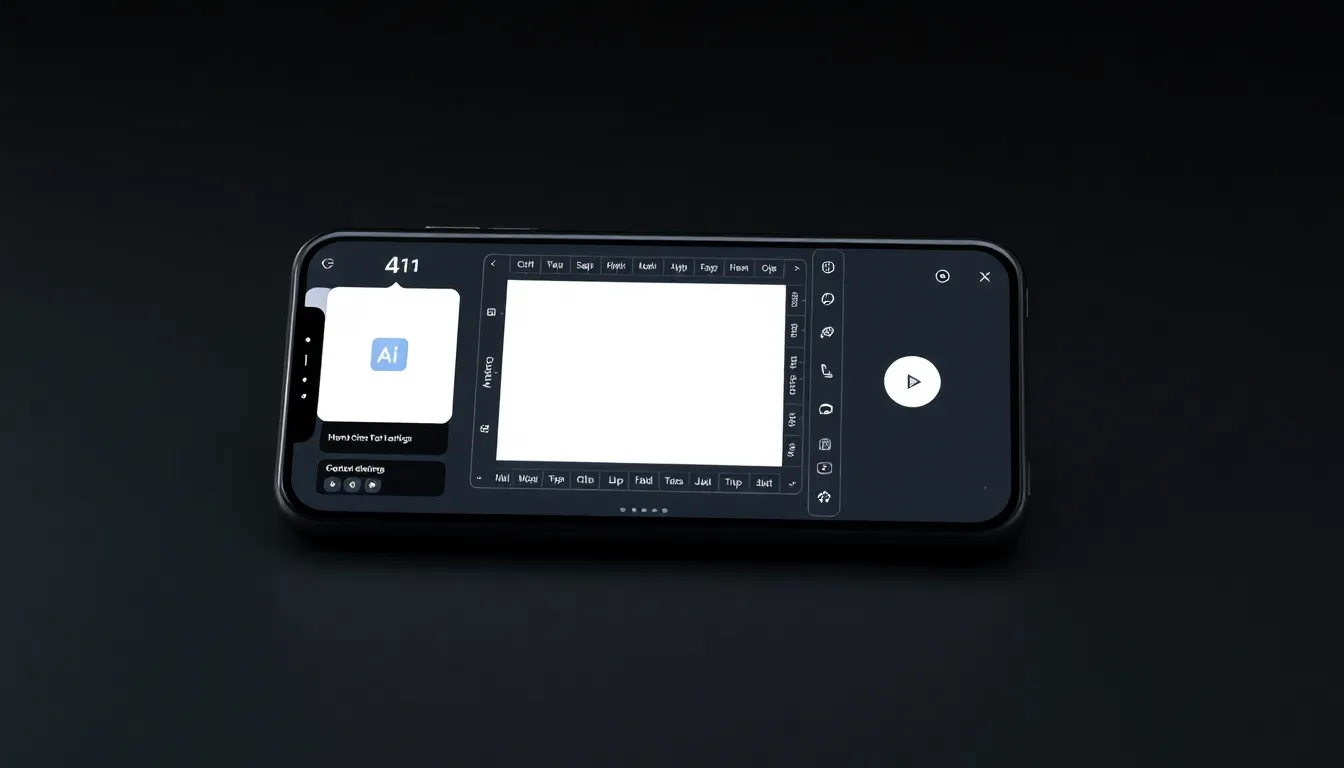
The most significant change involves the integration with Pixel Studio, Google's advanced editing platform. When users capture a screenshot, the editor now opens directly within the Pixel Studio app environment rather than the basic editing interface previously available. This transition provides access to a comprehensive suite of professional-grade editing tools that were previously reserved for more complex image editing tasks.
AI-Powered Features Take Center Stage
The updated editor introduces several AI-driven capabilities that enhance the screenshot editing experience. Users can now leverage intelligent object removal tools that can erase unwanted elements from screenshots with precision. The system also includes advanced markup options and expanded font selections, allowing for more sophisticated annotations and text additions. These features represent Google's continued push toward integrating artificial intelligence into everyday smartphone functions.
Technical Requirements and Availability
The new screenshot editor requires specific software conditions to function. Devices must be running the November 2025 update with Android 16 build number BP3A.251105.015 or later. Additionally, users need Pixel Studio app version 2.0.001.793728176.12 or newer to access the revamped interface. Those with older versions of the app will continue to see the traditional screenshot editor until their devices receive the necessary updates.
Broader Implications for Pixel Ecosystem
This rollout demonstrates Google's strategy of gradually introducing features from beta testing into stable channels, providing users with advanced capabilities ahead of major platform updates. The integration of Pixel Studio into core system functions suggests Google's commitment to unifying its software ecosystem while enhancing fundamental user experiences. The move also positions Pixel devices as offering increasingly sophisticated native tools that compete with third-party editing applications.
Conclusion
The arrival of Google's Pixel Studio-powered screenshot editor marks another step in the evolution of smartphone functionality, bringing professional-grade editing tools to everyday tasks. As the rollout continues, Pixel users can expect a more powerful and intuitive screenshot editing experience that leverages Google's AI expertise. This development underscores the company's focus on integrating advanced technology into fundamental device operations, potentially setting new standards for what users should expect from native smartphone capabilities.