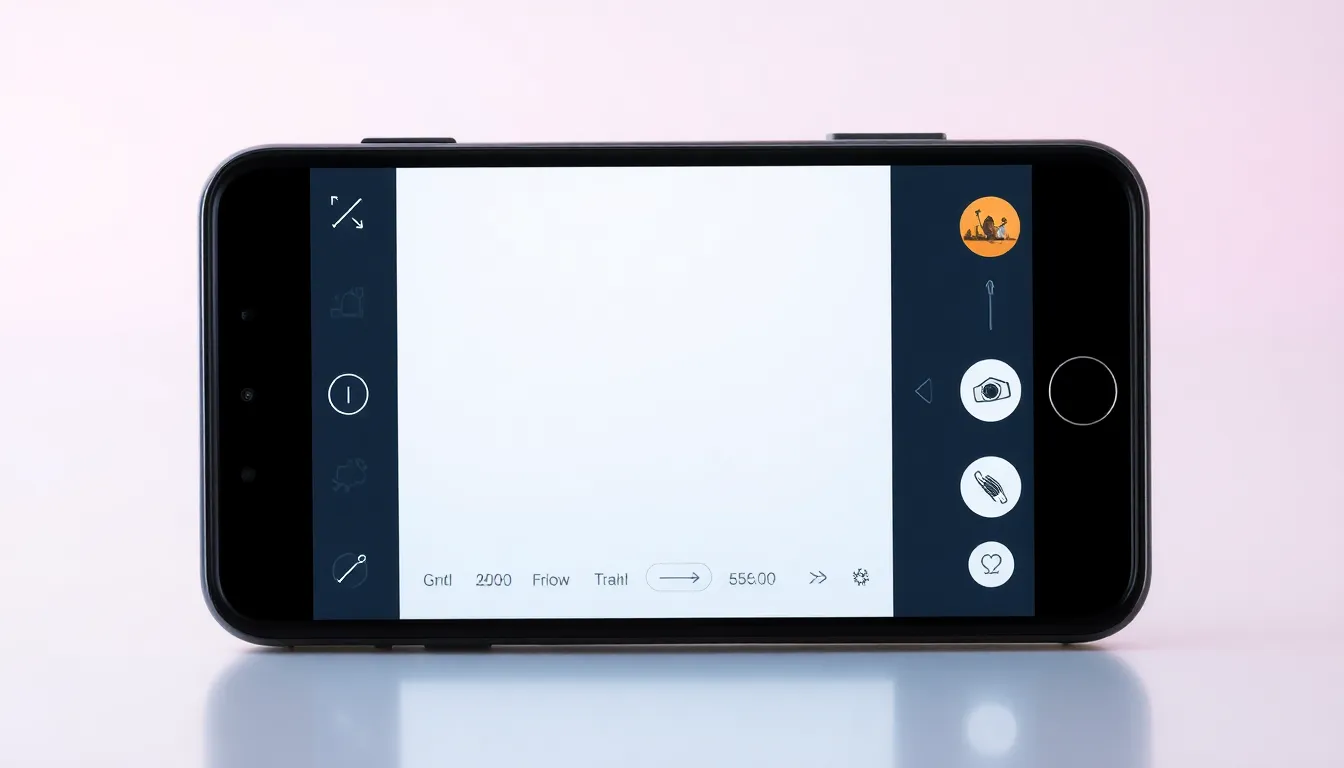
Google's Pixel Studio-Powered Screenshot Editor Begins Rollout to Pixel Devices
Google has initiated the rollout of its enhanced screenshot editor powered by Pixel Studio technology, bringing AI-powered editing capabilities to Pixel smartphone users. The updated interface, which first appeared in testing during the Android 16 QPR2 beta phase, is now reaching devices through the stable November 2025 update.
Enhanced Editing Interface
The new screenshot editor represents a significant upgrade from previous versions, integrating directly with the Pixel Studio application. When users capture a screenshot on compatible devices, the editing interface now opens within Pixel Studio rather than the basic native editor. This transition provides access to a more comprehensive suite of editing and markup tools designed to enhance productivity and creativity.
The updated editor has been observed on multiple Pixel devices running the stable November 2025 update, specifically on Android 16 build number BP3A.251105.015. The rollout appears to be gradual, with some users receiving the enhanced functionality while others continue to see the previous editor interface.
AI-Powered Capabilities
At the core of the new screenshot editor are advanced AI features powered by Pixel Studio technology. The system includes intelligent object erasing capabilities, allowing users to remove unwanted elements from screenshots with precision. This functionality leverages machine learning algorithms to identify and seamlessly remove objects while maintaining the integrity of the surrounding content.
Beyond basic erasing, the editor expands markup options significantly. Users now have access to a wider variety of annotation tools, including additional font choices, drawing implements, and text formatting options. The integration with Pixel Studio suggests these tools may continue to evolve as Google enhances its AI editing platform.
Technical Requirements
The new screenshot editor functionality depends on specific software versions. Users must be running Pixel Studio app version 2.0.001.793728176.12 or newer to access the enhanced editing interface. Those with older versions of the Pixel Studio app will continue to see the previous screenshot editor.
The rollout appears tied to the November 2025 security update for Pixel devices, though the exact criteria for which devices receive the feature first remains unclear. The gradual nature of the deployment suggests Google is testing the functionality across different device models and configurations before making it universally available.
Future Implications
This early rollout of Pixel Studio-powered screenshot editing ahead of the full Android 16 QPR2 stable release indicates Google's confidence in the technology. The integration represents another step in Google's strategy to embed AI capabilities throughout its Pixel ecosystem, building on previous AI-powered features in photography, voice assistance, and system optimization.
The enhanced screenshot editor demonstrates how Google is leveraging its Pixel Studio platform to improve fundamental smartphone functions. By bringing advanced editing tools to a routine task like screenshot management, the company continues to differentiate its Pixel lineup through software innovation.
Conclusion
The gradual rollout of Google's Pixel Studio-powered screenshot editor marks another milestone in the integration of AI technology into everyday smartphone functions. As more Pixel users receive the November 2025 update and compatible Pixel Studio versions, they'll gain access to sophisticated editing tools that were previously limited to dedicated photo editing applications. This development underscores the ongoing convergence of basic smartphone utilities and advanced AI capabilities, setting new expectations for what users can accomplish with built-in device features.