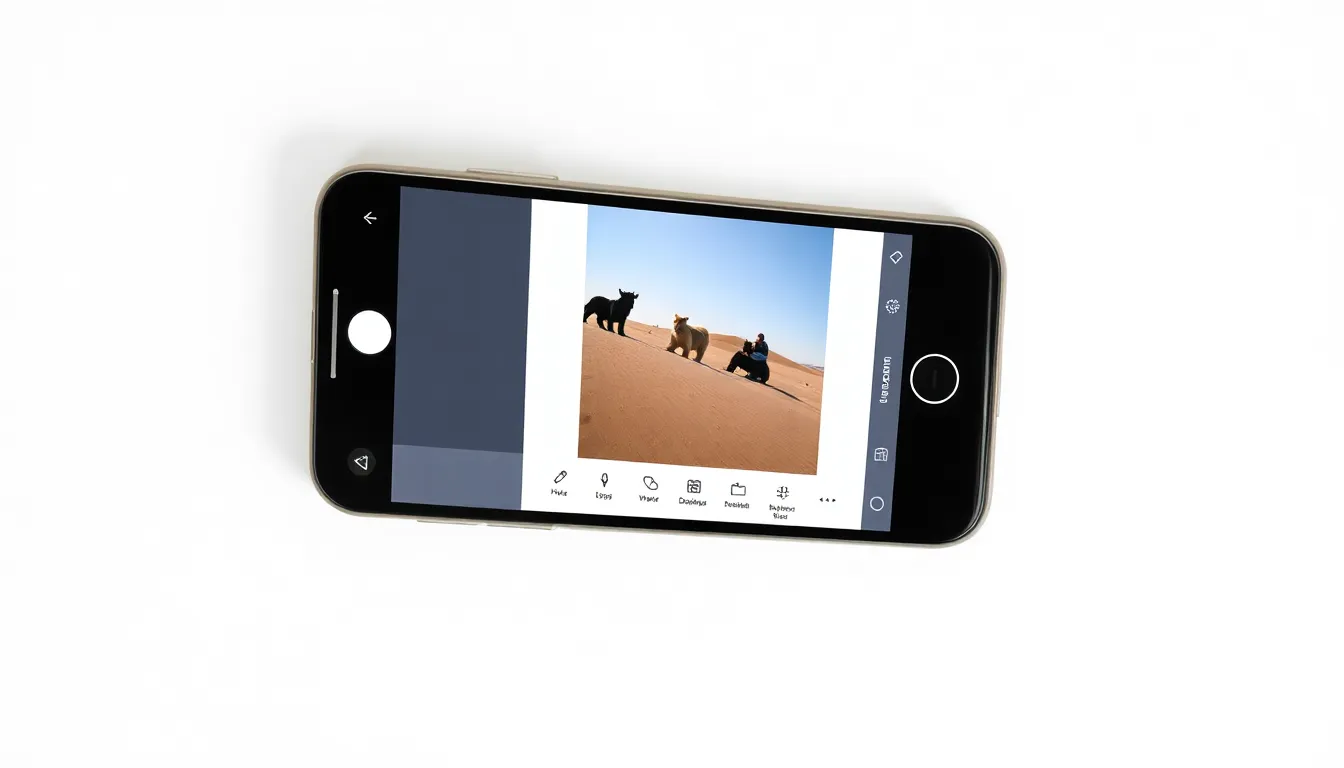
Google's Pixel Studio-Powered Screenshot Editor Begins Rollout
Google has initiated the rollout of its significantly enhanced screenshot editor, now powered by Pixel Studio's AI capabilities, marking a substantial upgrade to the screenshot editing experience on Pixel devices. The new interface, which first appeared in testing during the Android 16 QPR2 Beta 1 phase, is now reaching users through the stable November 2025 update.
Advanced AI-Powered Editing Features
The revamped screenshot editor represents a major leap forward in mobile screenshot functionality. By integrating Pixel Studio's artificial intelligence capabilities, users gain access to sophisticated editing tools previously unavailable in the standard screenshot interface. The AI-powered features include intelligent object erasing, smart resizing capabilities, and enhanced markup options that leverage machine learning to provide more precise editing control.
The integration with Pixel Studio brings a comprehensive suite of editing tools directly to the screenshot workflow. Users can now access expanded font selections, advanced drawing tools, and more sophisticated annotation capabilities. The editor automatically opens within the Pixel Studio application environment, providing a unified editing experience that combines the simplicity of screenshot capture with the power of professional-grade editing software.
Progressive Rollout Strategy
The deployment follows a progressive rollout pattern, with the new editor appearing on multiple Pixel models running the latest stable software. The update requires both the November 2025 security patch and an updated version of the Pixel Studio application. Devices running version 2.0.001.793728176.12 or newer of Pixel Studio will display the enhanced editor interface, while older versions will continue to show the previous editing tools.
This staggered approach ensures a smooth transition for users while maintaining functionality across different device configurations. The rollout appears to be device-specific rather than region-based, with compatible Pixel phones receiving the update regardless of geographic location.
Technical Implementation
The new screenshot editor represents a fundamental shift in how Google handles screenshot editing on Pixel devices. Rather than relying on the basic system-level editor, the updated interface fully integrates with Pixel Studio's architecture. This integration allows for more sophisticated processing capabilities and provides a foundation for future AI-powered enhancements.
The technical implementation ensures backward compatibility while delivering advanced features to supported devices. Users who haven't received the update will continue to experience the familiar screenshot editing interface, while those with compatible configurations will automatically transition to the new Pixel Studio-powered environment.
Conclusion
The rollout of Google's Pixel Studio-powered screenshot editor marks another step in the company's ongoing effort to integrate AI capabilities throughout the Android ecosystem. By bringing sophisticated editing tools to one of the most frequently used smartphone functions, Google demonstrates its commitment to enhancing everyday user experiences through artificial intelligence. As the rollout continues, Pixel users can expect a more powerful and intuitive screenshot editing experience that leverages the full potential of modern mobile computing.