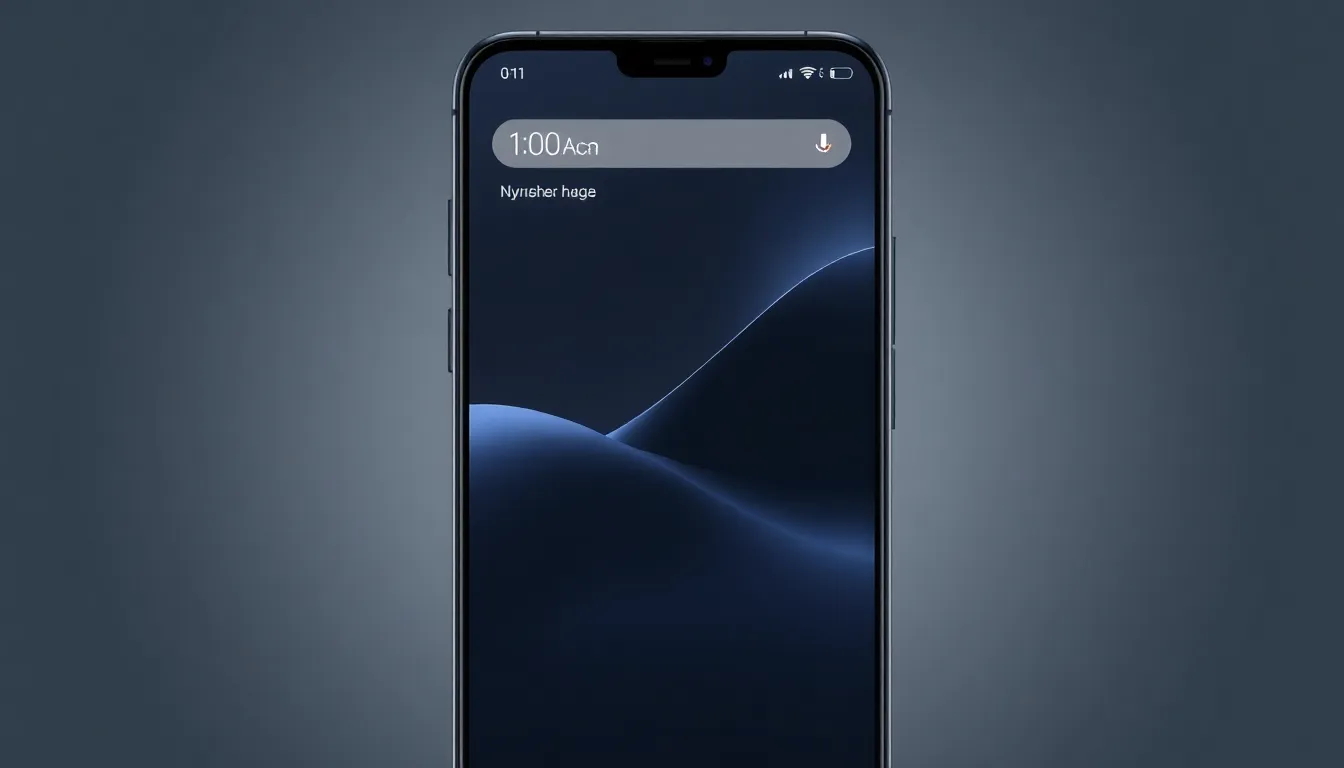
Google's Pixel Launcher Finally Lets Users Remove At a Glance Widget
Google's Pixel Launcher has long been a source of both appreciation and frustration for Android users. While it offers a clean, streamlined interface that many find comfortable and intuitive, its limitations in customization have driven countless users to seek alternatives. Now, a significant change is coming that addresses one of the most persistent complaints: the permanent At a Glance widget.
The At a Glance Conundrum
For years, Pixel users have lived with the At a Glance widget occupying prime real estate at the top of their home screens. The widget serves useful information like weather forecasts, flight details, and traffic updates from Maps, but its permanent placement has been a point of contention. Many users feel it robs them of valuable screen space that could be used for other widgets or app icons.
Evidence uncovered in Android Canary builds reveals that Google is finally addressing this limitation. The Pixel Launcher will soon include an option to completely hide the At a Glance widget from the home screen. This represents a significant shift in Google's approach to its default launcher, acknowledging that not all users value the same features or information displays.
Beyond At a Glance: The Customization Gap
While the ability to remove At a Glance is a welcome change, it highlights a broader issue with the Pixel Launcher's customization limitations. Many Android enthusiasts regularly consider switching to third-party launchers that offer more extensive customization options, from icon packs and grid sizes to gesture controls and theme engines.
The Pixel Launcher forces users into a particular design philosophy, one that prioritizes simplicity and Google's ecosystem integration over user choice. This approach has its merits—many users appreciate the clean, consistent experience—but it leaves power users wanting more control over their device's appearance and functionality.
The Comfort of Defaults
Despite the limitations, there's something compelling about sticking with the default Pixel Launcher. Many users find themselves returning to it year after year, even after experimenting with more feature-rich alternatives. The familiarity and seamless integration with Google's services create a comfort factor that's hard to replicate with third-party options.
The launcher's design philosophy emphasizes productivity and information accessibility, leveraging its limitations to create a focused environment. For users who prioritize function over form and appreciate having relevant information readily available, the Pixel Launcher's approach makes sense.
What's Next for Pixel Customization?
The addition of At a Glance removal suggests Google may be reconsidering its rigid approach to the Pixel Launcher. If the company is willing to address this long-standing complaint, it opens the door for other customization improvements. Users might hope for options to modify the persistent search bar, adjust icon grids, or implement more comprehensive theming options.
As Android continues to evolve, the balance between Google's vision for the user experience and individual customization preferences remains a delicate one. The move to make At a Glance optional represents a step toward giving users more control while maintaining the core experience that makes Pixel devices distinctive.
Conclusion
Google's decision to allow Pixel users to remove the At a Glance widget marks a significant shift in the company's approach to its default launcher. While it addresses one of the most common complaints, it also highlights the ongoing tension between Google's design philosophy and user demands for greater customization. As Android matures, finding the right balance between curated experience and user control will continue to shape the evolution of Pixel devices and their software.