Google Pixel Launcher Gains Speed Boost with New App Shortcut Feature
Google is quietly enhancing the user experience on Pixel devices with a subtle but impactful update to the Pixel Launcher. A new server-side rollout is bringing a faster method for opening apps, streamlining a common daily interaction for Android users.
A Faster Path to Your Apps
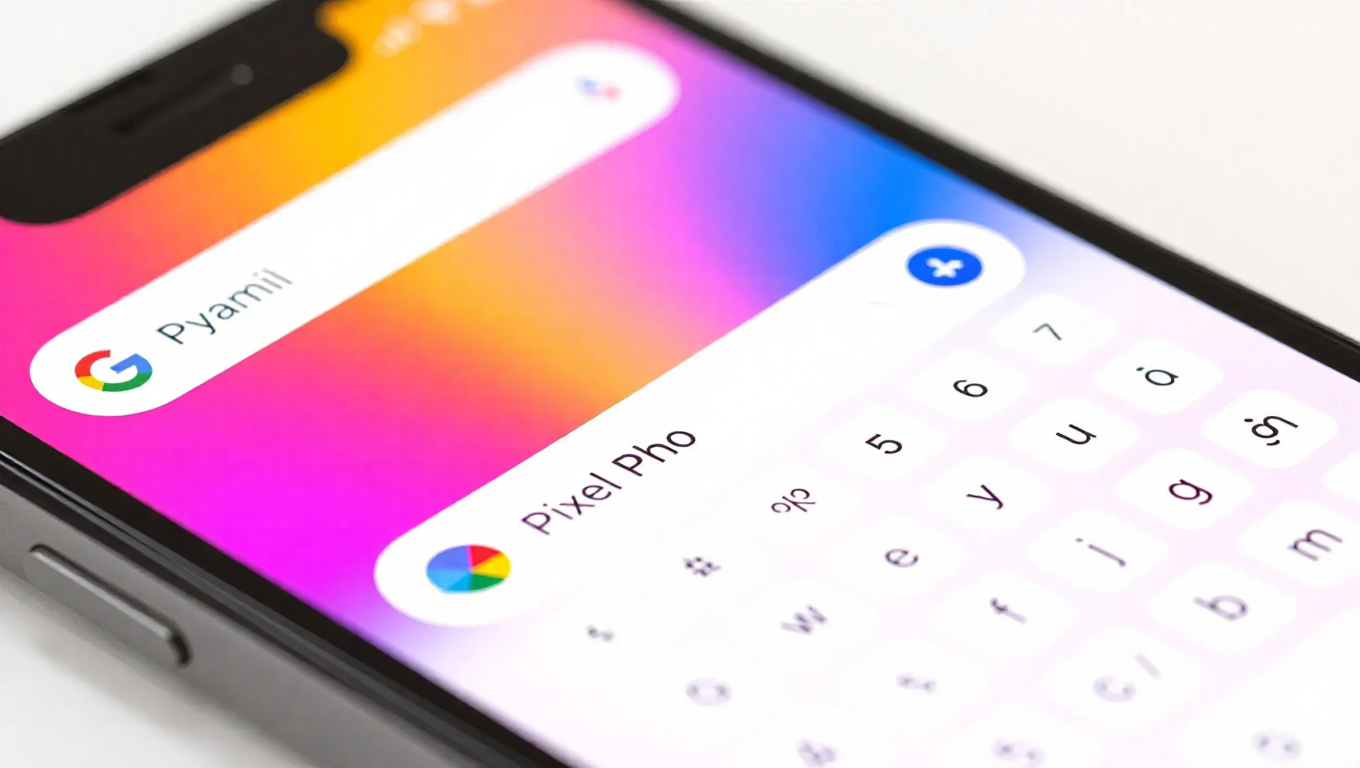
The core of the update is a new shortcut within the launcher's search functionality. When a user begins typing an app's name in the search bar, the system now intelligently detects potential app matches. Upon detection, the keyboard's action button—typically dedicated to initiating a Google web search—transforms into an arrow or Enter key shortcut. This allows the user to press Enter immediately to open the suggested app, bypassing the need to finish typing the full name or select it from a list.
This change represents a meaningful quality-of-life improvement. It reduces the steps required to launch an application, especially for those with longer names or apps buried deep in an alphabetized list. The feature operates on partial input, meaning typing just "Pho" could be enough to trigger the shortcut for the Photos app, making the process significantly quicker than manual navigation.
Progressive Rollout Strategy
The feature's deployment follows Google's common practice of a controlled, server-side rollout. It was initially tested with a limited group of Pixel users to gather feedback and ensure stability. Following this testing phase, the update is now being distributed to a broader audience of Pixel device owners. This method allows Google to manage the release pace and quickly address any unforeseen issues without requiring a full app update from the Play Store.
As a server-side update, availability may vary between users and regions over the coming days. The update applies to the Pixel Launcher itself, the default home screen interface on Google's smartphones.
Focusing on Core Utility
This update underscores a continued focus on refining the fundamental utility of the Pixel software experience. Rather than introducing flashy new features, the change optimizes an existing, high-frequency action—app launching. It leverages the existing search infrastructure to create a more efficient workflow, demonstrating how small interface tweaks can cumulatively enhance daily device interaction.
The enhancement is particularly aligned with Google's emphasis on speed and responsiveness in its Pixel hardware and software integration. By shortening the path between user intent and action, the update contributes to a perception of a snappier, more direct user interface.
Conclusion
The new Pixel Launcher shortcut is a testament to iterative software improvement. It's a minor change on the surface but one that directly addresses a common point of friction. For Pixel users who receive the update, it offers a slightly faster, more streamlined way to access their applications, reinforcing the efficiency of Google's native Android interface. As the rollout continues, it represents another step in the ongoing refinement of the core Pixel user experience.