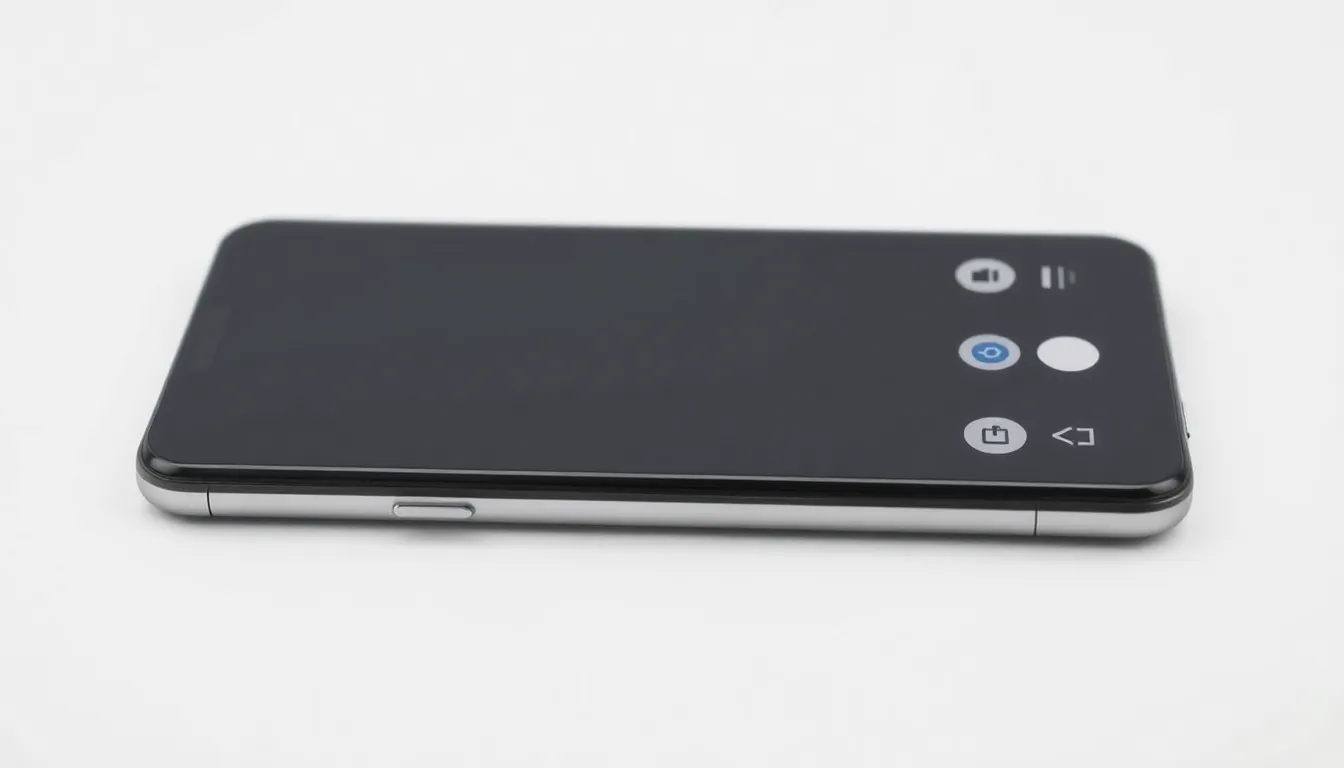
Google Pixel Adopts Samsung-Style Navigation Buttons in Android 16 Beta
In a notable development for Android customization, Google's latest Android 16 beta has introduced support for Samsung's traditional three-button navigation layout on Pixel devices. This marks a significant departure from Google's recent emphasis on gesture-based navigation, providing users with familiar Galaxy-style controls directly on Google's flagship hardware.
Navigation Convergence Between Android Giants
The implementation brings Samsung's classic navigation button arrangement—back, home, and recent apps—to Pixel phones through the Android 16 Developer Preview 2. This layout has been a staple of Samsung's One UI interface for years, offering users a tactile alternative to Google's gesture navigation system that has become standard on recent Pixel releases.
Initial observations suggest the feature appears as a new option in the System Navigation settings menu, positioned alongside Google's existing gesture and traditional two-button navigation systems. The implementation maintains visual consistency with Samsung's design language while integrating seamlessly with Pixel's Material You theming system, adapting button colors to match the user's wallpaper selections.
User Experience Implications
This development represents more than just an additional navigation option. For users transitioning from Samsung devices to Pixel phones, the familiar three-button layout could significantly reduce the learning curve associated with switching ecosystems. Similarly, long-time Android users who have preferred traditional navigation buttons over gestures now have access to Samsung's refined implementation without leaving Google's hardware ecosystem.
The timing is particularly interesting given Google's recent push toward gesture-based navigation as the default experience. By incorporating Samsung's approach, Google appears to be acknowledging that different users have distinct navigation preferences, and that providing multiple well-implemented options enhances overall user satisfaction.
Broader Android Ecosystem Significance
This move suggests potential convergence in Android's navigation paradigms. While Samsung and Google have maintained distinct interface philosophies for years, this integration indicates increased collaboration or at least mutual recognition of successful design patterns. It also raises questions about whether other OEM-specific interface elements might eventually become standardized across the Android ecosystem.
Currently available only in the Android 16 beta, the feature's stability and performance appear solid in early testing. The navigation buttons respond promptly to touches, with appropriate haptic feedback that matches Pixel's existing vibration patterns. Transition animations between the navigation bar and app content remain smooth, maintaining Google's attention to detail in motion design.
Conclusion
Google's integration of Samsung's navigation button layout represents a meaningful step toward greater Android UI consistency and user choice. By incorporating a navigation system refined through years of Samsung's One UI development, Google enhances Pixel's appeal to users who prefer traditional button controls. This development, while currently limited to beta software, signals Google's willingness to embrace successful interface patterns from across the Android ecosystem, potentially leading to more cohesive user experiences regardless of device manufacturer. As Android 16 development continues, this feature's evolution will be worth monitoring for insights into Google's broader navigation strategy and Android's ongoing interface unification efforts.