Google Pixel 9 Pro Fold Gains Camera Split View Feature from Pixel 10 Pro Fold
Google is enhancing the photography experience for Pixel 9 Pro Fold users with a significant camera update that brings functionality previously exclusive to the newer Pixel 10 Pro Fold. The update introduces a split view feature that optimizes the foldable form factor for more efficient photo-taking workflows.
Enhanced Foldable Camera Experience
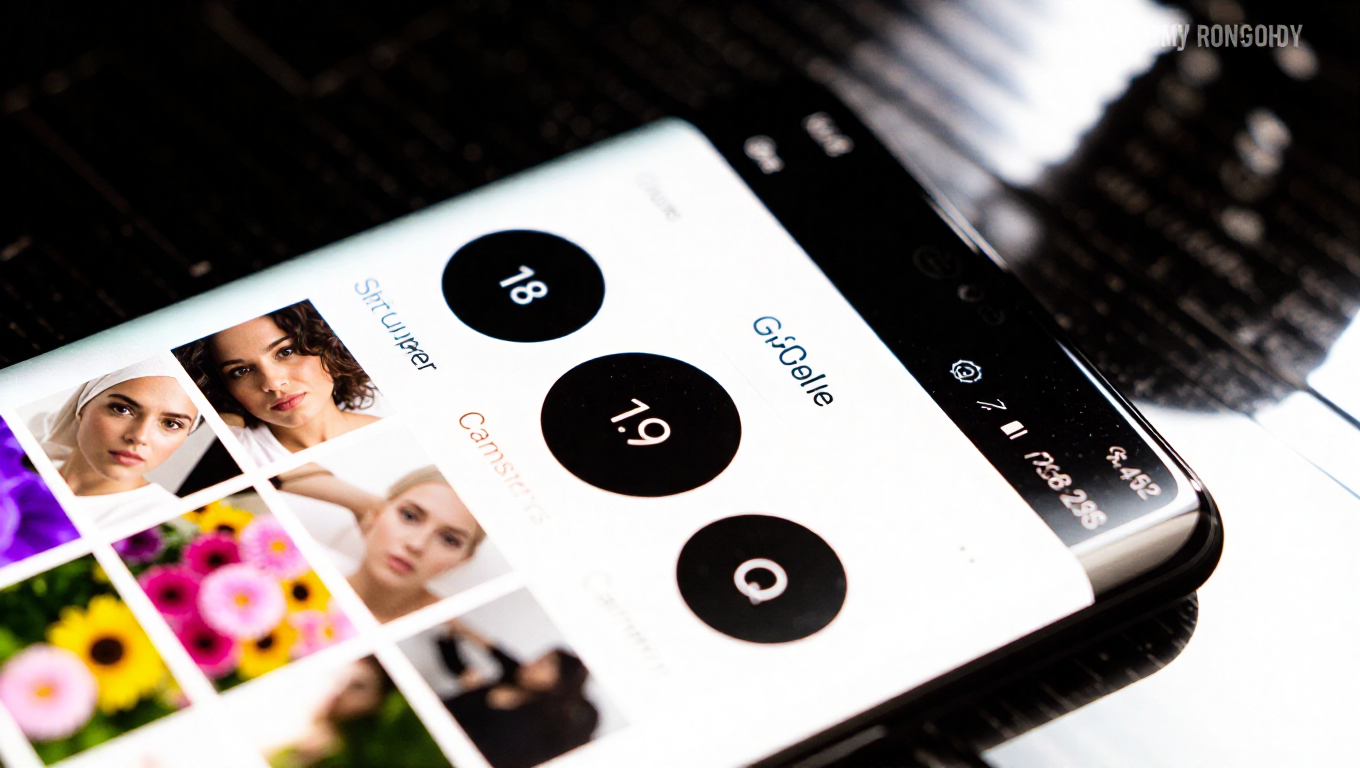
The new split view functionality allows users to preview their photos on the left half of the screen while keeping the camera viewfinder active on the right side. This dual-pane approach eliminates the need to toggle between the camera and gallery apps, creating a more seamless photography experience specifically designed for foldable devices.
A dedicated button positioned below the shutter control activates the split view mode. Once enabled, users can not only review photos taken during their current session but also access their entire photo library through an integrated shortcut to Google Photos. This comprehensive access makes the feature particularly useful for photographers who need to reference previous shots or manage their gallery while continuing to capture new images.
Catching Up with Foldable Standards
While the feature represents a significant improvement for Pixel foldable users, it's worth noting that similar split-screen camera functionality has been available on competing foldable devices for some time. The implementation on the Pixel 9 Pro Fold brings Google's offering more in line with industry standards for foldable photography interfaces.
The update demonstrates Google's commitment to improving system app optimization for its foldable devices. As foldable phones continue to gain popularity, users increasingly expect native applications to leverage the unique form factor advantages rather than simply stretching standard smartphone interfaces across larger displays.
Software Updates Extending Device Value
This camera enhancement represents another example of how software updates can extend the functionality and value of existing devices. By bringing features from newer models to previous-generation hardware, Google is providing additional incentives for users to maintain their current devices rather than upgrading immediately.
The split view feature particularly benefits photography enthusiasts and professionals who use their foldable devices for content creation. The ability to simultaneously compose shots and review previous captures without switching applications can significantly streamline workflow, especially during extended photo sessions or when working in time-sensitive situations.
Conclusion
The addition of the split view camera feature to the Pixel 9 Pro Fold represents a meaningful software enhancement that improves the device's photography capabilities. By borrowing functionality from the newer Pixel 10 Pro Fold, Google is demonstrating a commitment to supporting its existing foldable user base with feature updates that optimize the unique form factor. While the feature brings Pixel foldables more in line with industry standards, its implementation through the dedicated camera button and Google Photos integration offers a polished, user-friendly experience that should appeal to both casual photographers and more serious content creators.