Google Photos Tests Faster On-Device Folder Access in UI Overhaul
Google is reportedly refining the Google Photos app with a series of user interface updates aimed at improving navigation and visual consistency. Evidence suggests the company is testing a new shortcut for on-device folders and refreshing several key sections of the app.
New Folder Shortcut for On-Device Media
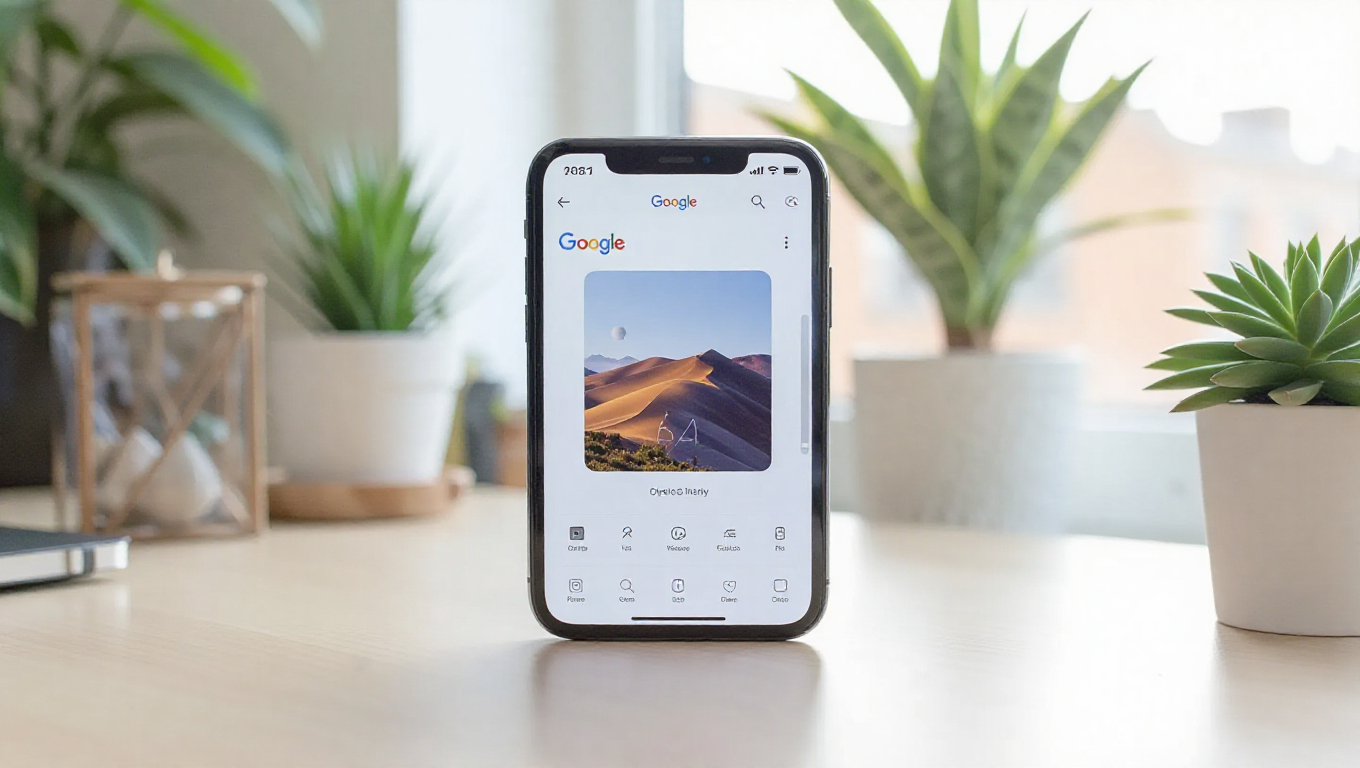
A prominent change being tested is the addition of a new "folder" icon in the main header of the app. This icon is designed to provide users with instant access to their on-device media folders. Currently, these folders are accessible through a dedicated "On this device" section within the Collections tab, but this location can be easy to miss for users who are not already familiar with it. The new shortcut aims to surface this functionality more directly, making it quicker to find screenshots, downloads, and folders created by third-party apps.
Broader Visual Refresh Underway
The updates appear to be part of a broader visual overhaul. The Collections tab and the Backup settings screen are also set for a refresh, with more modern and consistent UI elements. This suggests Google is working to create a more cohesive look and feel across different parts of the app. Additionally, the photo details view, which shows information about individual images, is being updated with a cleaner, less cluttered design.
Focus on Intuitive Navigation
These changes follow other recent tests within Google Photos, such as options to toggle date labels and customize collages. The collective effort points to a focus on making the app more intuitive. By providing a faster path to on-device content and streamlining the interface, Google seems to be addressing user needs for efficient media management directly from their smartphones.
Conclusion
While these features are still in testing and their public release timeline is unconfirmed, they indicate Google's ongoing commitment to refining the Google Photos experience. The potential addition of a dedicated folder shortcut, coupled with a visual refresh of core sections, could significantly enhance how users navigate and interact with their local photo libraries, making the app more versatile as both a cloud gallery and an on-device media manager.