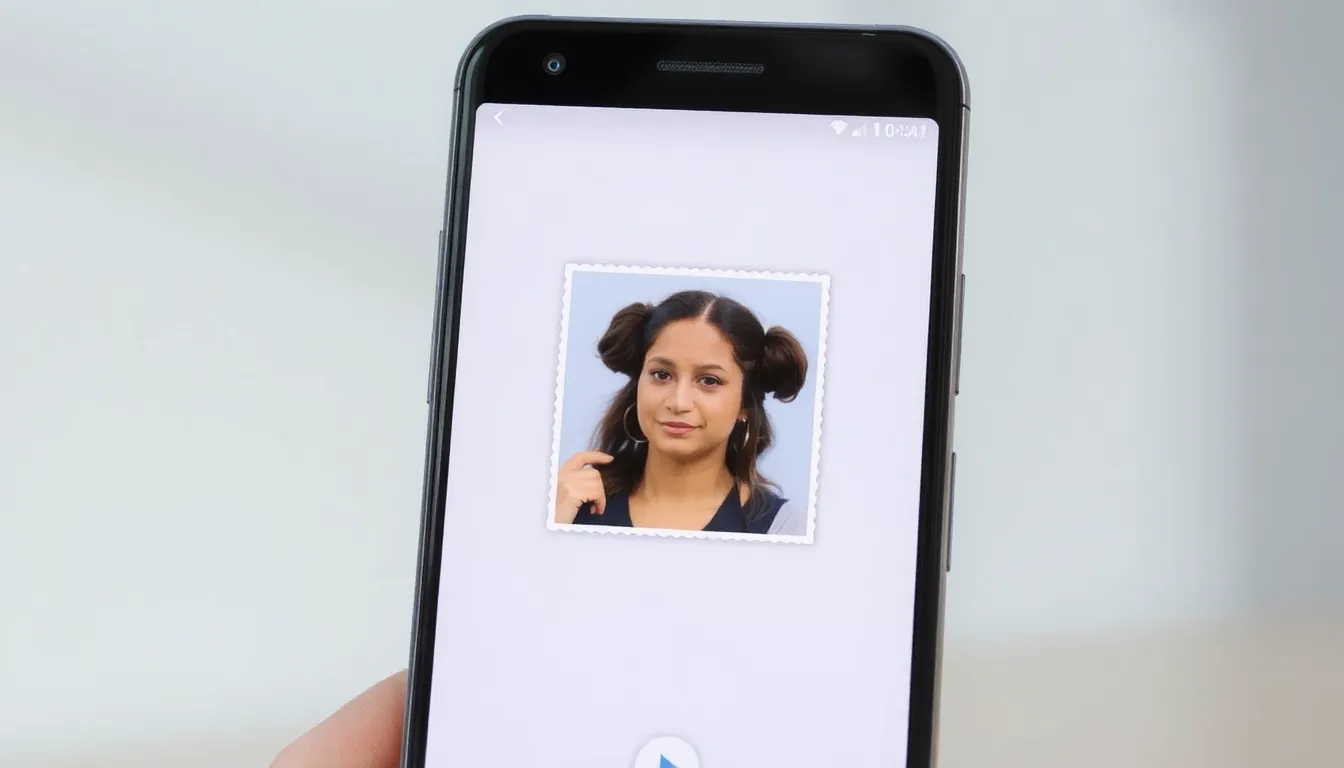
Google Photos for Android Gains Sticker Creation Feature
Google Photos for Android has officially rolled out its sticker creation feature, bringing a popular tool for personalizing digital communication to Android users. This update allows users to transform their photos into custom stickers that can be shared across various messaging platforms.
Feature Rollout and Functionality
The sticker creation tool, which first appeared on iOS devices in August, is now available to Android users through the Google Photos app. The feature utilizes advanced image processing to isolate subjects from their backgrounds, creating clean, transparent stickers ready for sharing.
Users can access the feature by selecting any photo in their Google Photos library and choosing the sticker creation option. The system automatically detects the main subject and removes the background, though users have the option to make manual adjustments for more precise results. Once created, stickers can be saved to the device's sticker library for easy access in messaging apps.
Integration and Use Cases
The stickers integrate seamlessly with popular messaging applications, including Google Messages, WhatsApp, and other platforms that support custom sticker packs. This functionality enhances personal expression in digital conversations, allowing users to create stickers from memorable moments, pets, family members, or any image they choose.
The feature represents Google's continued investment in making photo management more interactive and social. By enabling sticker creation directly within Google Photos, users no longer need third-party apps to achieve similar results, streamlining the process of creating personalized digital content.
Platform Parity and User Experience
With this Android release, Google has achieved feature parity between its iOS and Android versions of Google Photos. The rollout appears to be gradual, with some users reporting access while others may need to wait for the update to reach their devices. The feature works on most modern Android devices running recent versions of the operating system.
The interface maintains Google's signature clean design, with intuitive controls for creating and managing stickers. Users can organize their custom stickers into collections and easily access them when composing messages. The background removal technology demonstrates impressive accuracy, even with complex images containing multiple subjects or intricate details.
Conclusion
The addition of sticker creation to Google Photos for Android marks another step in Google's strategy to make its photo management service more versatile and socially integrated. By providing tools that bridge photo storage and digital communication, Google Photos continues to evolve beyond simple cloud backup into a platform for creative expression. As users increasingly seek personalized ways to communicate digitally, features like sticker creation help Google Photos maintain its relevance in a competitive market while providing practical, enjoyable functionality for everyday use.