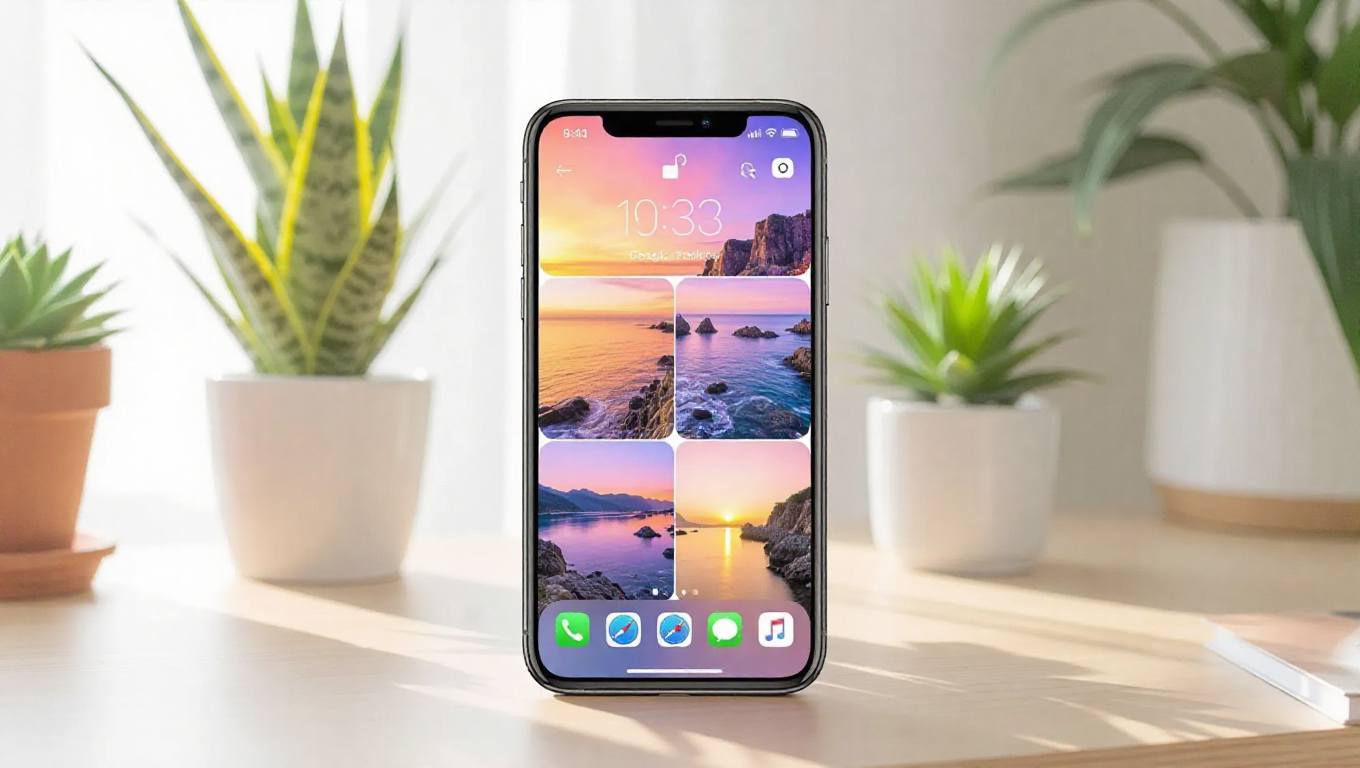
Google Photos Expands 'Create with AI' Templates to iPhone and iPad
Google Photos is bringing its innovative "Create with AI" templates to iPhone and iPad users, marking a significant expansion of its AI-powered creative tools beyond the Android ecosystem. The feature, which debuted on Android devices several months ago, enables users to generate personalized collages, animations, and videos directly from their photo libraries using artificial intelligence.
AI-Powered Creativity for iOS Users
The "Create with AI" feature leverages machine learning to analyze a user's photo library and suggest relevant templates based on themes, people, places, or events. Users can then select a template, and the AI automatically curates and arranges photos to create polished, shareable content. This includes animated collages, stylized video montages, and themed photo grids that would typically require manual editing or third-party apps.
Initial observations suggest the templates are designed to be intuitive, with the AI handling the technical aspects of layout, transitions, and timing. Users maintain control by selecting which photos to include or exclude, and they can customize elements like text, music, and duration before exporting the final creation.
Bridging the Platform Gap
This rollout represents Google's continued effort to make its services and features accessible across platforms, even on competing operating systems. By bringing "Create with AI" to iOS, Google Photos strengthens its position as a cross-platform photo management solution, appealing to users who may switch between Android and Apple devices or who have mixed-device households.
The feature appears to be integrated seamlessly into the existing Google Photos interface on iPhone and iPad, accessible via the "Create" button or similar entry points. It does not require a separate app download, though some advanced templates or export options may be tied to Google One subscription tiers.
Enhancing Personal Media Experiences
"Create with AI" aims to lower the barrier to creative photo and video projects, making it easier for everyday users to produce engaging content from their memories. Instead of manually sorting through hundreds of photos, the AI identifies the best shots, applies cohesive styles, and sequences them effectively—tasks that can be time-consuming for non-professionals.
This move aligns with broader trends in consumer technology, where AI is increasingly used to automate and enhance personal media experiences. For Google Photos, it also encourages deeper engagement with the platform, as users who create and share these AI-generated projects may be more likely to continue using the service for storage and organization.
Conclusion
The arrival of "Create with AI" templates on iPhone and iPad significantly expands the creative toolkit available to iOS users within Google Photos. By leveraging AI to simplify the creation of personalized collages and videos, Google is making it easier for millions of users to transform their photo libraries into shareable stories. As AI features become more commonplace in consumer apps, this rollout highlights how cross-platform accessibility can enhance user experience and foster broader adoption of innovative tools.