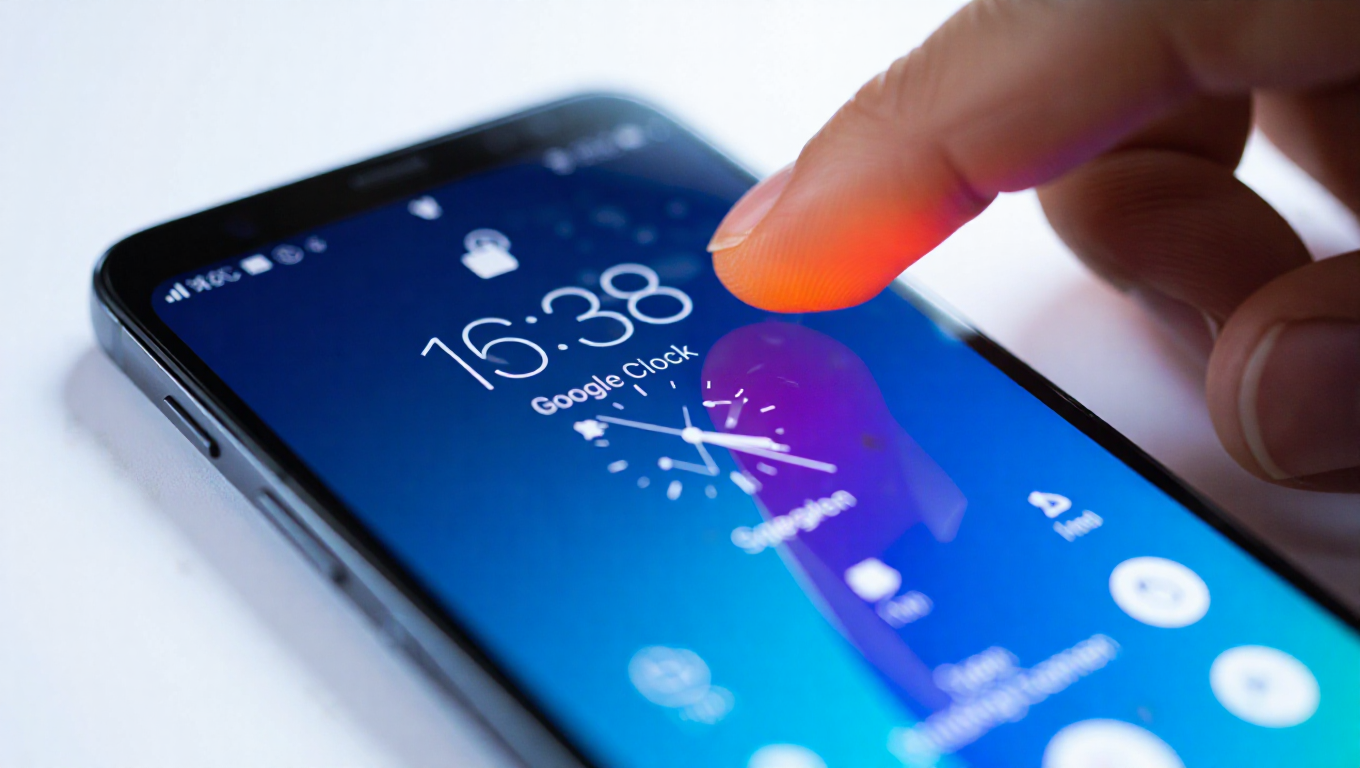
Google Clock 8.5 Update Introduces Swipe-to-Dismiss Alarms on Android
Google has rolled out a notable update to its Clock app for Android devices, bringing a highly requested feature that simplifies the morning routine for millions of users. Version 8.5, released recently, introduces the ability to dismiss alarms with a simple swipe gesture, moving away from the traditional tap-based method. This update reflects Google's ongoing efforts to enhance user experience through intuitive interactions, aligning with modern smartphone design trends that prioritize fluid, gesture-based controls.
Enhanced Alarm Dismissal with Swipe Gesture
The core addition in Google Clock 8.5 is the swipe-to-dismiss functionality for alarms. Previously, users had to tap a button to turn off an alarm, which could be cumbersome, especially when half-asleep or in a hurry. The new swipe gesture allows for a more natural and quick dismissal—users can simply swipe horizontally on the alarm screen to silence it. This change is designed to reduce friction and make the process more seamless, potentially helping users start their day with less hassle.
Initial feedback from early adopters suggests that the feature is well-received, with many praising its simplicity and efficiency. Reports indicate that the swipe gesture feels intuitive and aligns with common interactions in other Android apps, such as dismissing notifications or navigating menus. However, some users have noted a slight learning curve if they were accustomed to the old tap method, though most adapt quickly. The update does not appear to affect other alarm functions, like snooze, which remains accessible through separate controls.
Rollout and Compatibility Details
Google Clock 8.5 is currently rolling out via the Google Play Store, with availability expected to reach all compatible Android devices over the coming weeks. The update is compatible with a wide range of Android versions, though exact requirements may vary based on device specifications. Users can check for the update manually by visiting the Play Store and searching for "Google Clock." If the update isn't visible immediately, it may be part of a staged rollout, which is common for Google app updates to ensure stability.
In addition to the swipe-to-dismiss feature, version 8.5 includes minor bug fixes and performance improvements, though no major new functionalities beyond the alarm gesture have been highlighted. The update underscores Google's focus on refining core apps with user-centric enhancements, rather than introducing flashy but unnecessary features. For those who rely on the Clock app daily, this change could make a tangible difference in usability, especially during early mornings or busy schedules.
Conclusion
The introduction of swipe-to-dismiss alarms in Google Clock 8.5 marks a small but significant step forward in improving the Android user experience. By adopting a gesture-based approach, Google makes alarm management more intuitive and aligned with contemporary smartphone interactions. While it's a subtle update, it addresses a common pain point and demonstrates how incremental changes can enhance everyday tools. As the rollout continues, users can look forward to a smoother start to their days with this streamlined feature.